These steps belong to Gate Convert, the quoted one-click swap. Gate help materials summarize the flow as: make a Convert request on the website or app → review the swap result → settlement in the spot account. The largest operational risk is confirming the wrong ticker pair or an expired quote; treat preview confirmation as a hard gate before settlement.
Key Takeaways
- Web and App share the same logic: select assets → enter amount → preview → confirm → spot settlement.
- Insufficient available balance on the spend side blocks confirmation even if the total wallet looks large (help center label: “Inadequate balance”).
- Quote previews can expire; a refresh produces a new rate that must be reviewed again.
- Convert history is reachable from Order → Convert after the swap completes.
What You Need Before You Start
Before opening Convert, confirm that the spend asset is already available in the eligible Gate spot balance for Convert. If the asset is still on-chain outside Gate, complete a deposit first and wait for credit. Convert does not create an on-chain transfer by itself; it converts balances already on the platform and settles in the spot account.
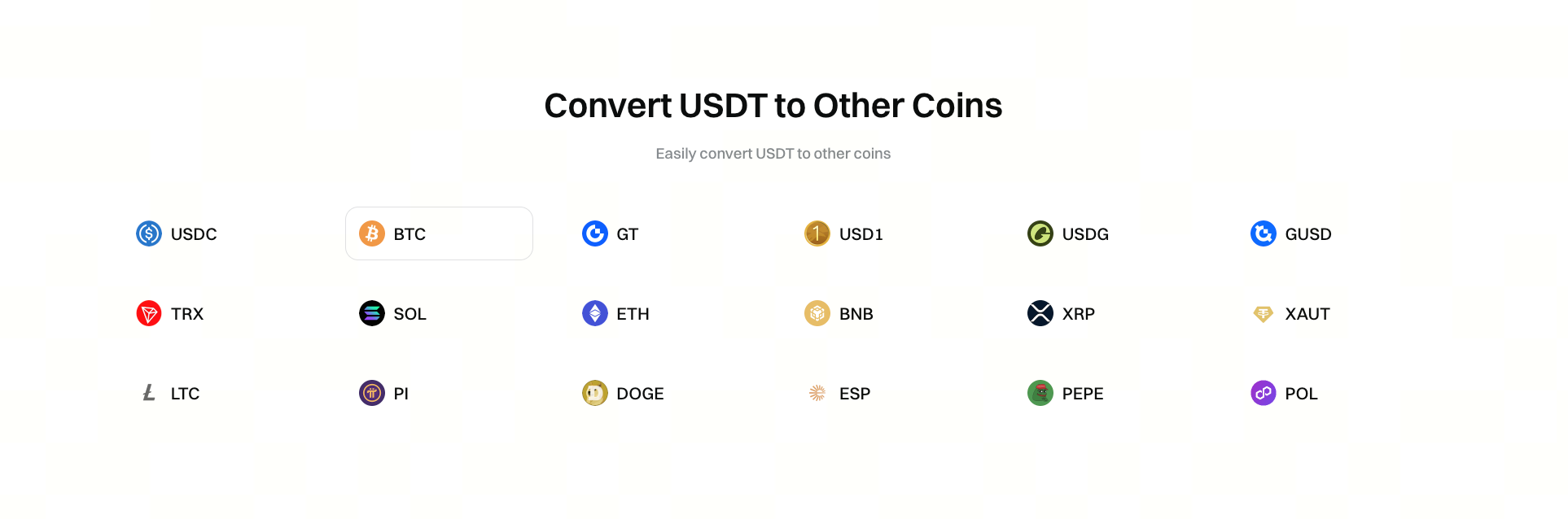
Also confirm that both tickers appear in the Convert selectors for the account’s region and product surface. If a pair is missing, Convert cannot quote it, and the user must choose another path such as spot trading or wait for listing availability. For large sizes, check whether Block Trade is the intended mode rather than the standard quote.
KYC tier, region, and product availability can change which assets appear and which maximums apply. What is needed before a clean convert is available spot balance, matching tickers, and time to read the preview—not a separate order-book strategy.
How to Convert on Gate Web
- Log in to Gate and open the Convert page (
gate.com/convert or the Trade → Convert entry).
- In the spend selector, choose the asset to sell or spend (example: USDT).
- In the receive selector, choose the asset to buy or receive (example: BTC).
- Enter the amount in either the spend or receive field so the interface can compute the counterpart quantity.
- Open the preview (for example “Preview Convert Result”) and read the rate, spend amount, and receive amount.
- Confirm only if the receive amount and tickers match the intended swap.
- After success, open the spot account balances and Convert history (Order → Convert) to verify settlement.
The web path mirrors the product-page example of selecting USDT and BTC, initiating a conversion request, previewing details, confirming, and settling to the spot account.
How to Convert on the Gate App
- Open the Gate app and sign in with the same account used on web.
- Locate Convert under Trade or the More / Trade sector entry (labels can vary by app version).
- Open the Convert screen and set Spend and Receive assets.
- Enter the amount; the app calculates the counterpart quantity.
- Tap “Preview Convert Result” (or the equivalent preview control) to review the quote.
- Confirm the conversion when the numbers are acceptable.
- Use the history icon on the Convert screen, or Order → Convert, to open past Convert orders.
App help materials describe the same preview-and-confirm loop as web, with settlement into the spot account after confirmation. If the quote expires mid-review, request a fresh preview rather than confirming blindly.
How to Review the Quote Before Confirming
The preview is the cost and risk checkpoint. Gate help materials state that no fees are charged in the Convert process, yet the flash swap price can still differ from the spot price: slightly higher when buying, slightly lower when selling. Compare the receive quantity with expectations from the live spot market for the same notional when cost sensitivity matters.
Also verify tickers character by character. Convert selectors include many similarly named assets. Confirming the wrong receive ticker is an irreversible operational error once settlement completes inside the account.
Convert will not place resting limit orders, will not partial-fill like the spot book, and will not move fiat through Gate P2P payment methods. Spot orders remain a separate workflow when price control is required. Limits shown on the Convert page are pair-specific; for smaller amounts than the pair minimum, help materials point to “Convert Small Balance” where available. If the size is large relative to typical Convert quotes, pause and compare against spot execution or Block Trade where offered; Convert vs spot vs Gate P2P spells out the path boundaries.
Common Errors and How to Fix Them
| Error / symptom |
Likely cause |
Fix |
| Inadequate / insufficient balance |
Spend-side available balance below quote need |
Free or deposit the spend asset; reduce amount |
| Quote changed after preview |
Preview window expired |
Open a new preview and re-check receive amount |
| Pair missing in selectors |
Asset/region/product availability |
Use another path or another supported asset |
| Funds not where expected |
Looking in wrong account tab |
Check spot account and Convert history |
| Amount below minimum |
Pair minimum not met |
Increase size or use Convert Small Balance if available |
Help documentation illustrates inadequate balance with a spend-side shortfall: if converting into 1 BTC requires a large GT notional at the quoted flash swap price, the spot account must hold at least that available GT amount before confirmation succeeds.
Is Using Gate Convert Safe?
Convert avoids order-book mistakes such as wrong side or wrong leverage because it is not a leveraged derivatives ticket. Residual risks are quote timing, ticker selection, and opportunity cost versus a better spot fill. Internal Convert settlement does not add blockchain gas for the swap step itself, but deposits and withdrawals still carry network and withdrawal fee considerations.
Treat Convert as safe only relative to its design scope: a quoted internal swap. It does not remove market risk on the receive asset after settlement, and it does not protect against confirming an unintended pair. For oversized tickets, evaluate Block Trade or spot execution rather than forcing a standard Convert quote.
Summary
Using Gate Convert on web or app follows one sequence: select spend and receive assets, enter an amount, preview the quote, confirm, and verify spot settlement and history. Most failures trace to available balance, expired quotes, or missing pairs. The preview receive amount is the number that defines the trade outcome under Convert’s no-separate-fee, flash-swap-price model.
FAQ
How do I convert crypto on Gate?
Open Gate Convert on web or app, choose spend and receive assets, enter an amount, preview the quote (Preview Convert Result), confirm, and check the spot account for the receive asset.
Why does Convert say inadequate / insufficient balance?
The spend asset’s available spot balance is below the amount required by the current quote. Deposit, free locked funds, or reduce the conversion size.
How do I view Gate Convert history?
Use the Convert history entry from the Convert screen, or the Order → Convert path described in Gate help materials.
Does Convert need gas fees?
The internal Convert settlement into the spot account does not require an on-chain gas fee for that conversion step. Depositing or withdrawing assets on-chain can still incur network fees.
Can I convert on both web and app?
Yes. Both surfaces use the same preview-and-confirm Convert model. Menu labels differ by client, but settlement remains in the spot account after confirmation. Gate states no fees are charged in the Convert process, yet the flash swap price can sit slightly above or below spot, so the preview receive amount remains the cost check.