


Gate has launched the brand-new “Private Copy Trading” feature. Private Copy Trading gives traders greater flexibility and enhanced privacy. With this feature, you can set your own profit-sharing ratio—from as low as 0% up to 40%—unlocking your full earning potential. Additionally, only invited users can follow your copy trading strategies, ensuring your copiers benefit exclusively from your copy trading strategies. This feature also significantly streamlines and improves community management efficiency.
What is Private Copy Trading?
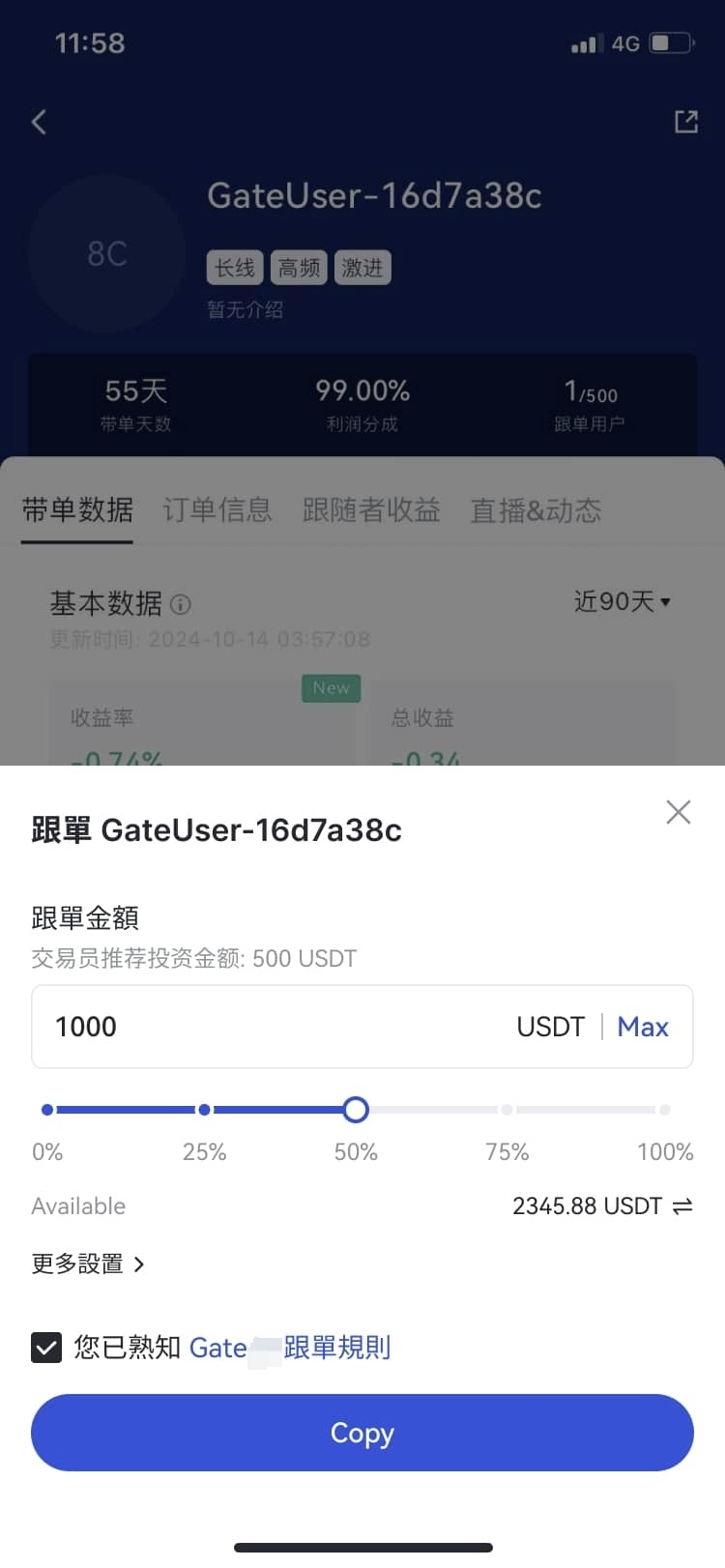
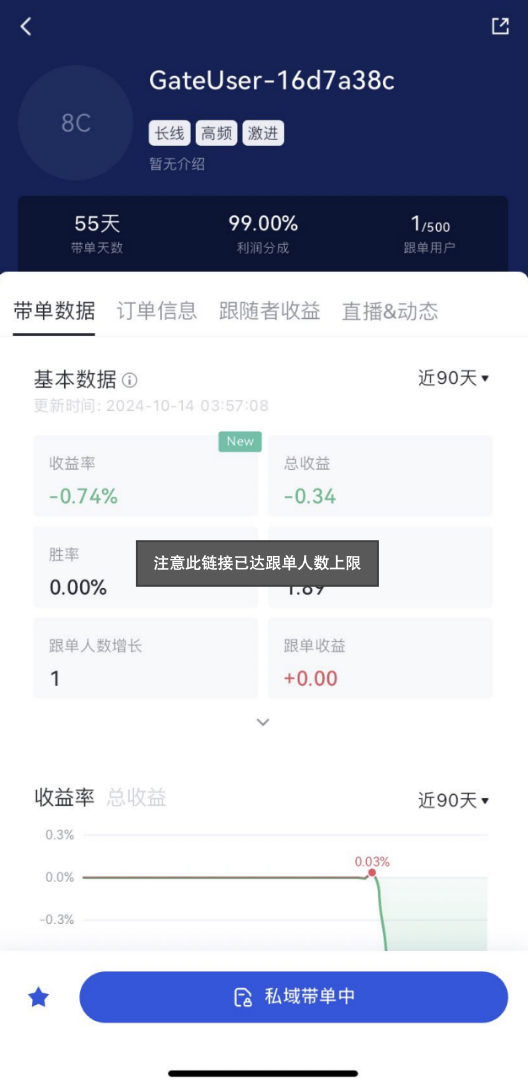
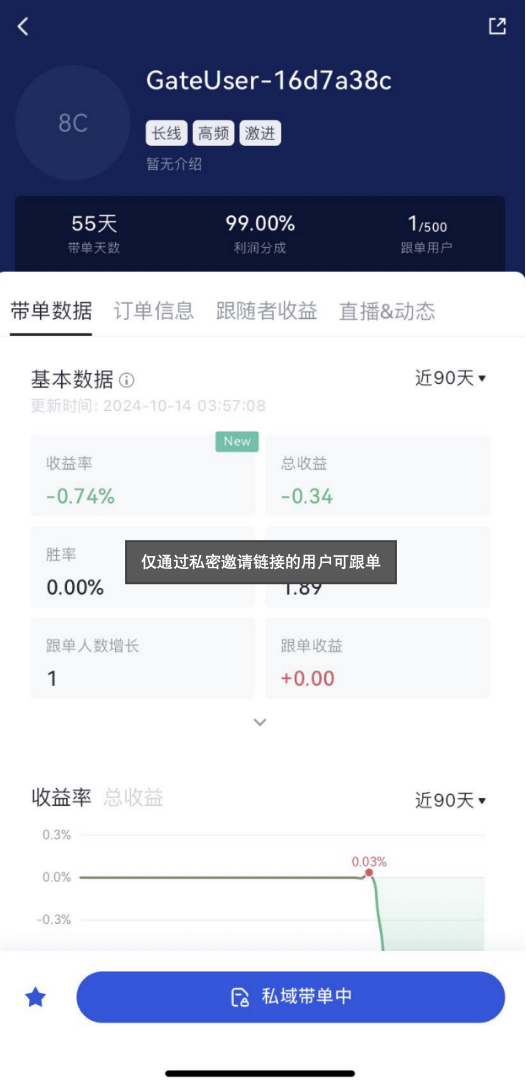
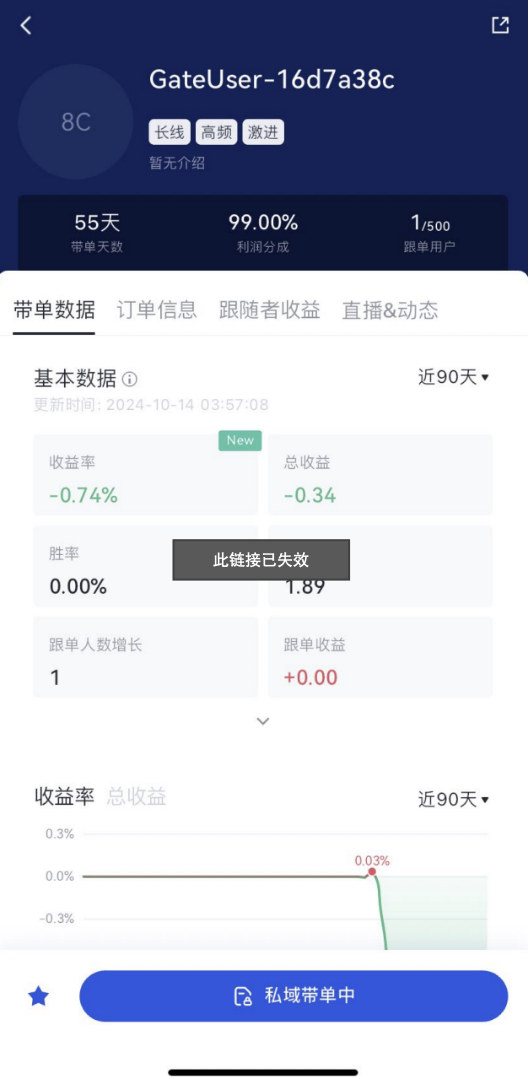
Private Copy Trading is a new copy trading mode introduced by Gate. In this mode, traders can selectively invite users to follow their trades via invitation links only. Non-invited users cannot follow the trader, and traders using Private Copy Trading will not appear in the Copy Trading Square or search results, providing an extra layer of privacy. Existing copiers will not be affected and can continue copying the trader's strategies.
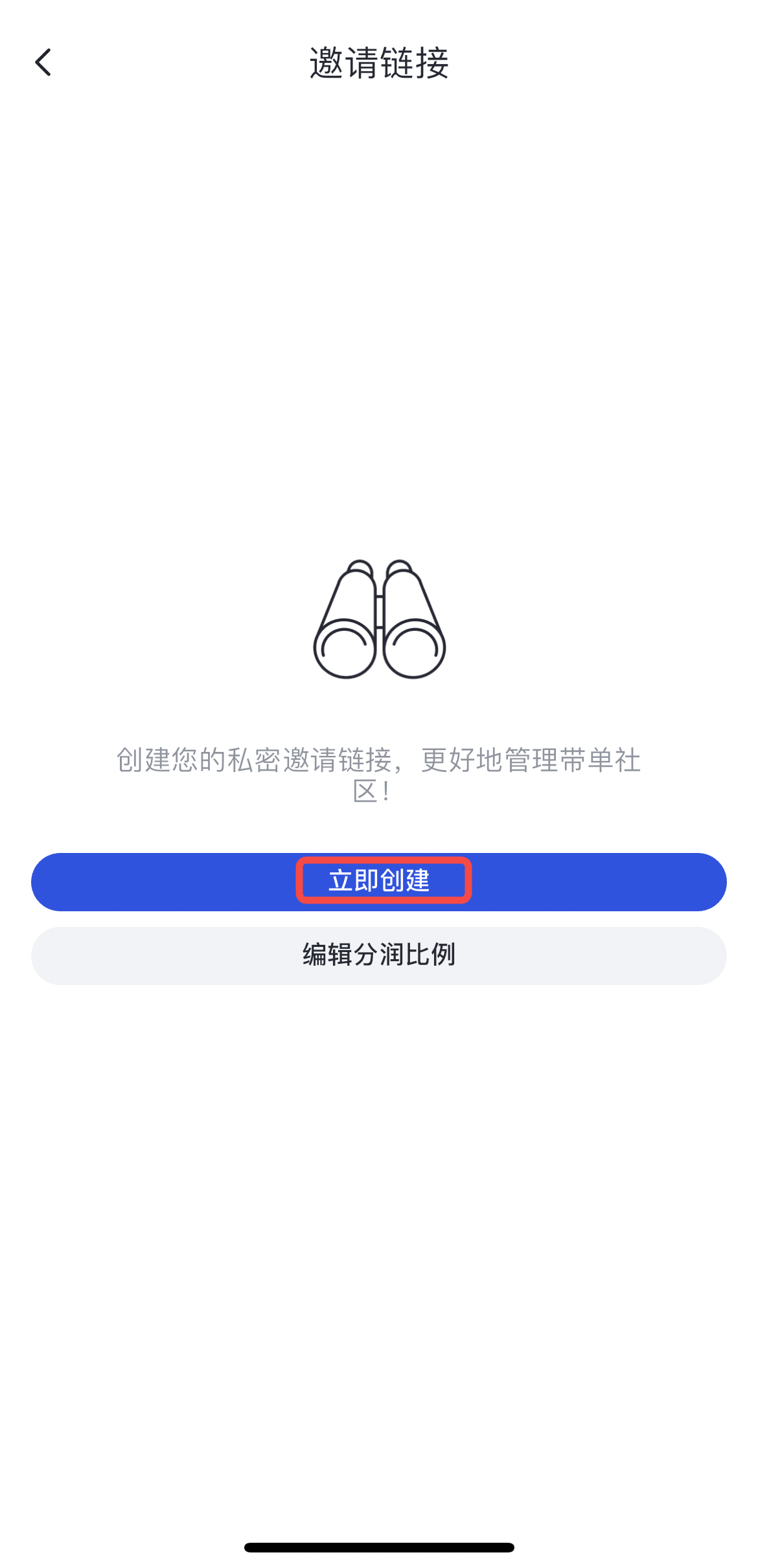
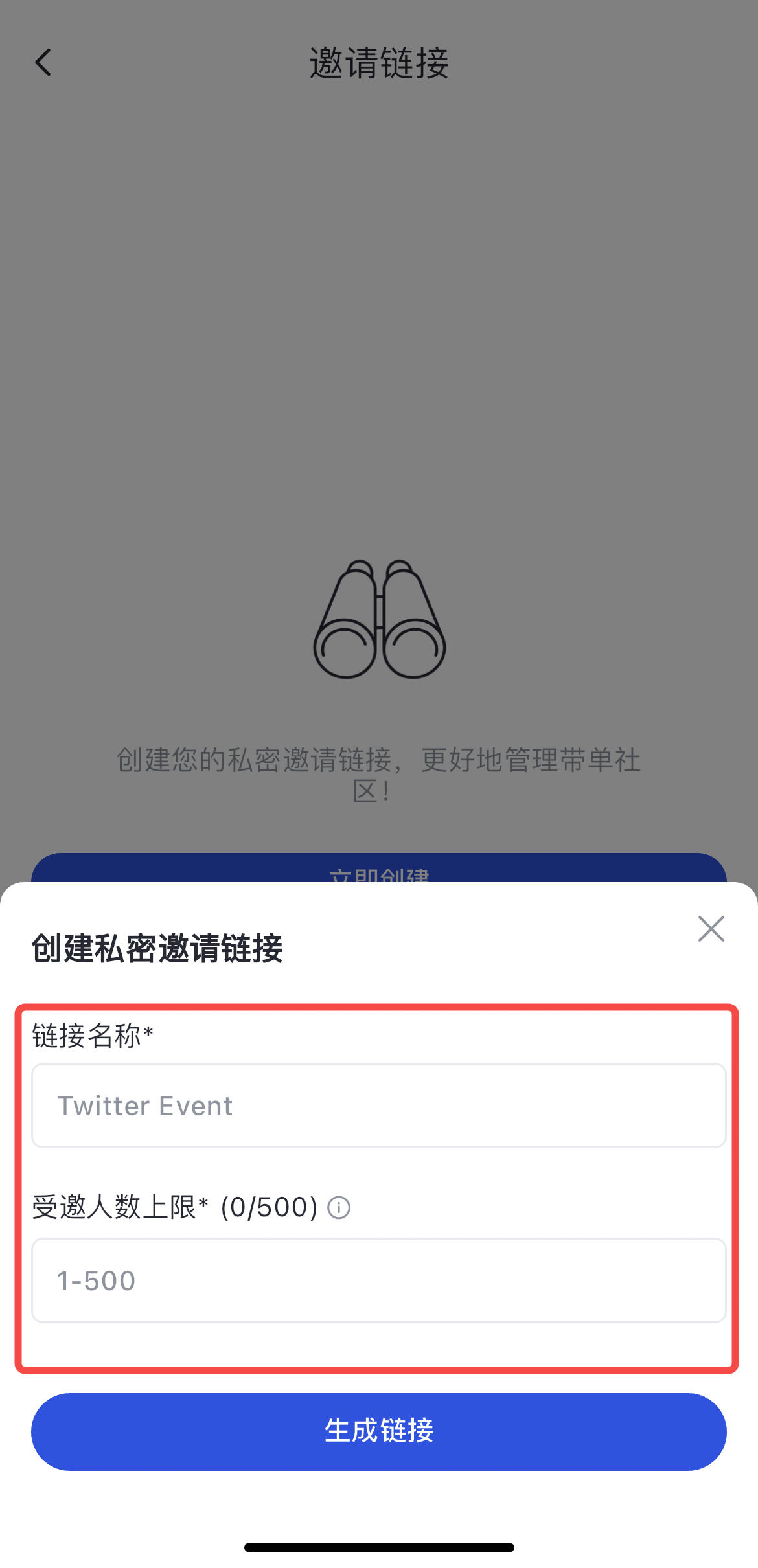
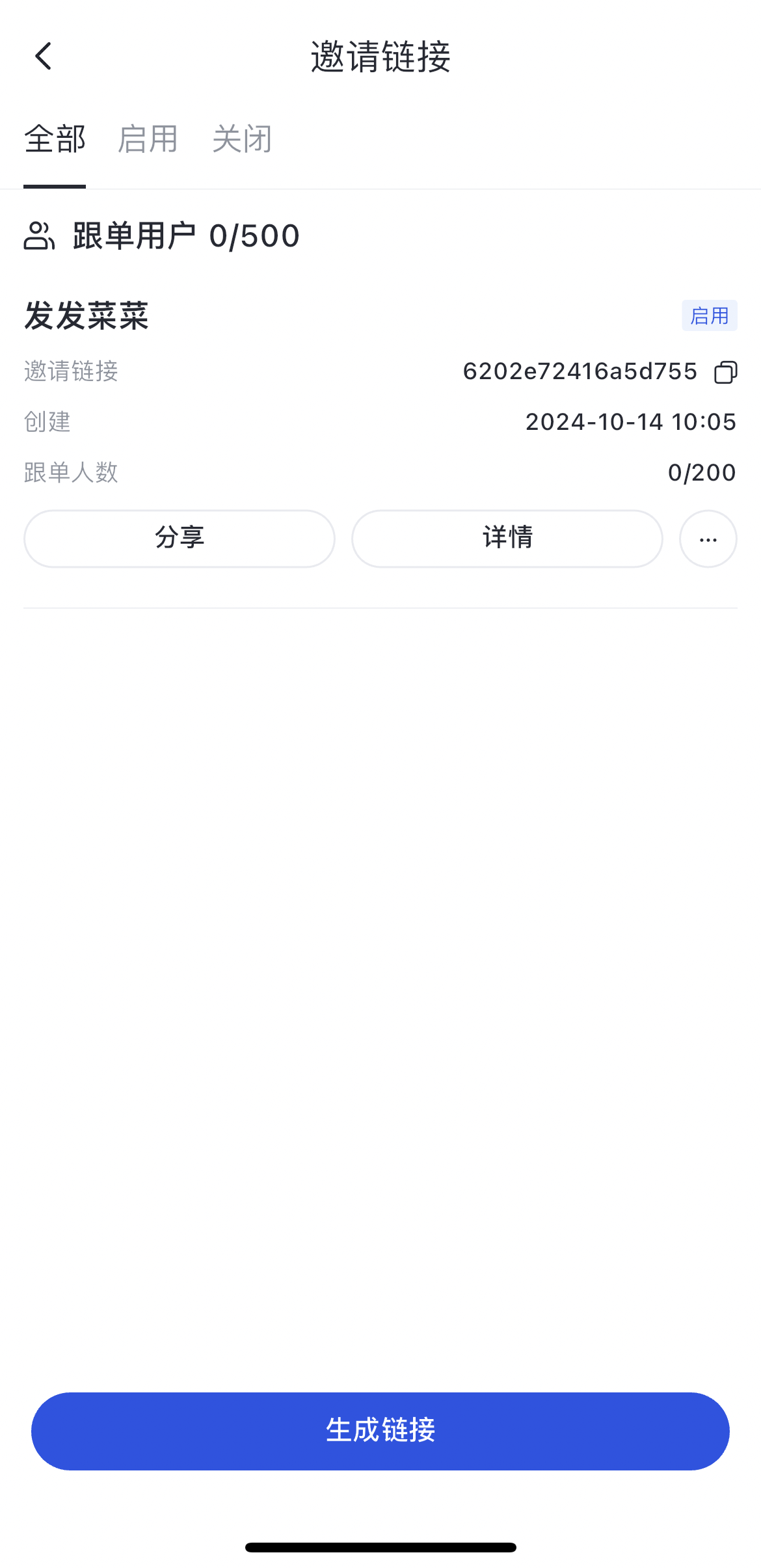
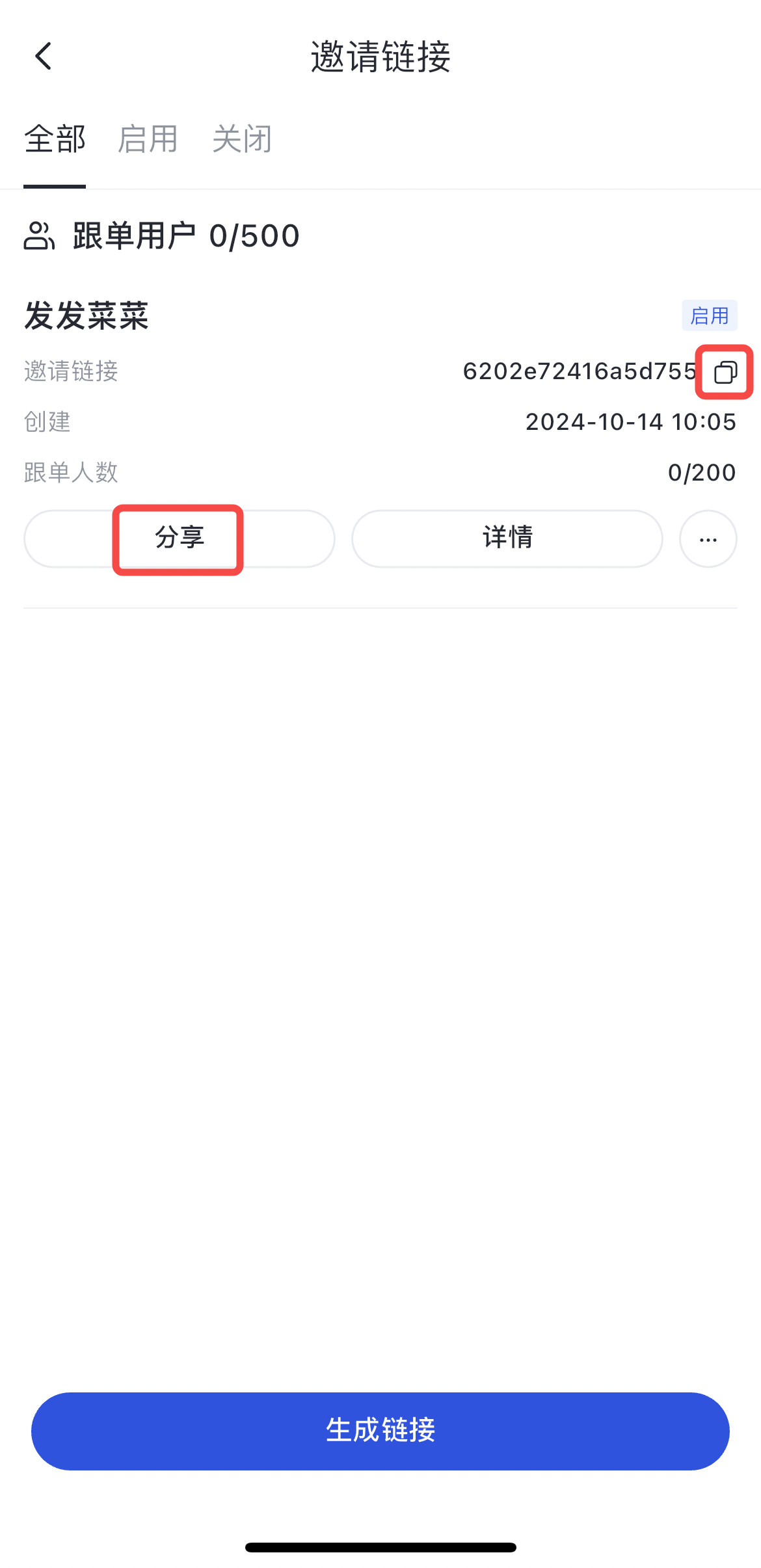
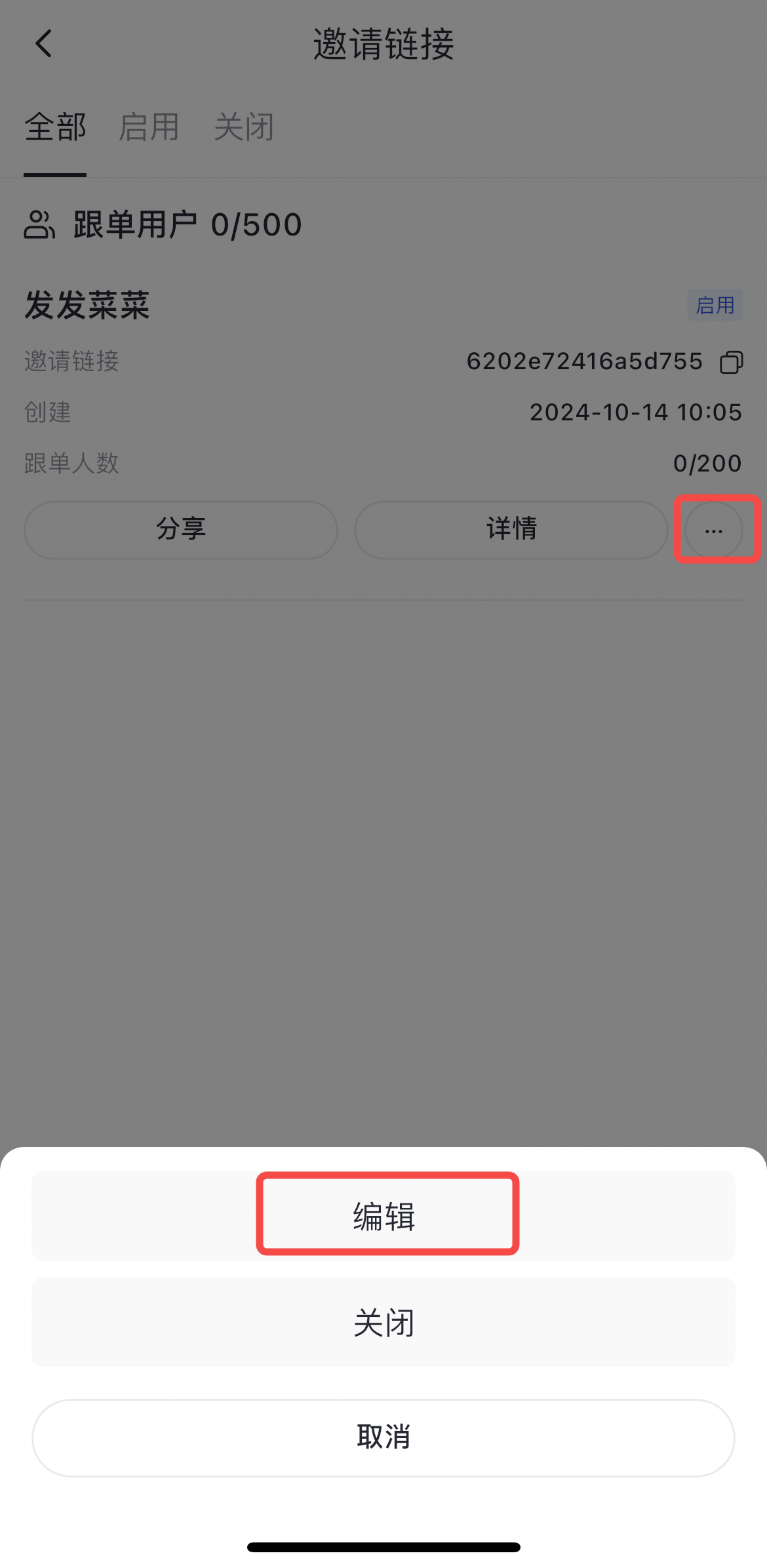
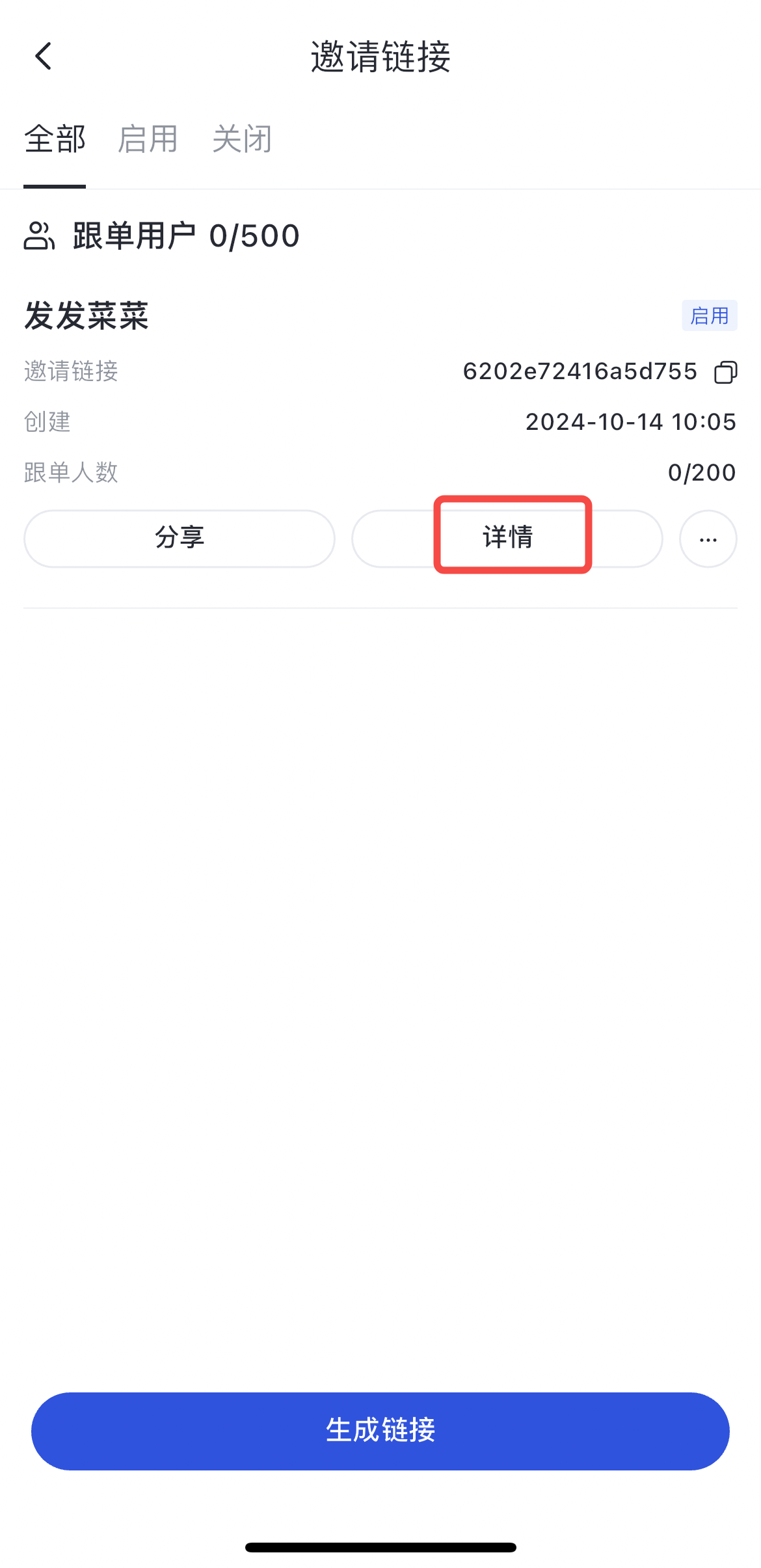
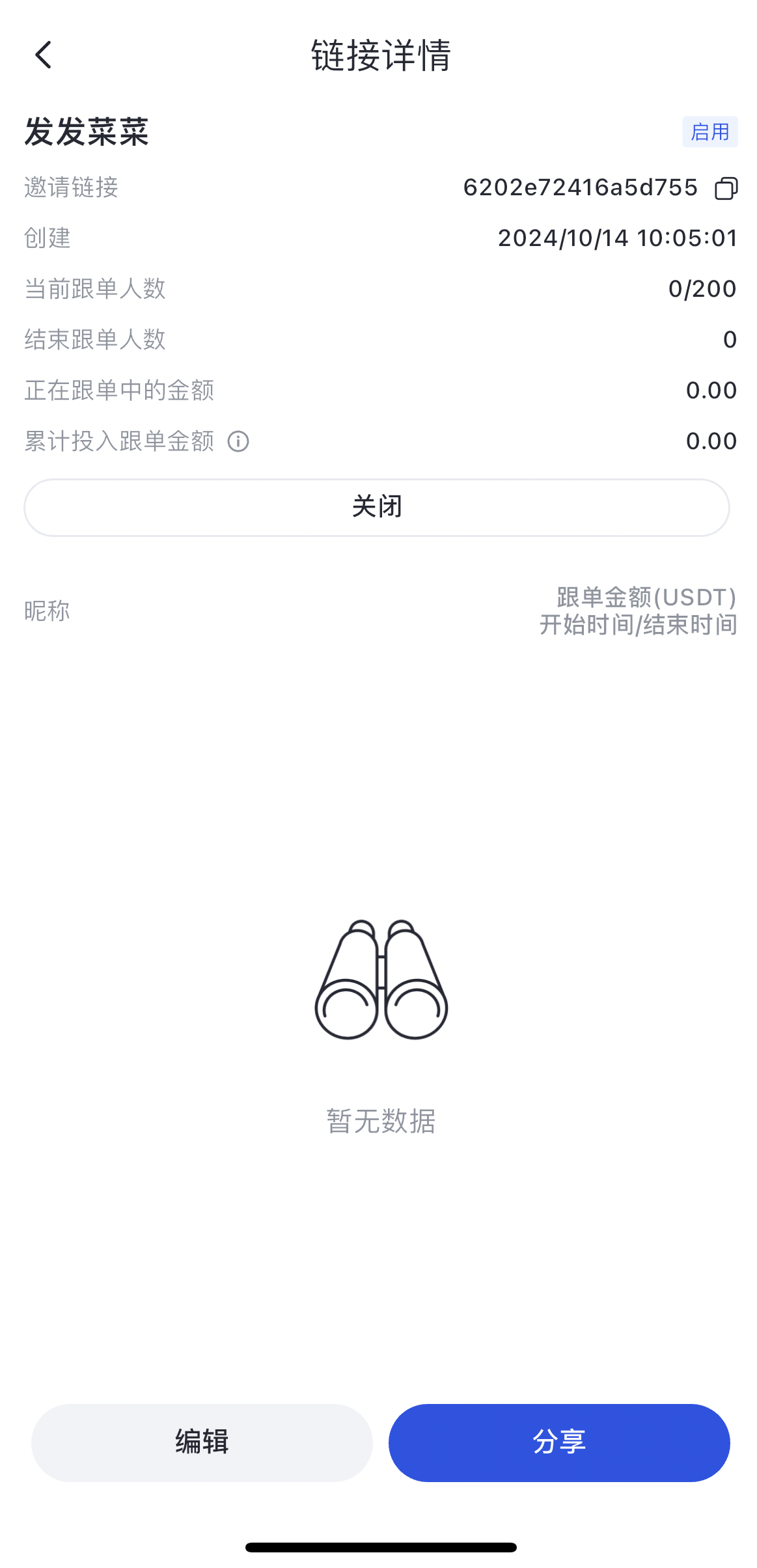
Traders can generate new invitation links by clicking the “Create Link” button, freely setting the link name and the number of invitees, allowing flexible management of copy trading users.
Advantages of Private Copy Trading
- Customizable profit-sharing: Traders can flexibly set the profit-sharing ratio, from as low as 0% up to 40%.
- Expand your copier base: No need to wait for account upgrades—grow your copy trading community immediately.
- Flexible private mode toggle: Enable or disable Private Copy Trading at any time to control your copy trading mode.
- Targeted community management: Track the effectiveness of different communities, identify the most valuable platforms, and enhance community management efficiency.
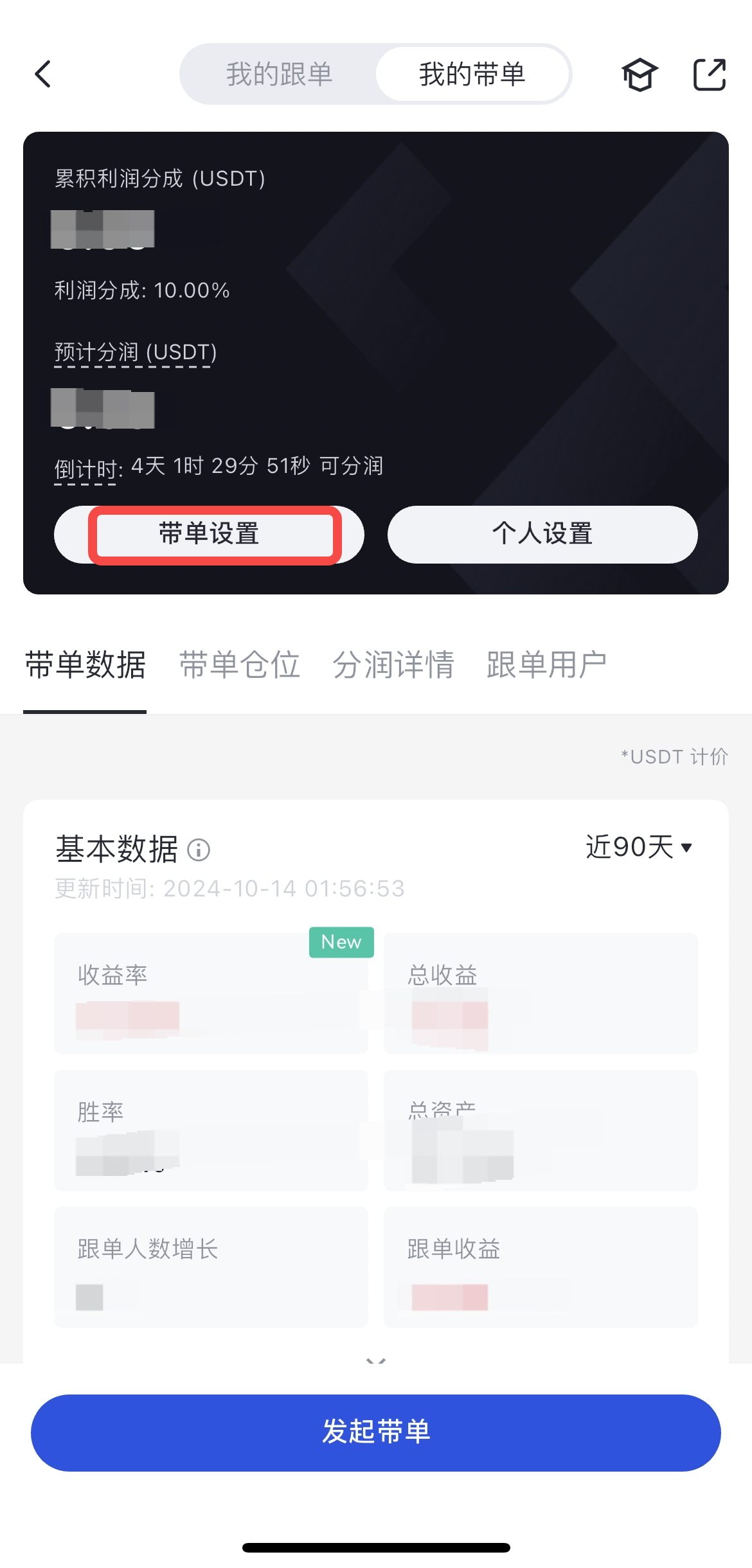
1. How to Enable Private Copy Trading
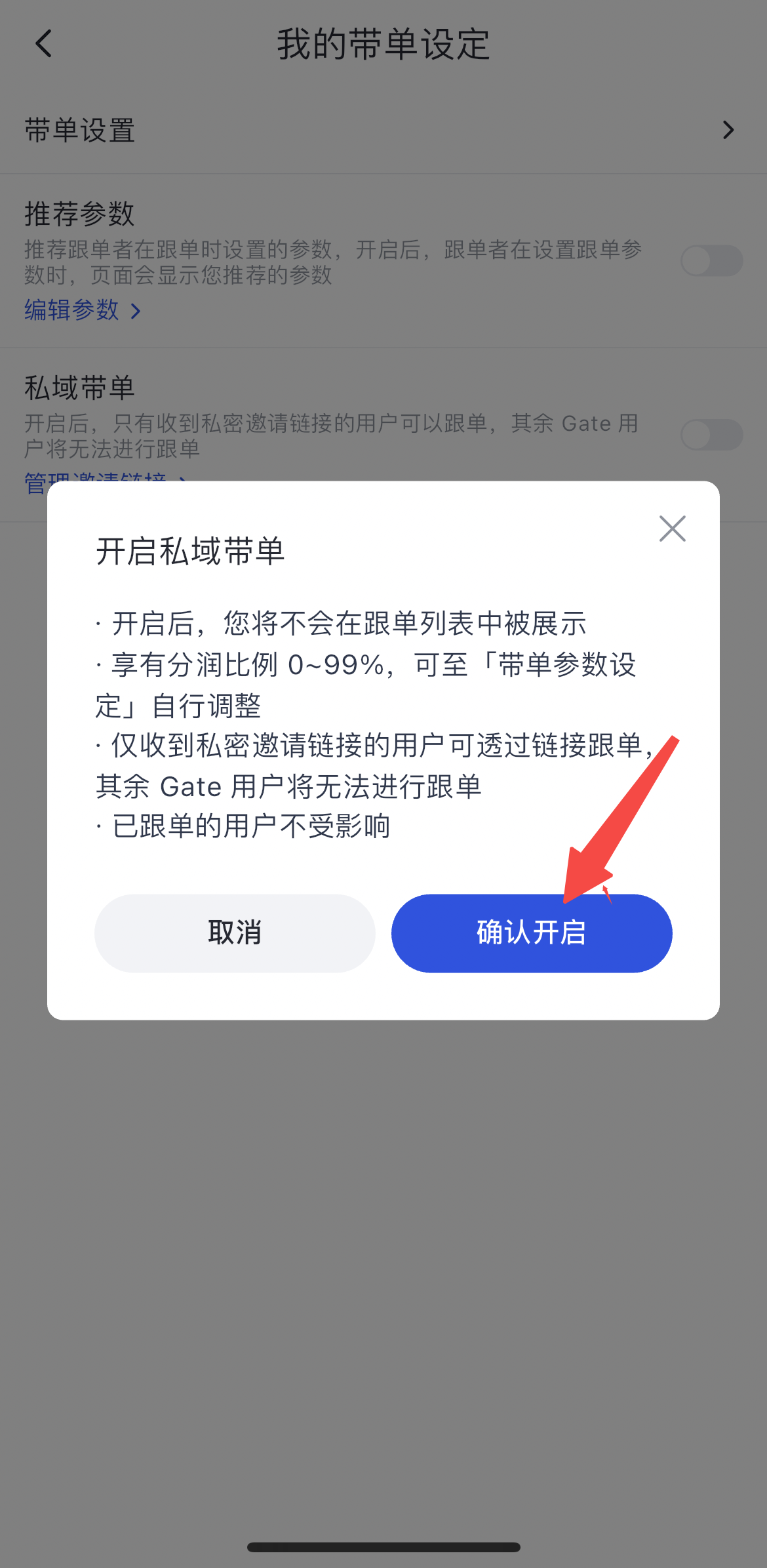
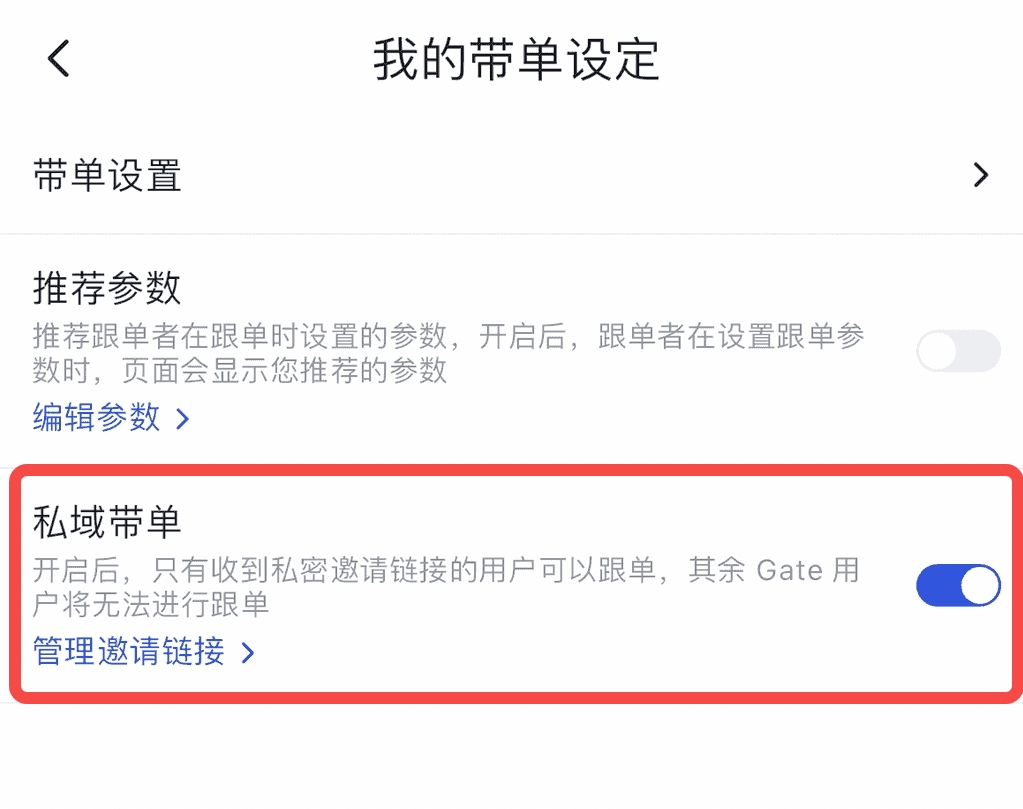
Click [My Copy Trading Settings] – Toggle the switch on the right of [Private Copy Trading] – Click [Confirm] to enable – Successfully enabled

2. How to Create an Invitation Link
Click the [Create Now] button – Enter [Link Name] and [Maximum Number of Invitees] – Link generated successfully
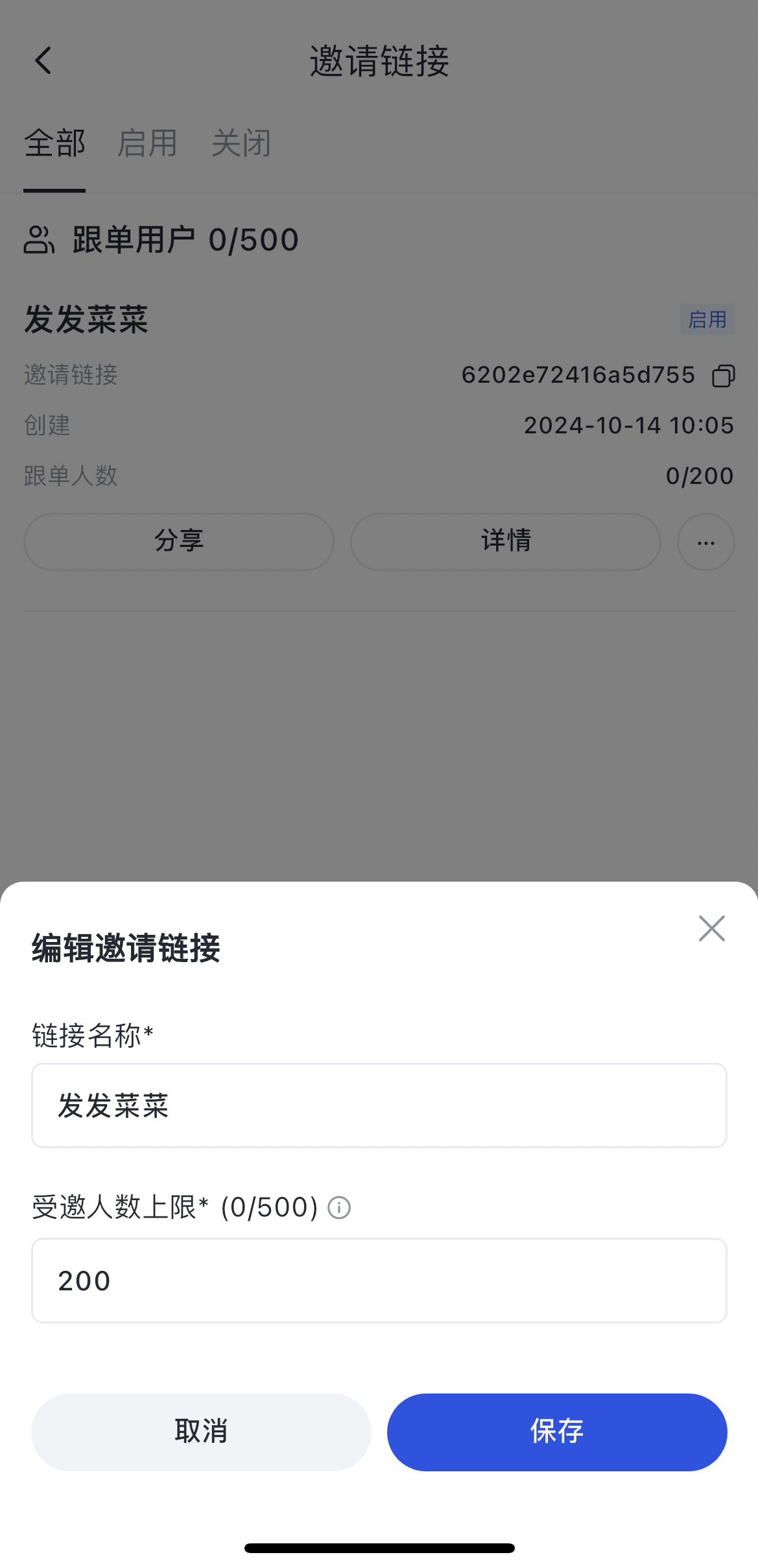
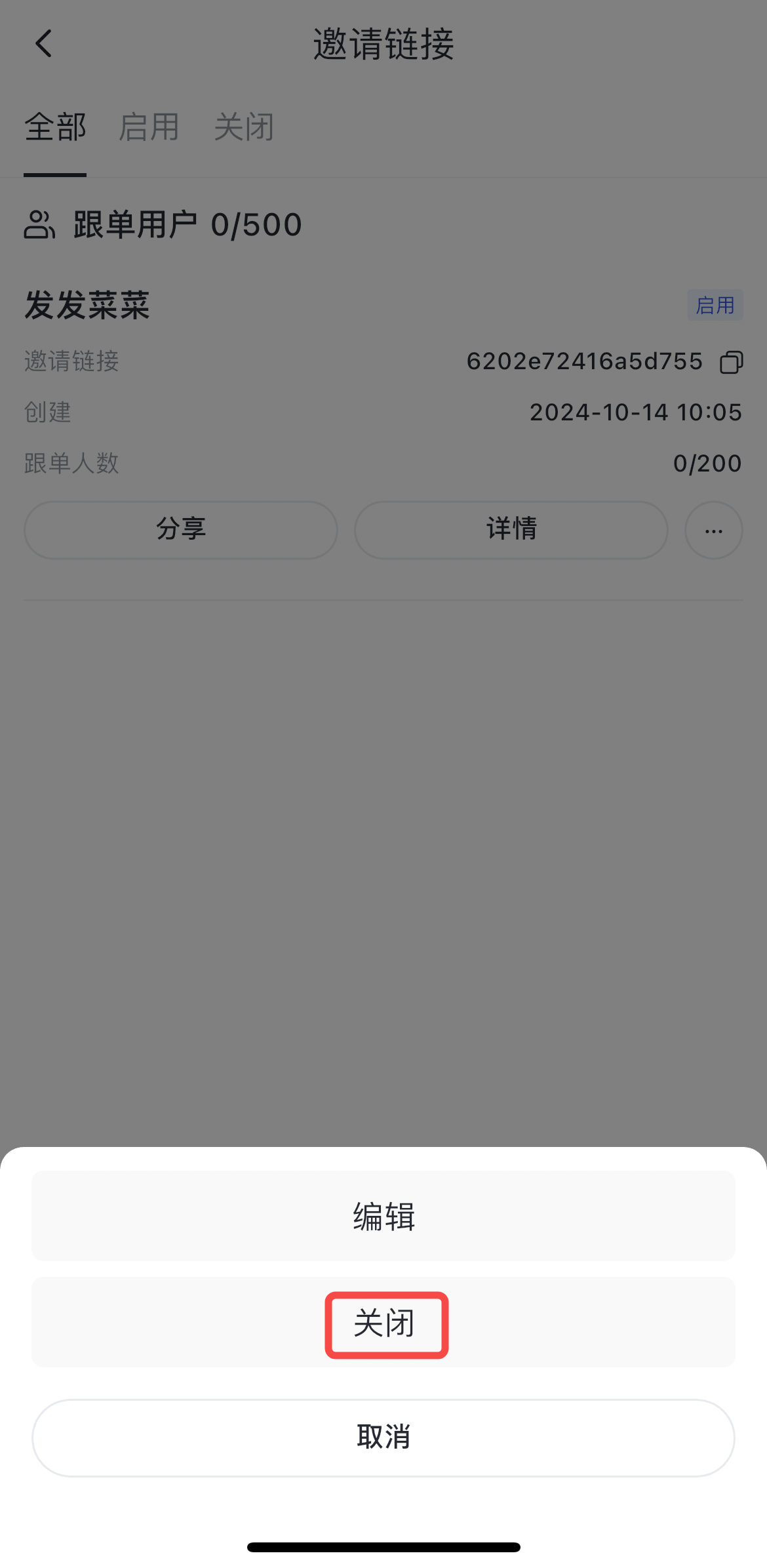
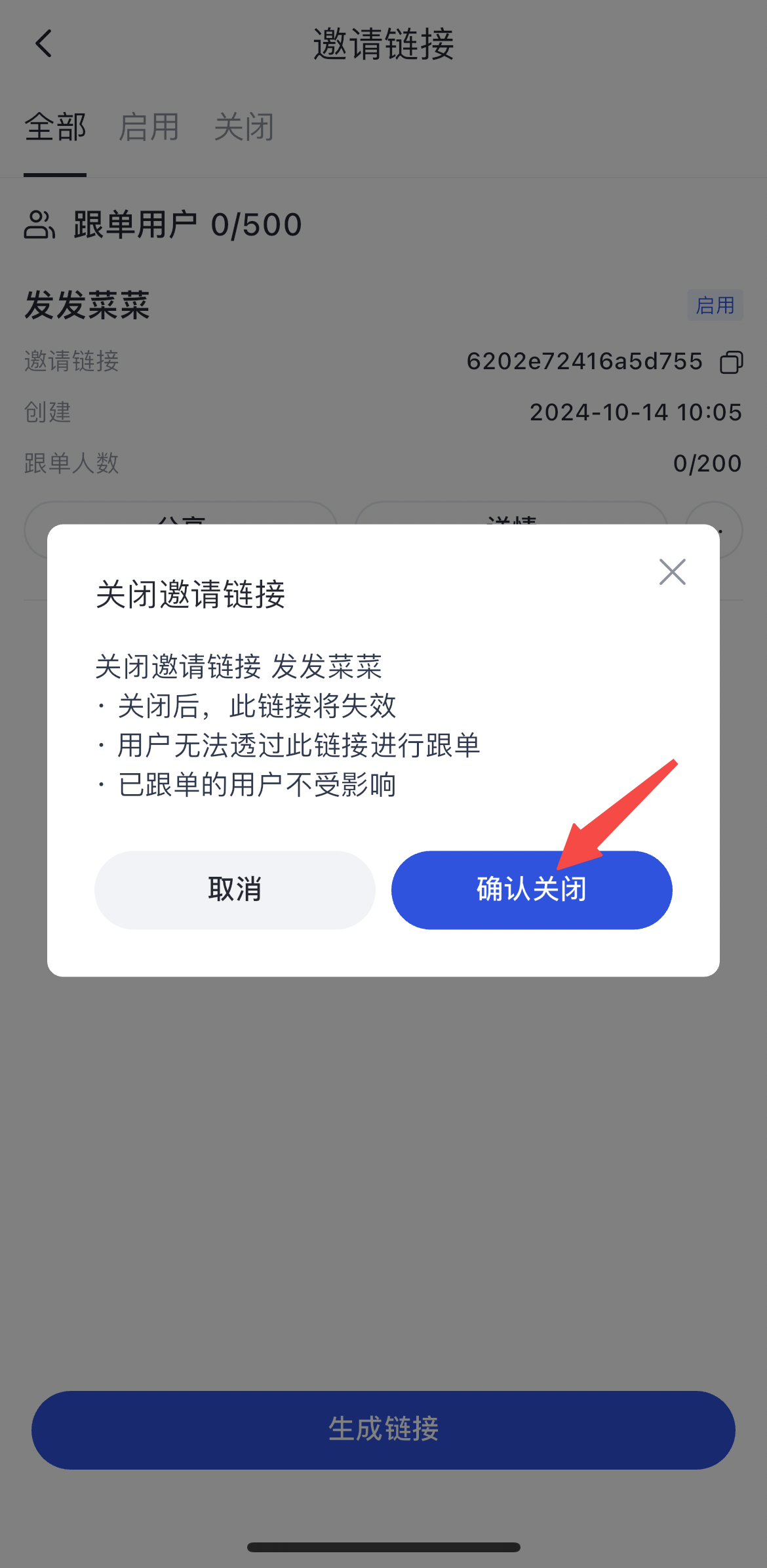
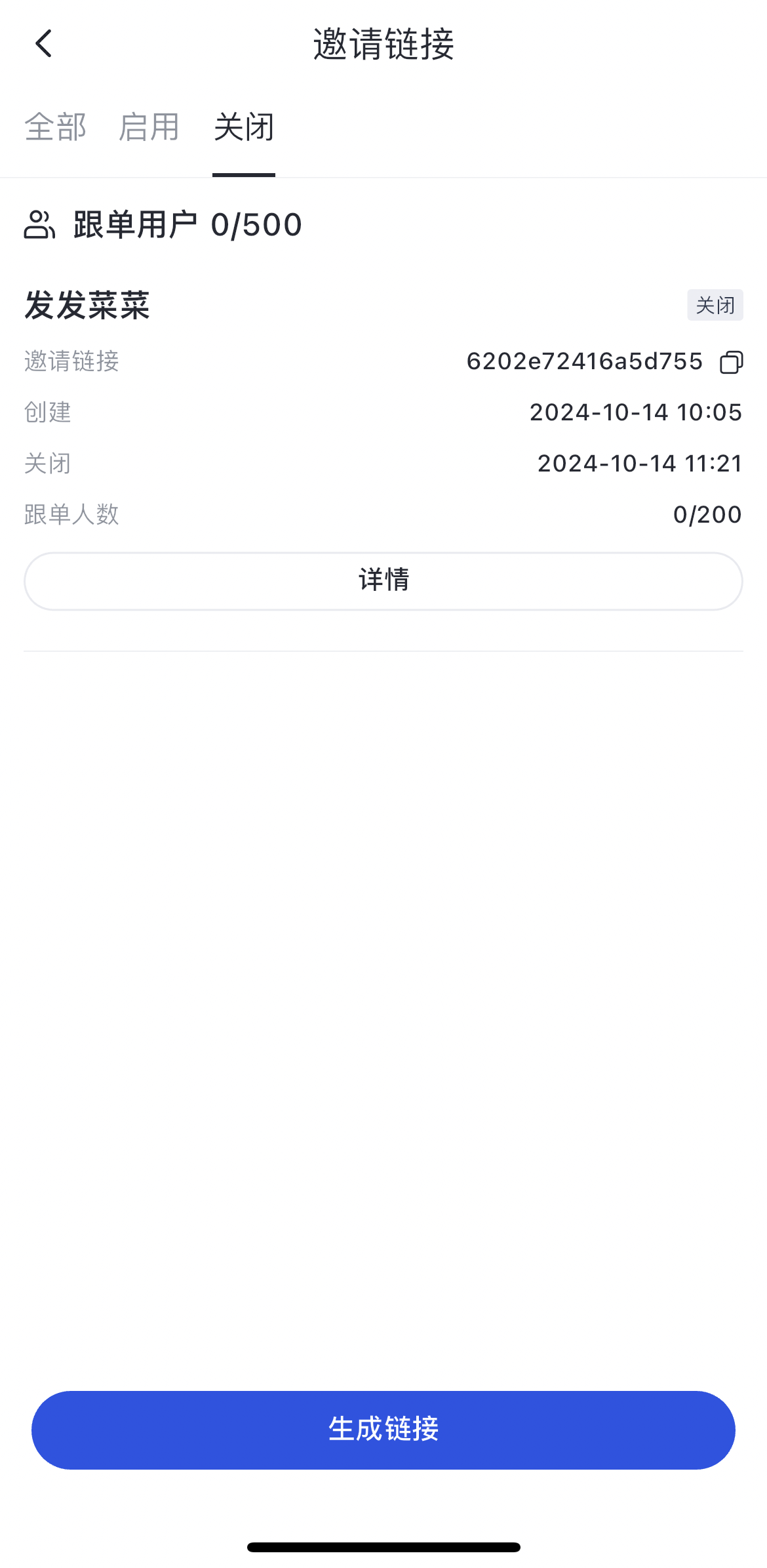
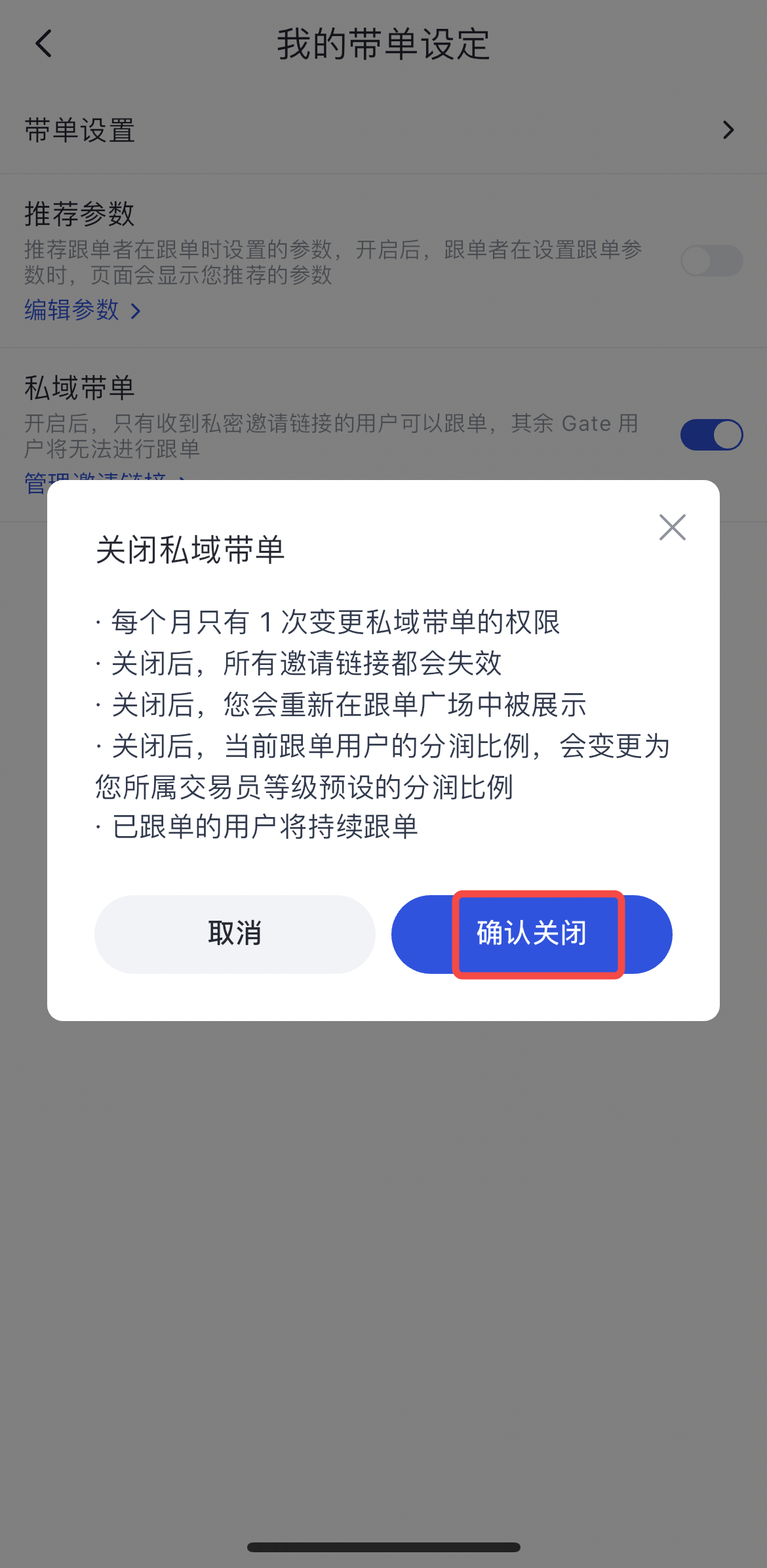
Toggle the switch on the right of Private Copy Trading – Click Confirm to disable
Disclaimer
The content provided herein is for reference and educational purposes only and does not constitute any financial, investment, trading, or legal advice, nor does it constitute an offer or solicitation to buy or sell any digital assets. Gate makes no express or implied representations or warranties regarding the accuracy, completeness, or timeliness of the information contained herein. Product features, interfaces, rules, and fee structures may be updated or adjusted at any time. Please refer to the latest announcements and the actual information displayed on the Gate platform for the most accurate details.
Digital asset investments involve significant risk, and prices may fluctuate substantially. You may lose the entire amount of your investment. Please make decisions cautiously based on your own financial situation and risk tolerance after fully understanding the associated risks. If necessary, you are advised to consult an independent professional financial or legal advisor.
For more information about potential risks, please refer to Gate's Risk Disclosure and User Agreement.
