


Scope of Application
Applicable platform: Gate web version
Preparation: Please make sure you have registered a Gate account
Estimated time required: 2 minutes
Objective
This guide will walk you through getting started with GateClaw (Blue Lobster) on the Gate web platform.
Steps
Step 1: Summon GateClaw
Go to the official GateClaw website: https://www.gate.com/gateclaw, log in to your Gate account, and click [Summon Blue Lobster].
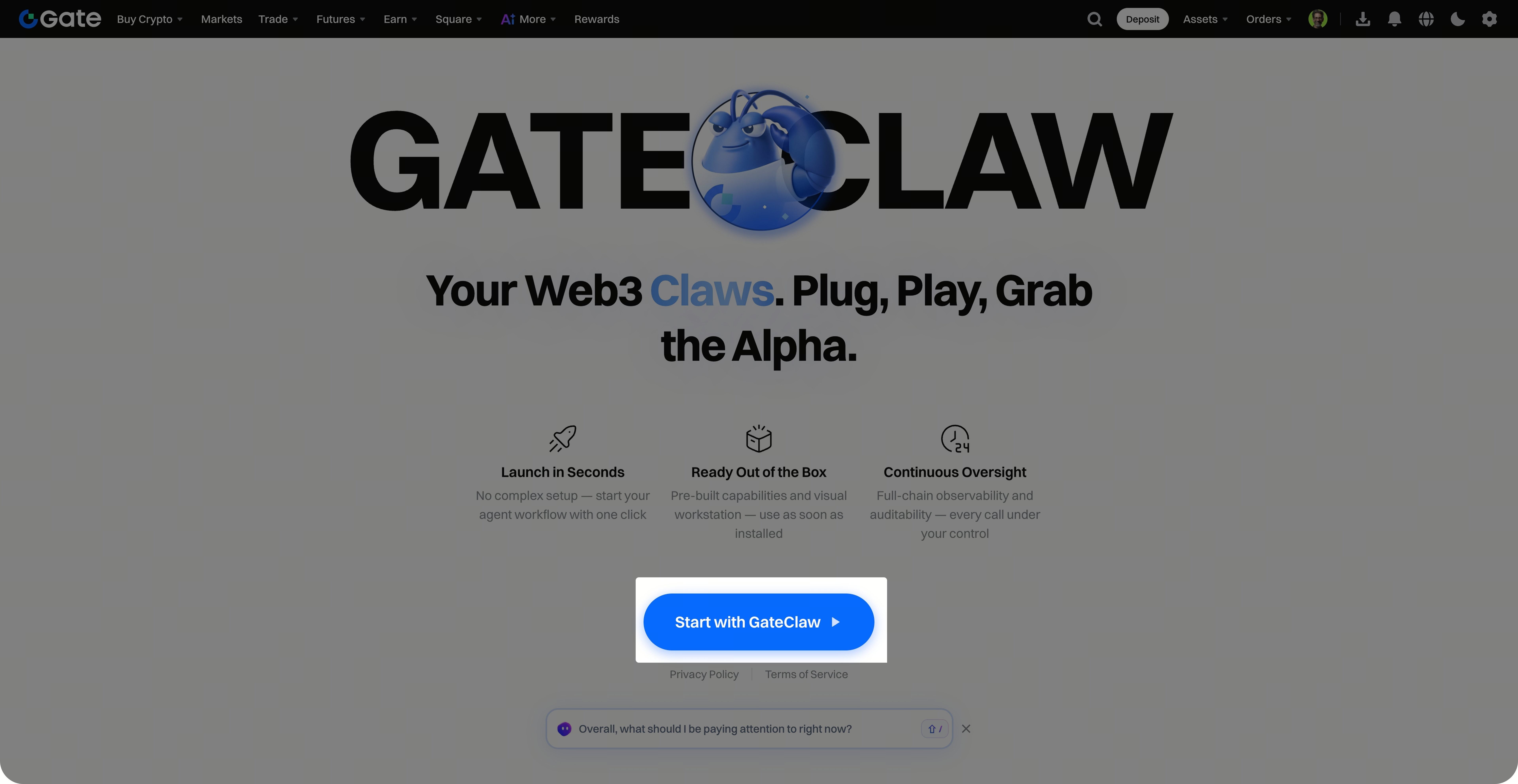
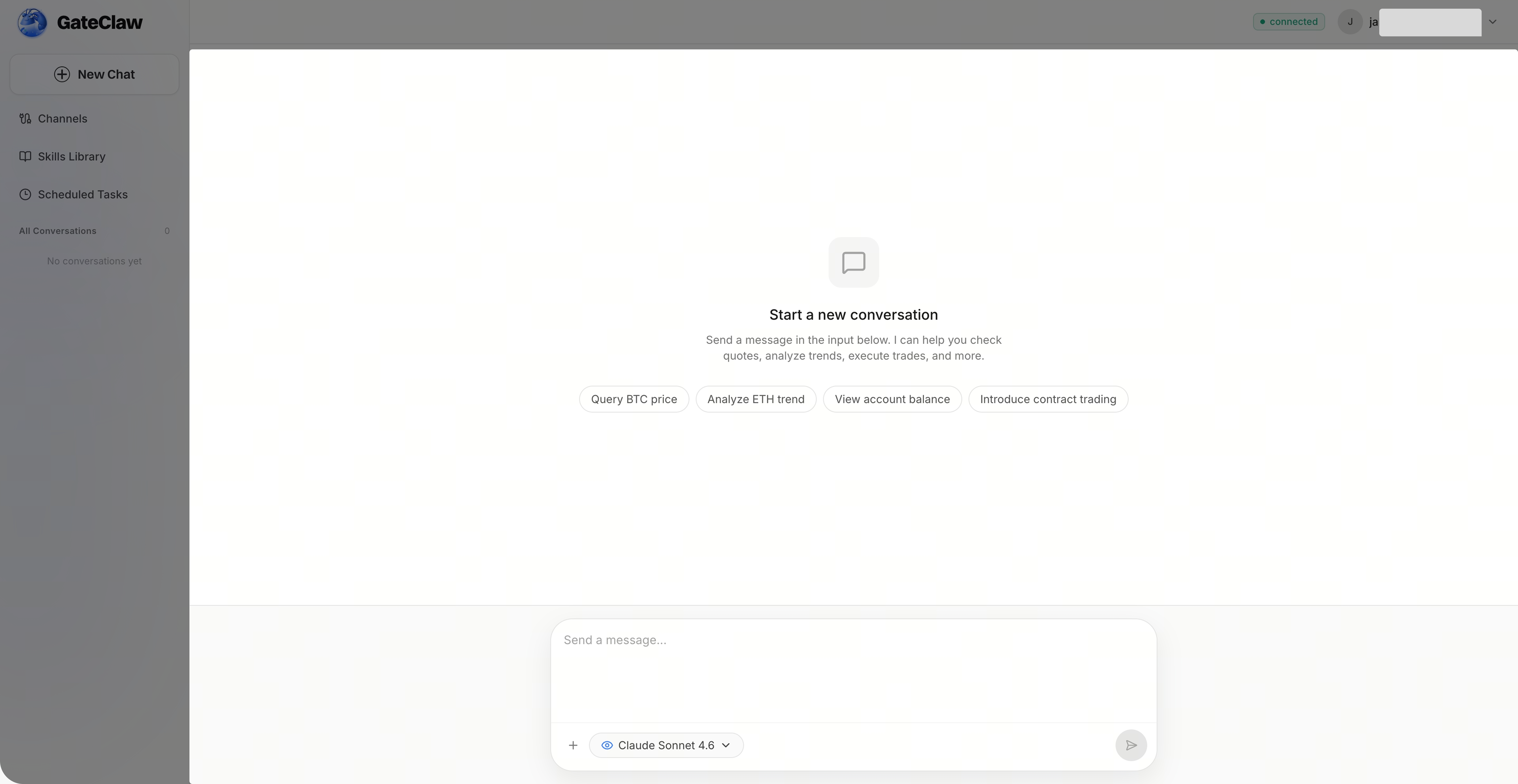
Step 2: Start Chatting Instantly
Your GateClaw is now activated, and you can start chatting right away.
Frequently Asked Questions
Q1: Is there a fee to use GateClaw?
A: New GateClaw users receive a one-time call credit worth 1 USD for free. Once the credit is used up, you can pay via Gate.ai to unlock all features and ensure your business runs smoothly.
Q2: What if I don’t have a Gate account?
A: You’ll need to register a Gate account first. The registration process is quick and easy. Once completed, you can use GateClaw.
Q3: Do I need any additional setup after summoning GateClaw?
A: No additional setup is required. Once summoned, you can start chatting immediately—no extra configuration needed.
Disclaimer
The content provided herein is for reference and educational purposes only and does not constitute any financial, investment, trading, or legal advice, nor does it constitute an offer or solicitation to buy or sell any digital assets. Gate makes no express or implied representations or warranties regarding the accuracy, completeness, or timeliness of the information contained herein. Product features, interfaces, rules, and fee structures may be updated or adjusted at any time. Please refer to the latest announcements and the actual information displayed on the Gate platform for the most accurate details.
Digital asset investments involve significant risk, and prices may fluctuate substantially. You may lose the entire amount of your investment. Please make decisions cautiously based on your own financial situation and risk tolerance after fully understanding the associated risks. If necessary, you are advised to consult an independent professional financial or legal advisor.
For more information about potential risks, please refer to Gate's Risk Disclosure and User Agreement.
