How to reset your login password on Gate website:
Step 1: Log into your account. Move your cursor on the top-right profile icon and go to "Security Verification" - "Password Management" - "Password" - "Change".
Step 2: Input your old password, new password (confirm it for the second time), and TOTP (Google verification code). Then click on "Confirm & Modify".

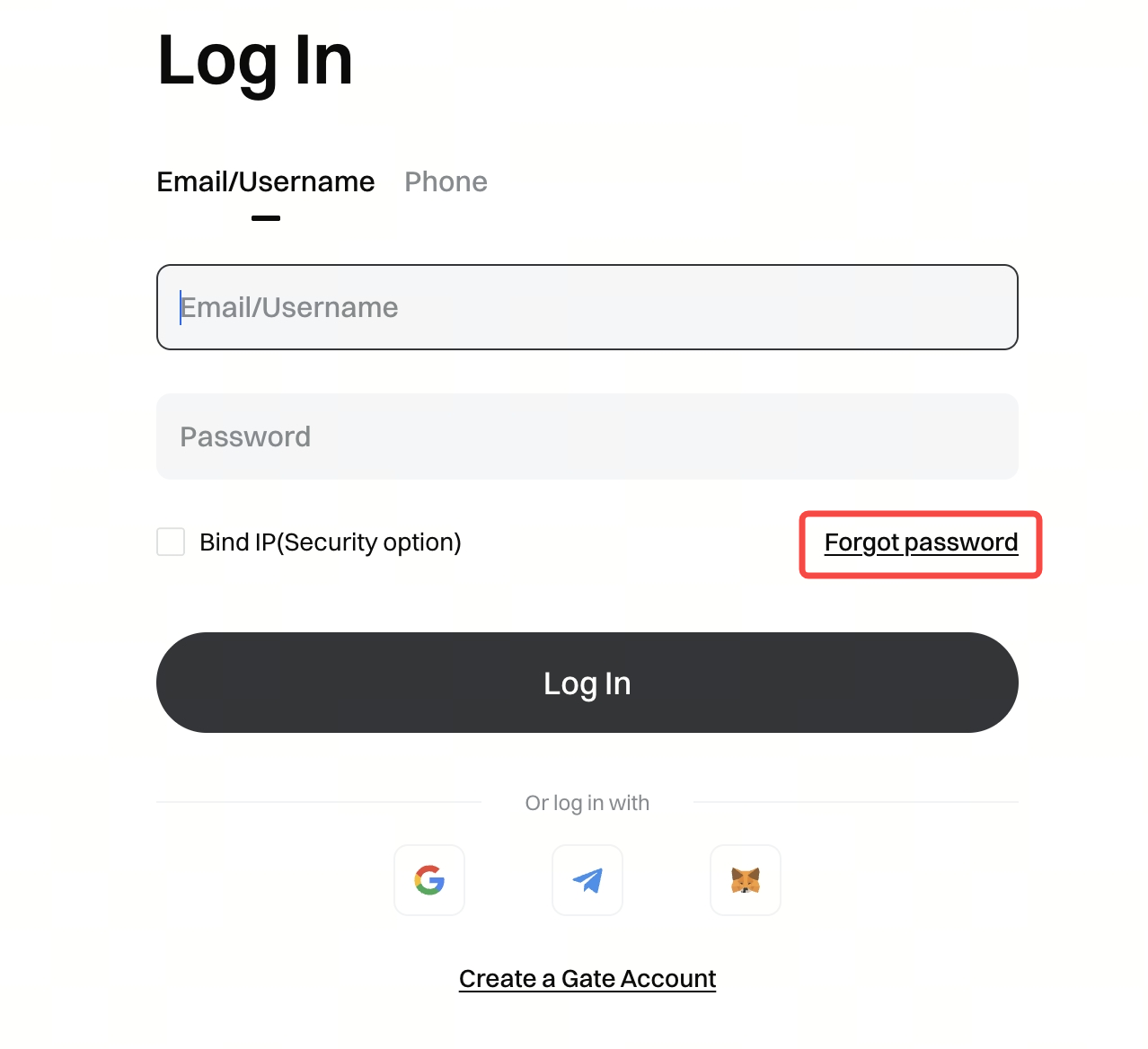
If you forget your login password, please do as follows:
Click "Forgot password?" on the login page.