-
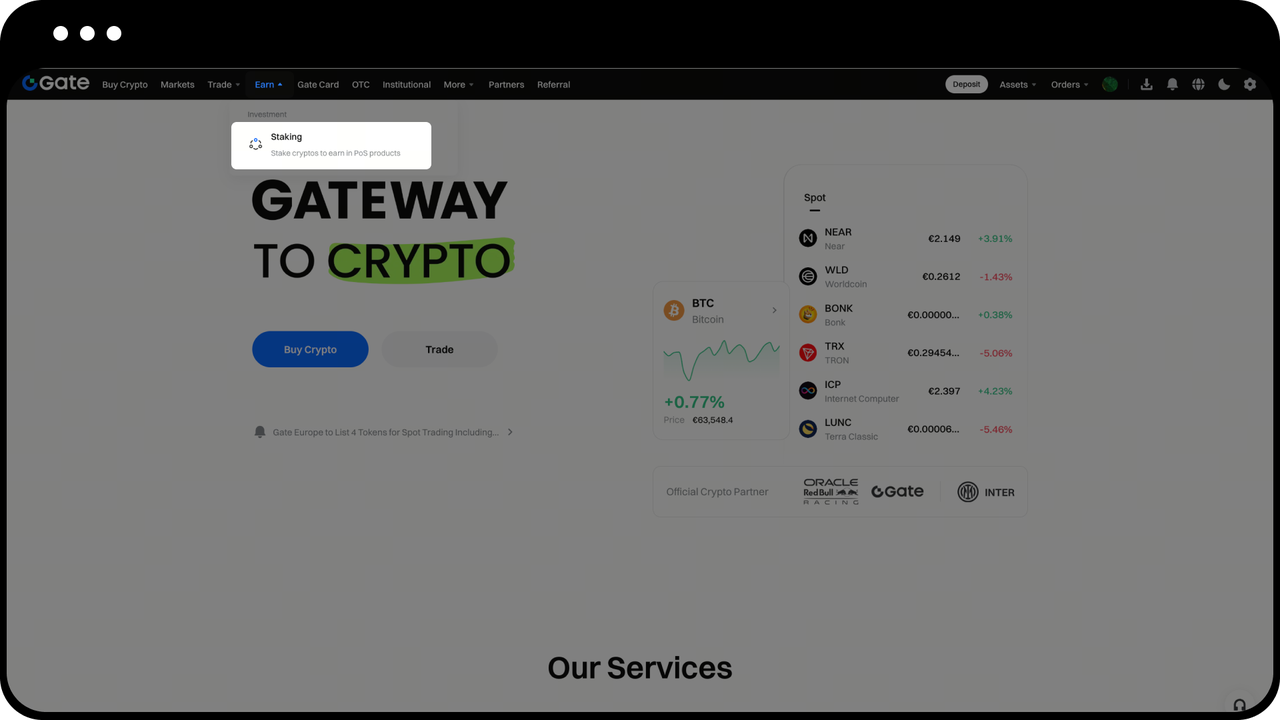
Log in to the Gate EU website, click “Earn” — “Staking” on the navigation bar to enter the Staking page.
-
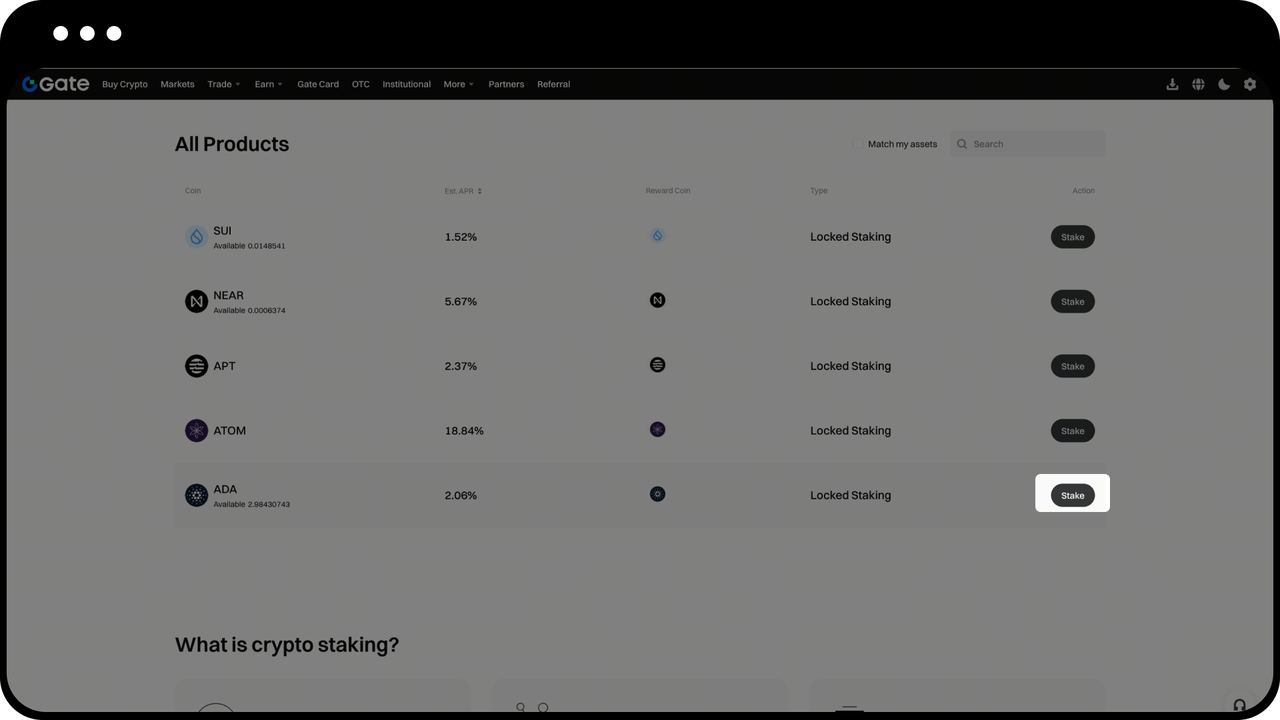
Choose the coin you want to stake (taking ADA as an example), and click “Stake”.
-
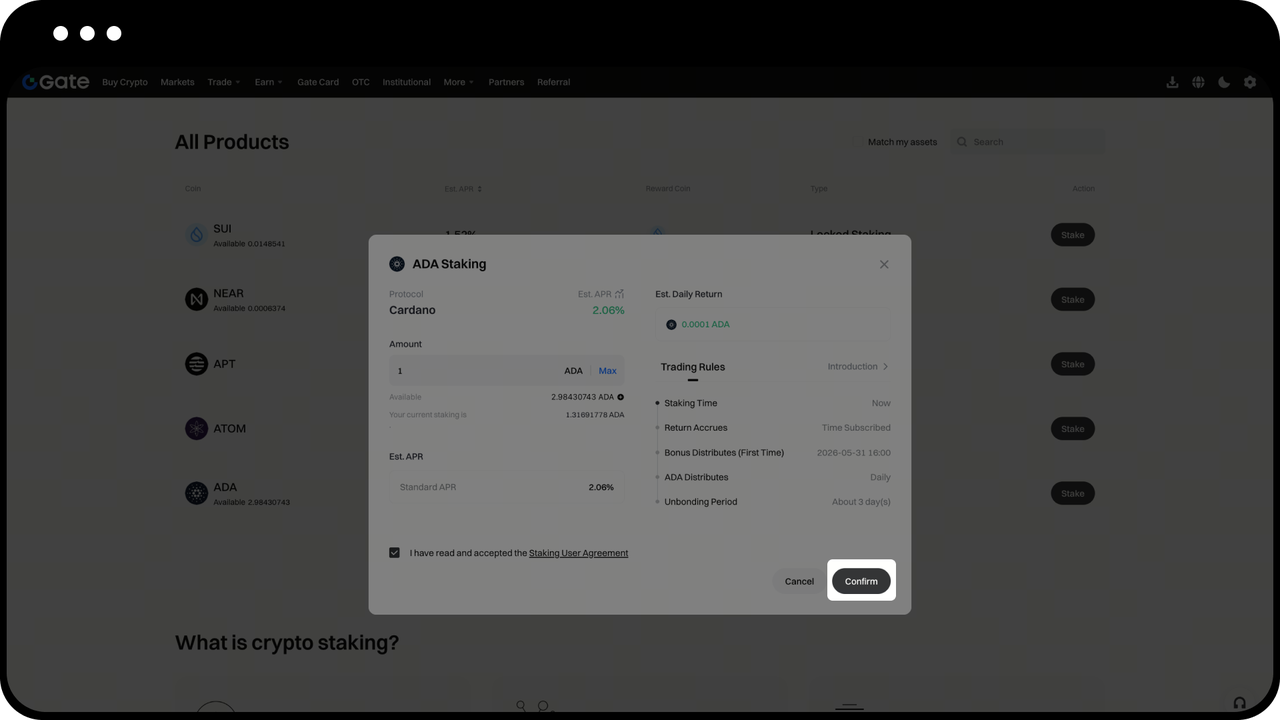
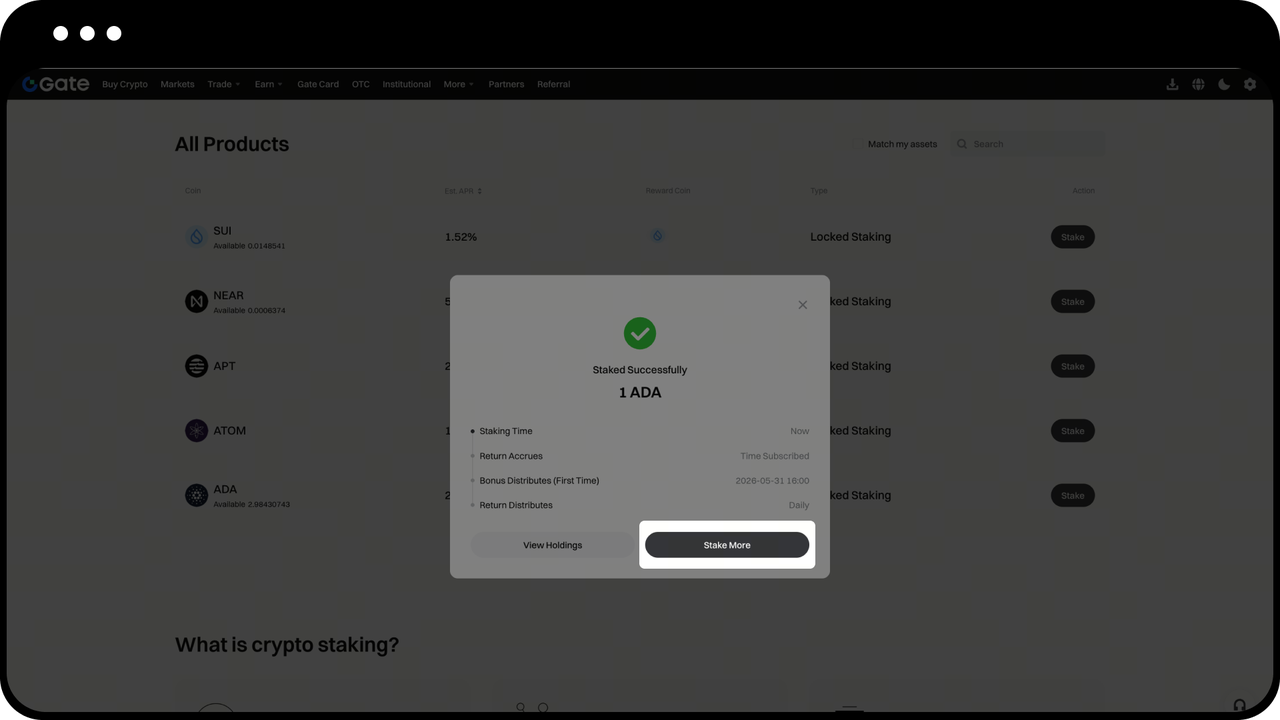
In the staking popup, enter the amount you want to stake, read and check the Staking user agreement, and click “Stake” to complete the staking. And you can stake again by clicking “Stake More” in the popup.
-
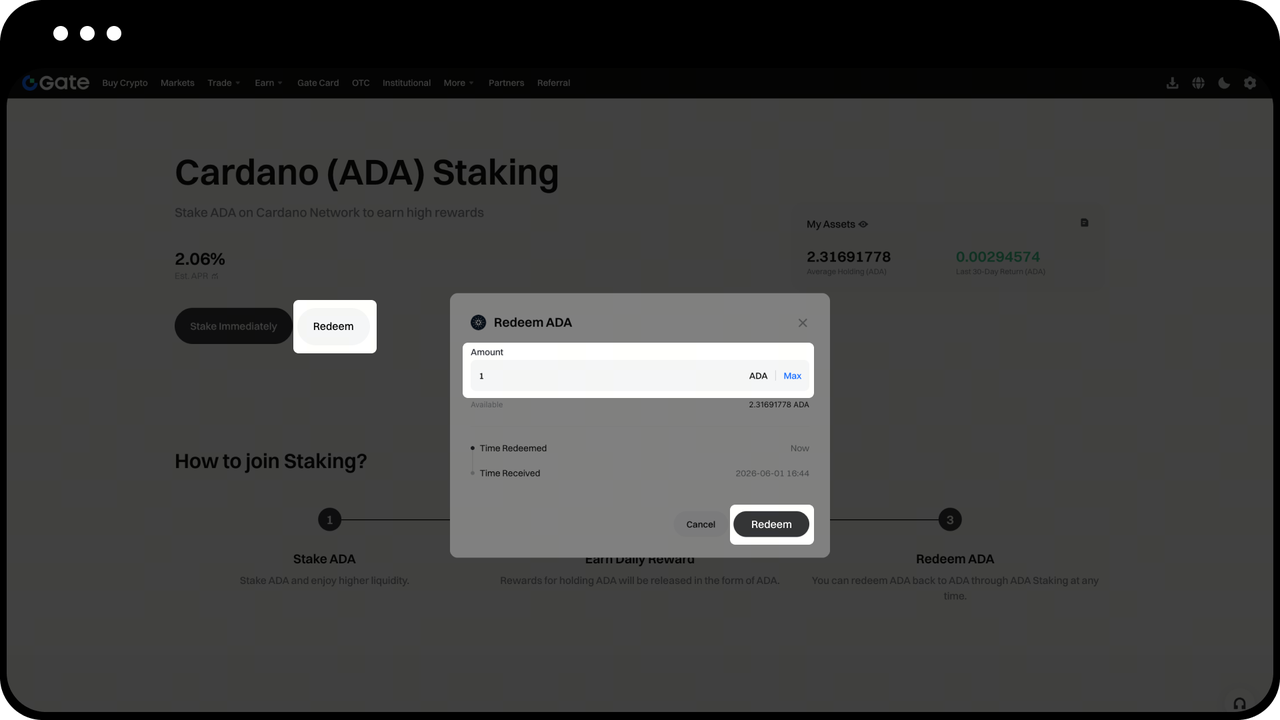
Redemption: Enter the staking page, click “Redeem” and enter the amount you want to redeem”, and click “Redeem”. Please note that the unbonding period of different coins varies. For details, please refer to Introduction on the staking popup. During this period, no staking rewards or bonus will be generated from the amount of assets being redeemed.
-
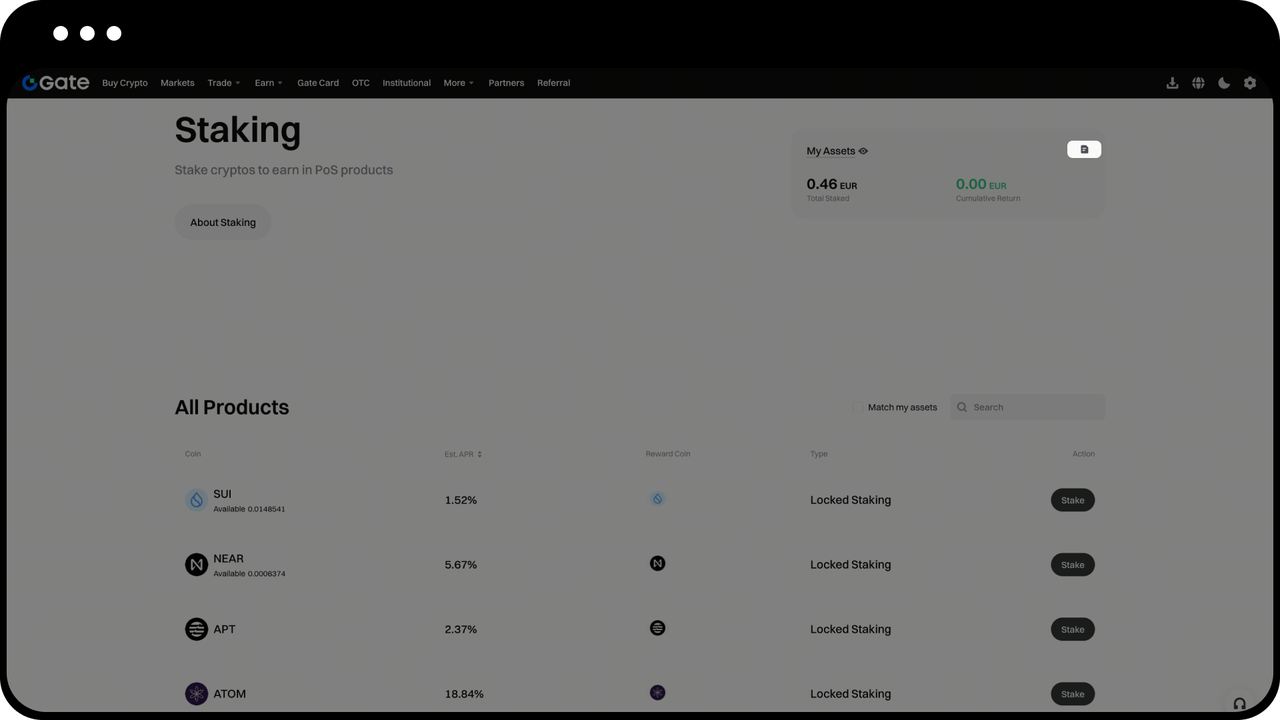
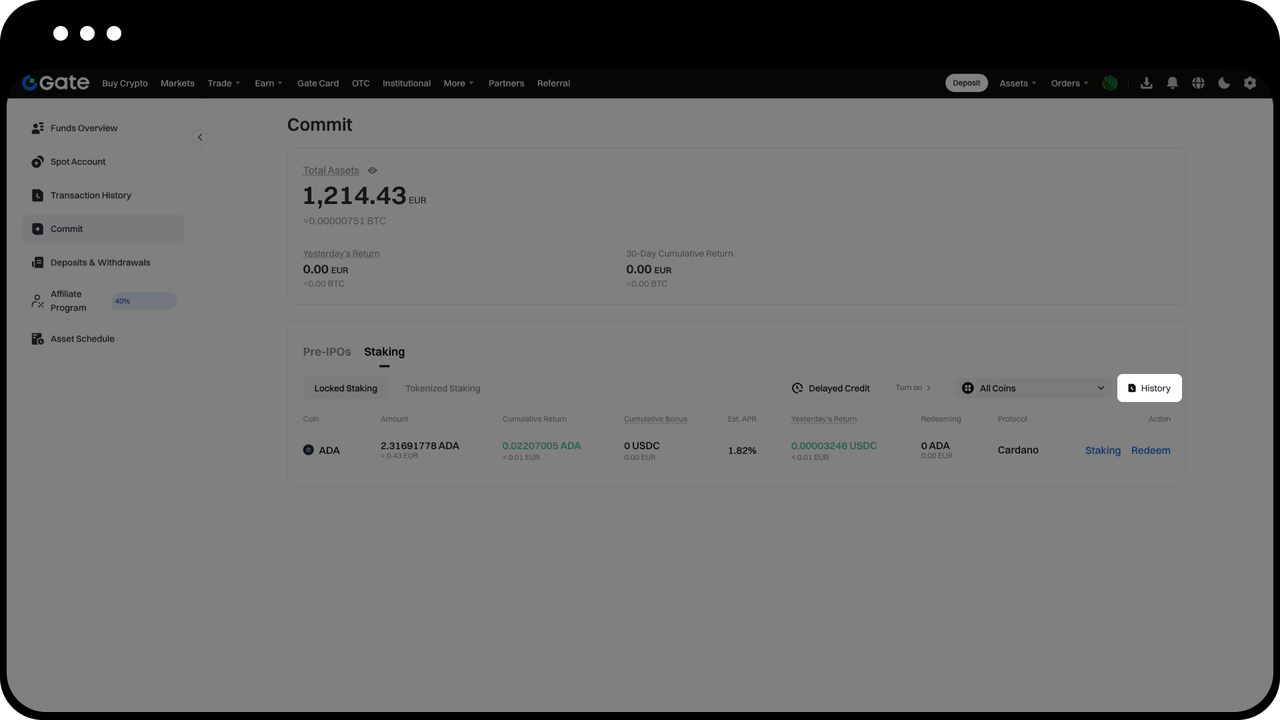
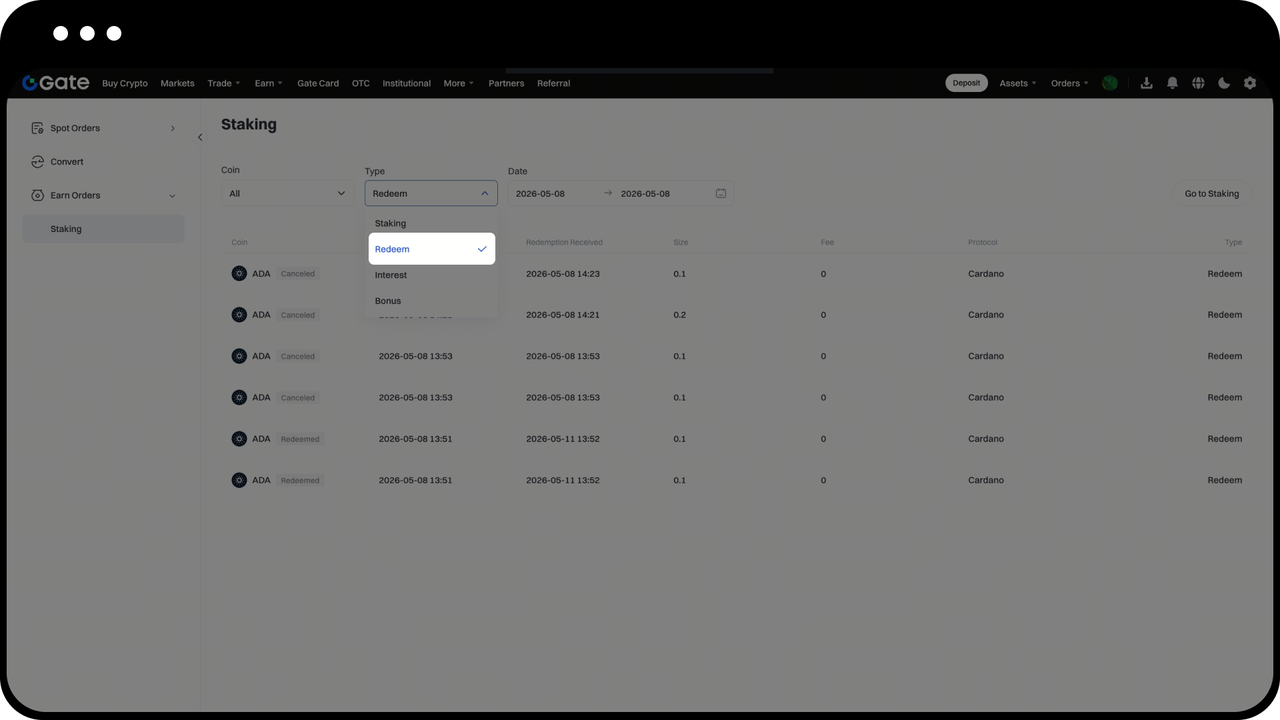
Holdings Overview: Click the icon on the Staking page to view your current holdings. In the “History” section, you can filter by type to view records of staking, redeem, interest and more.