To keep your account secure and meet U.S. regulatory requirements, all customers must complete Identity (KYC) Verification. It’s quick and once you’re verified, you’ll have full access to features like deposits, withdrawals, and transfers.
How to verify (takes a few minutes)
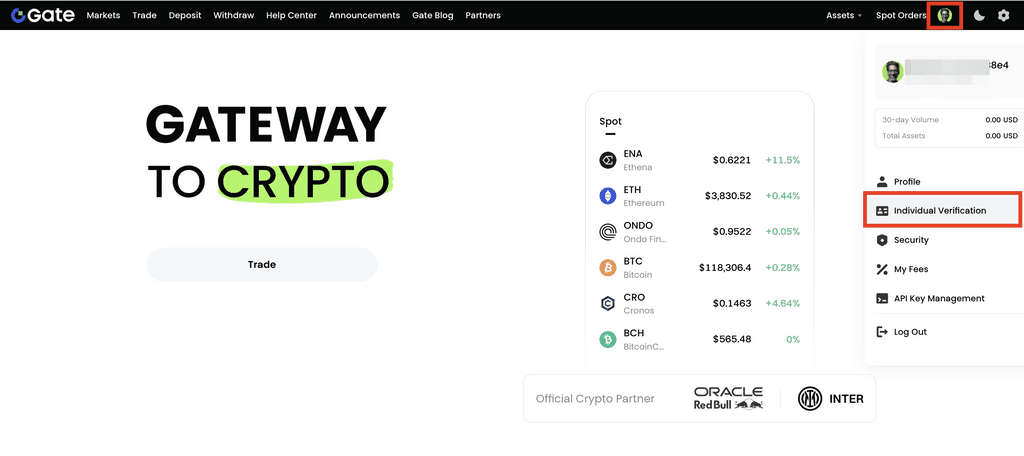
Log in on web → click your avatar → go to Individual Verification.
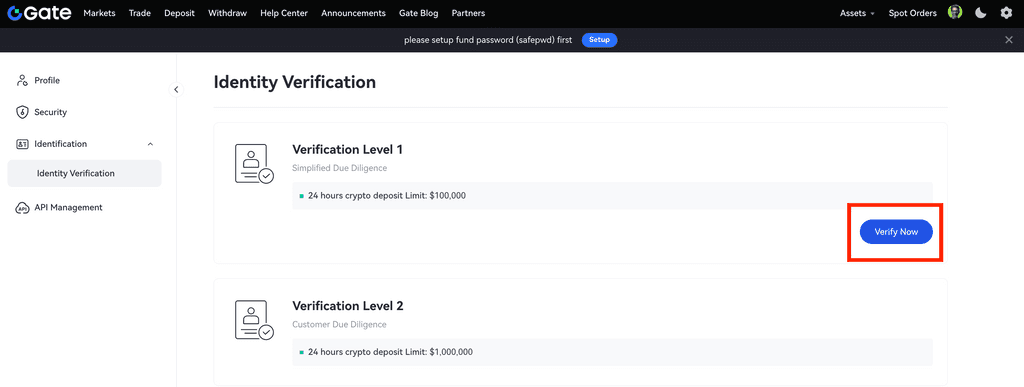
On Verification Level 1, click Verify Now.
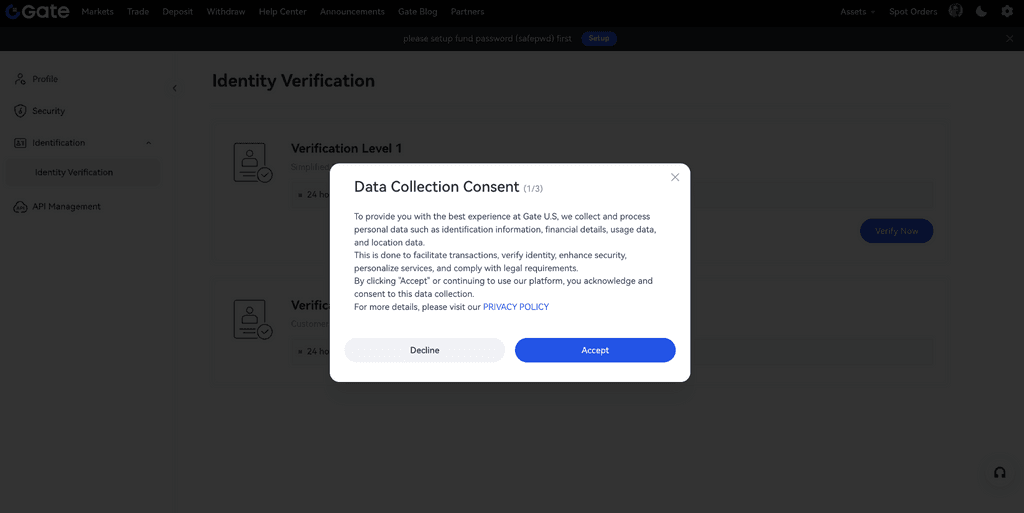
Review the Data Collection Consent and click Accept.
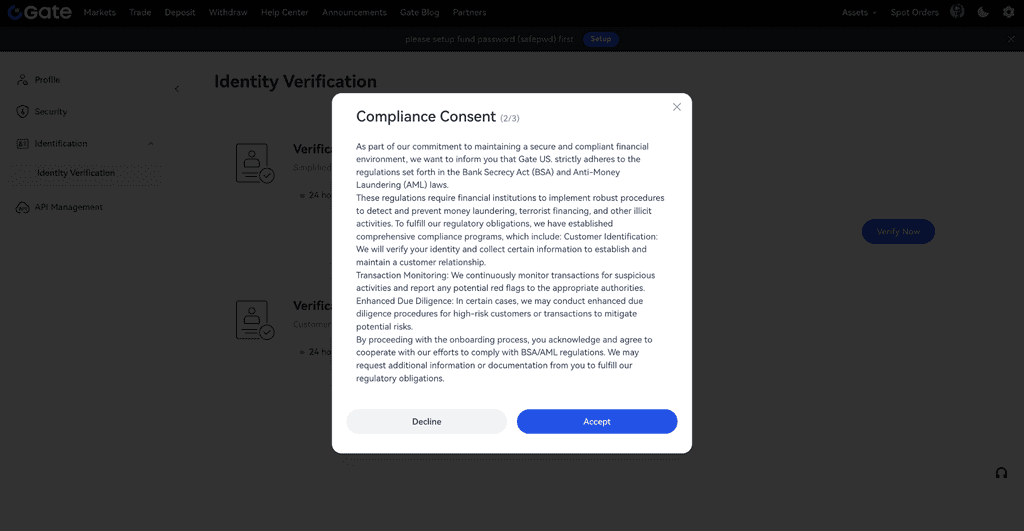
Review the Compliance Consent and click Accept.
Confirm that you (1) are a lawful resident of a U.S. state or territory and (2) are opening the account for your own individual benefit. Select Yes for both, then Accept.
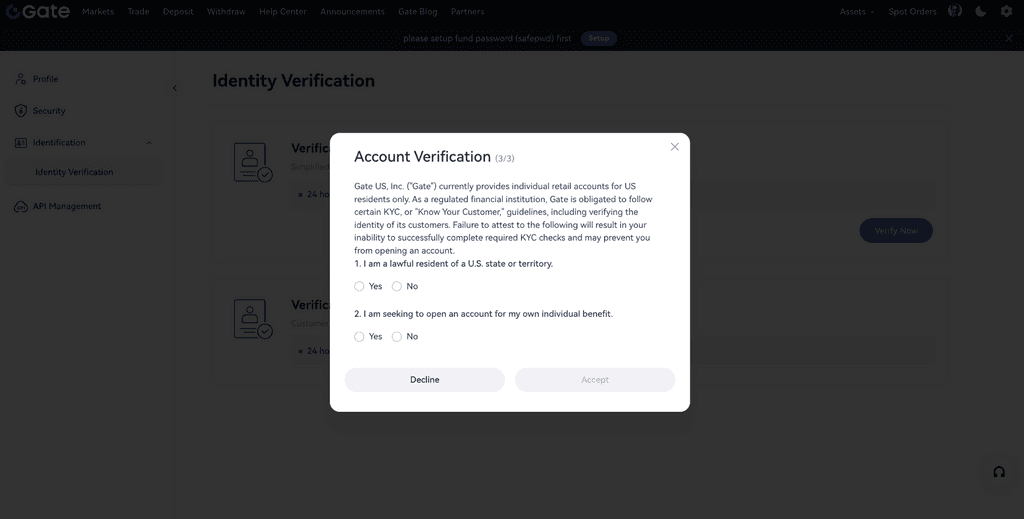
Enter your details (name, nationality, date of birth, email, phone, SSN, address, etc.).
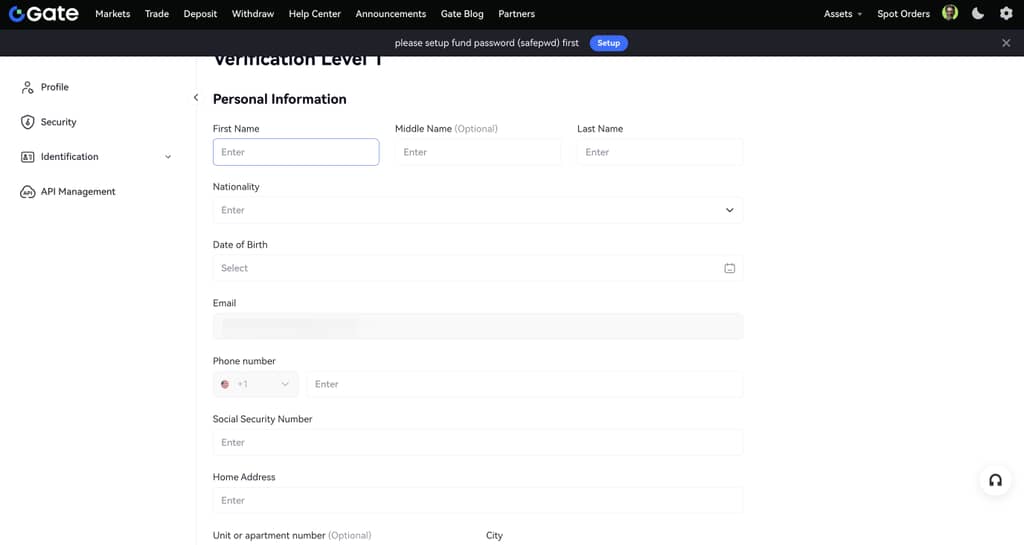
Tip: Make sure everything matches your legal documents.
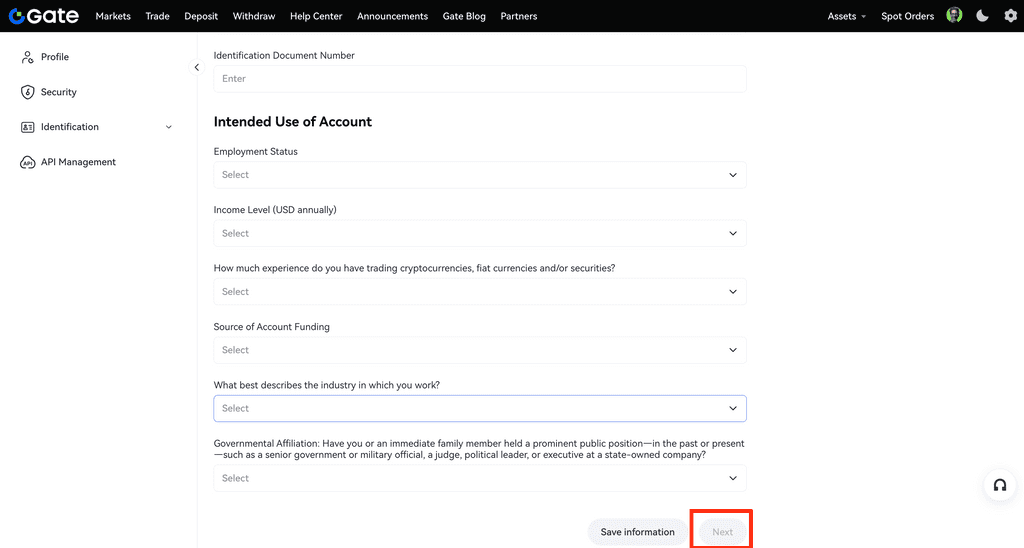
Review your information and click Next to continue.
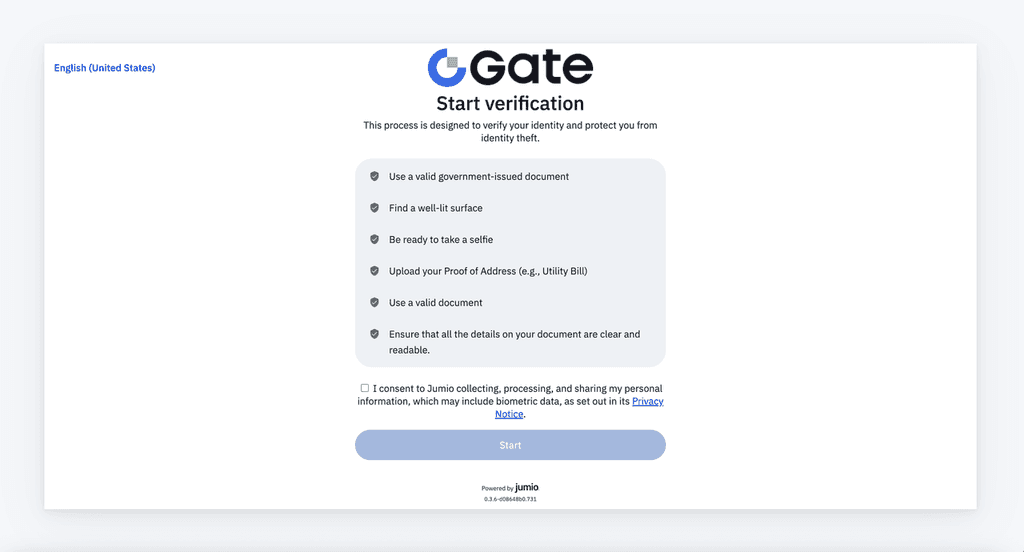
Click Start to begin ID verification. A QR code will appear, scan it with your phone to finish the facial scan and upload your ID as prompted.
After you submit
Most verifications are processed within 30 minutes to 12 hours.
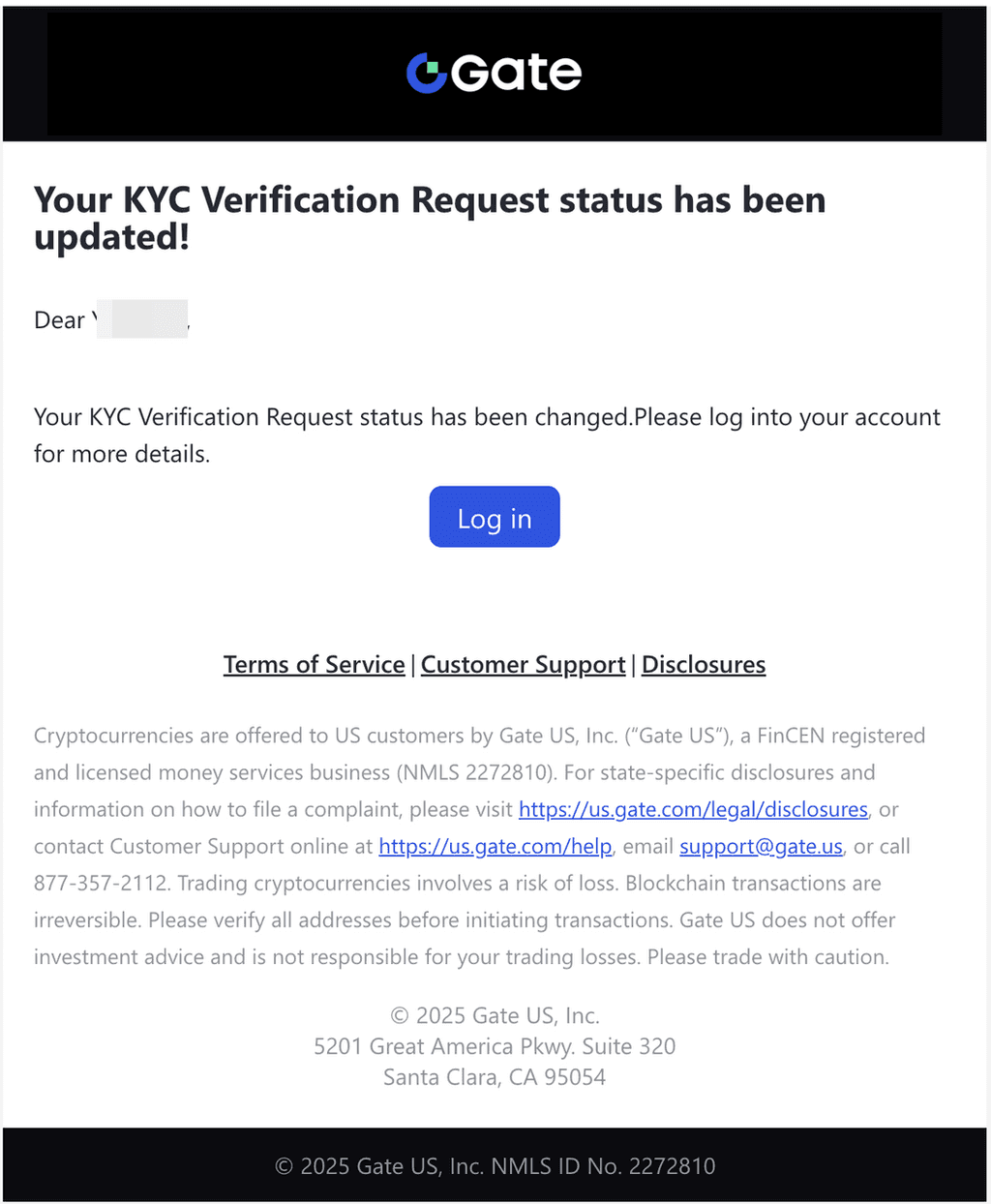
You’ll receive an email notification as soon as your verification is approved—or if we need additional information.
You can also check your status anytime under Account → Verification.
Need help?
If you have questions or run into issues, email support@gate.us
and our team will be happy to assist.
Note: Gate US services are available only in supported jurisdictions and are subject to our Terms and applicable laws.
- Disclaimer: This is not investment advice. The information is provided for informational purposes only and should not be construed as a recommendation to buy, sell or hold any asset. Cryptocurrency trading involves a risk of loss. Gate US services may be restricted in certain jurisdictions. For more information, please see our legal disclosures: https://us.gate.com/legal/disclosures*


