
Step 1: Log in to your Gate US account, and go to Assets - Spot Account.
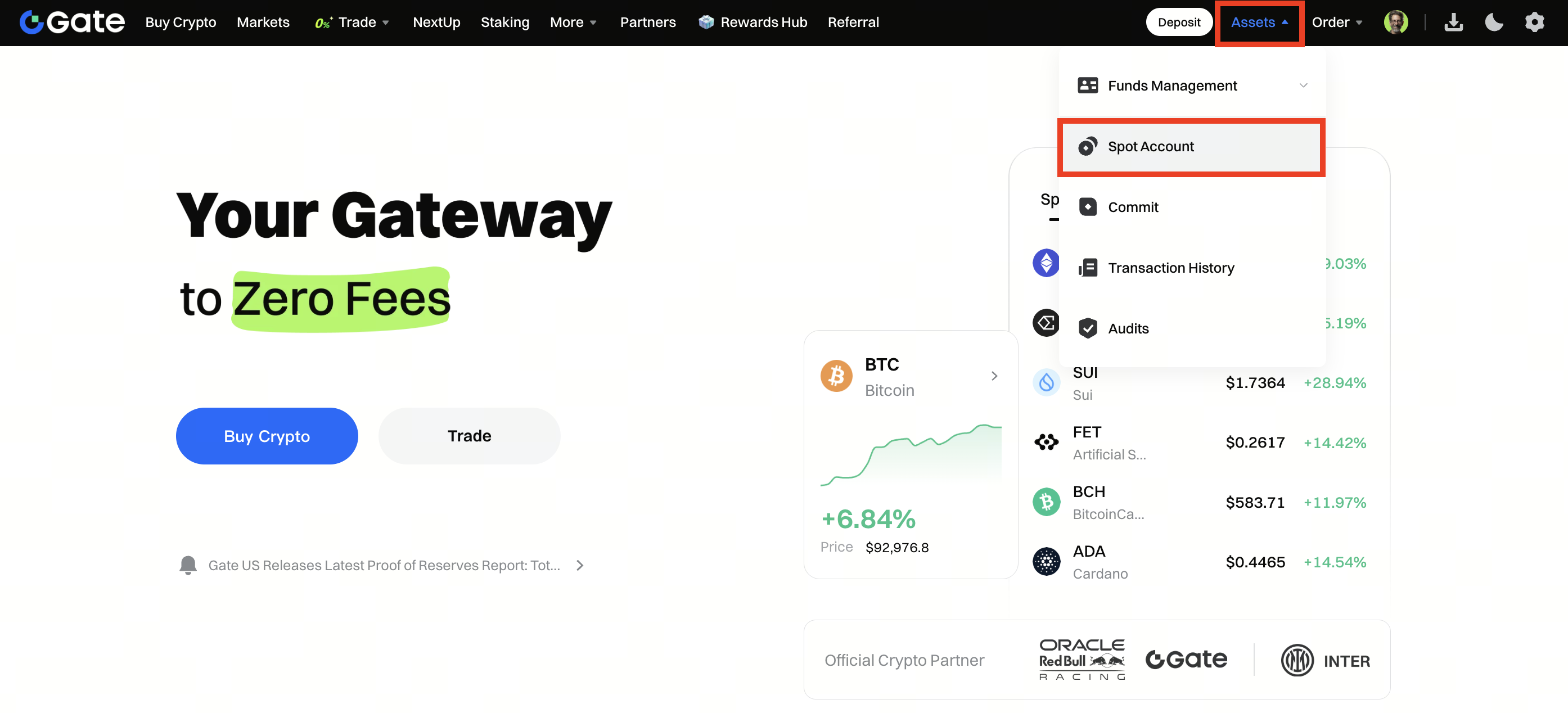
Step 2: On the Spot Account page, you can view the total value of all wallets, check today’s PNL, and transfer funds between accounts.
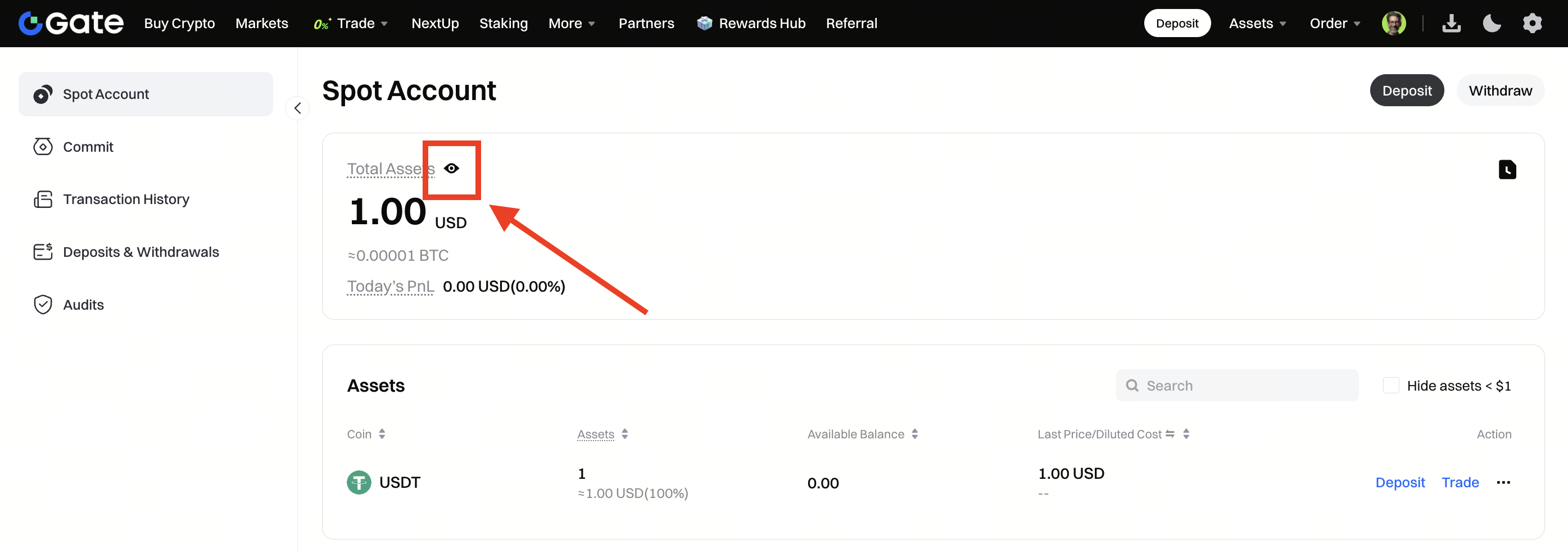
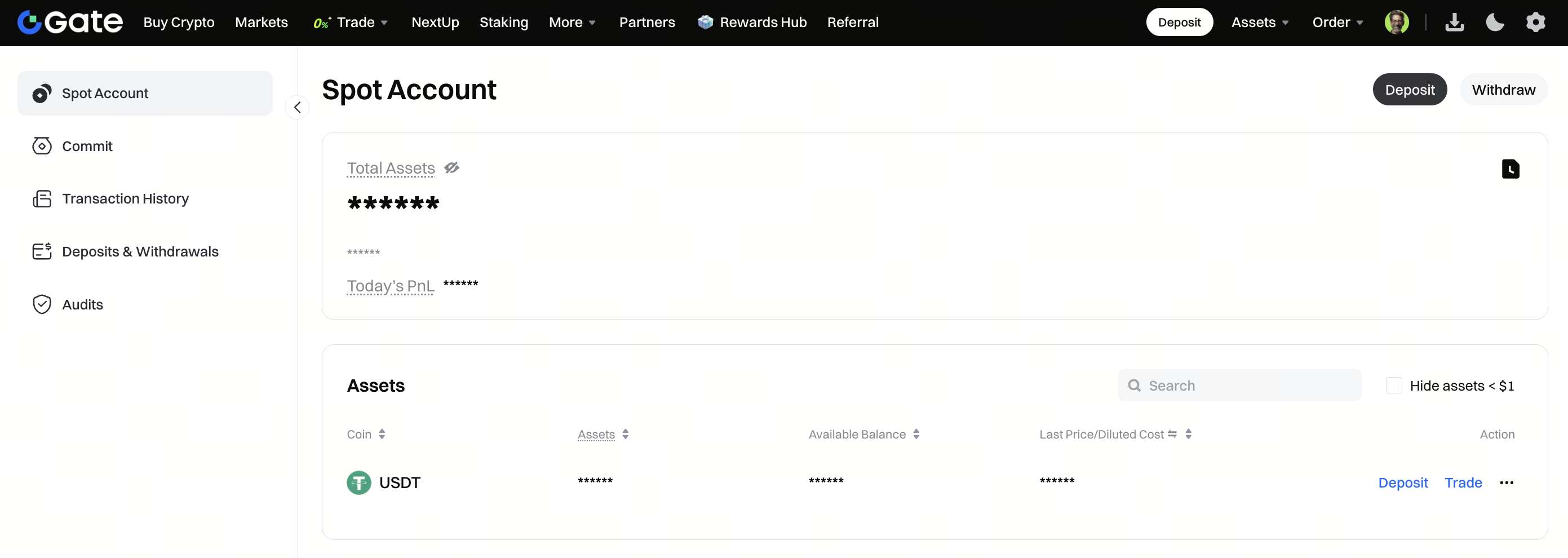
Step 3: To show or hide your wallet balances, click the eye icon at the top of the page. When hidden, balances will display as “*****”.
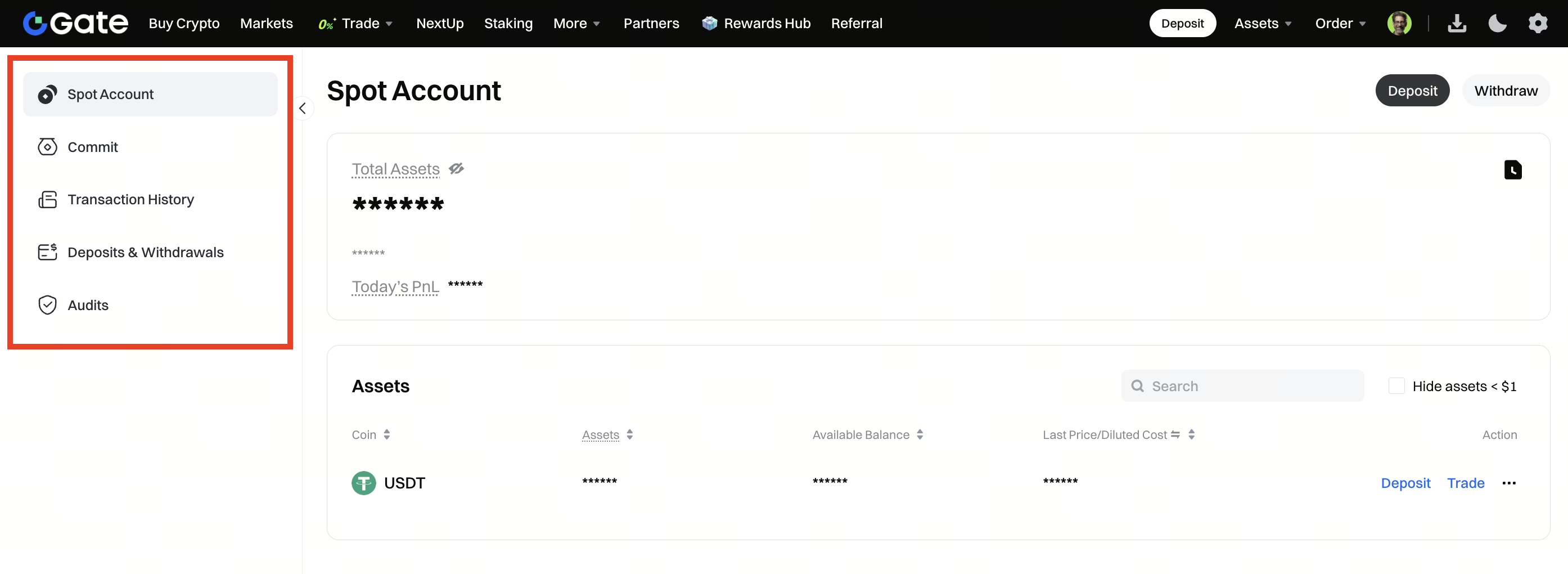
Step 4: Use the left sidebar to access different wallets (Spot, Classic, etc.). You can also click Deposit or Withdraw to manage assets conveniently.
Disclaimer: This is not investment advice. The information is provided for informational purposes only and should not be construed as a recommendation to buy, sell or hold any asset. Cryptocurrency trading involves a risk of loss. Gate US services may be restricted in certain jurisdictions. For more information, please see our legal disclosures: https://us.gate.com/legal/disclosures
