
Question 1: How to Make Your First Purchase with Gate Card
1. Get ready
- Make sure your card is active, unfrozen, and has enough balance for the purchase and any fees. To add funds or link a wallet, see the setup guide .
2. Choose a payment method
- Card details online: At a checkout that accepts Visa, enter your card number, expiration date, CVV, and any required billing information. Find your card details under View Details on the website or Card Details in the app.
- Online wallet payments: If checkout offers Apple Pay or Google Pay, select it, choose your linked Gate Card, and follow the prompts.
- In-store wallet payments: At a merchant accepting Visa contactless payments, select Gate Card in your wallet, authenticate as prompted, and hold your device near the terminal. Turn on NFC for Google Wallet.
3. Verify and confirm
- Complete any requested verification, then check the merchant's payment result. Verification alone does not confirm a successful payment.
4. Check your transactions
- On the Gate Card page, check Transactions on the website or Recent Transactions in the app to review the merchant, amount, and status.
Web — Recent Transactions
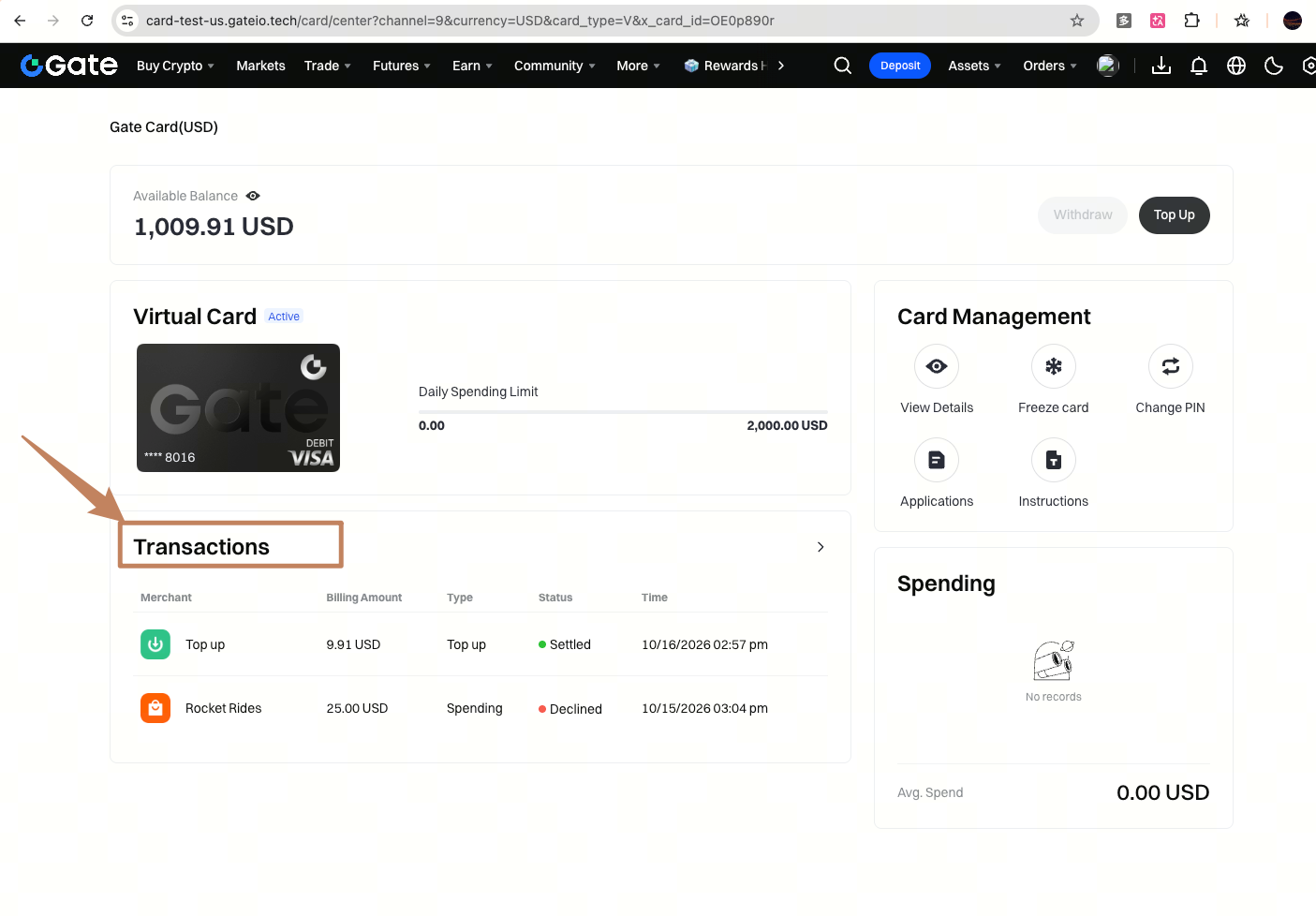
- Payment failed? Check your balance, card status, card details, and merchant acceptance. If the result is unclear, check your order and transaction history before retrying. Contact Gate Support if needed.
Question 2: Where Can You Use Your Gate Card?
Gate Card in the US currently supports Visa . Pay online with your card details, or use Apple Pay / Google Pay at merchants accepting Visa contactless payments and at websites or apps offering the relevant wallet option. Availability depends on merchant, device, wallet, and regional support.
