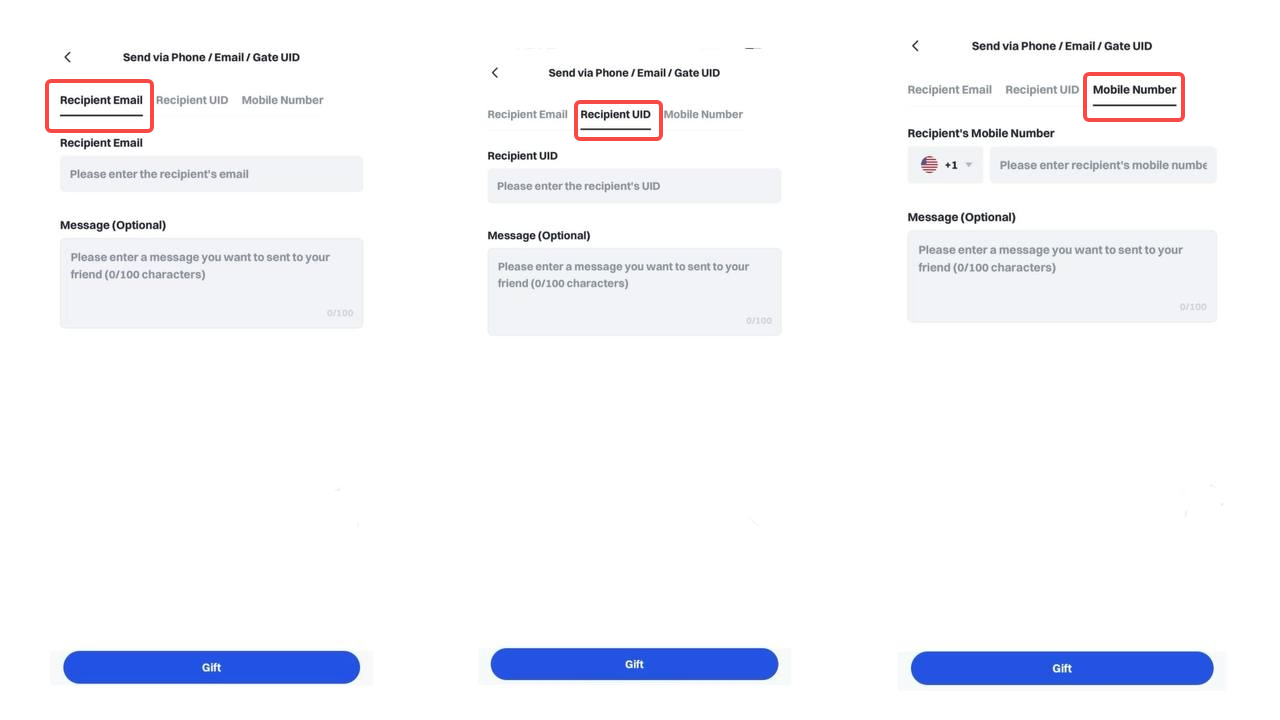
Step 1:
In the Gate app, click the sidebar or the homepage toolbar to access [Gift Cards]
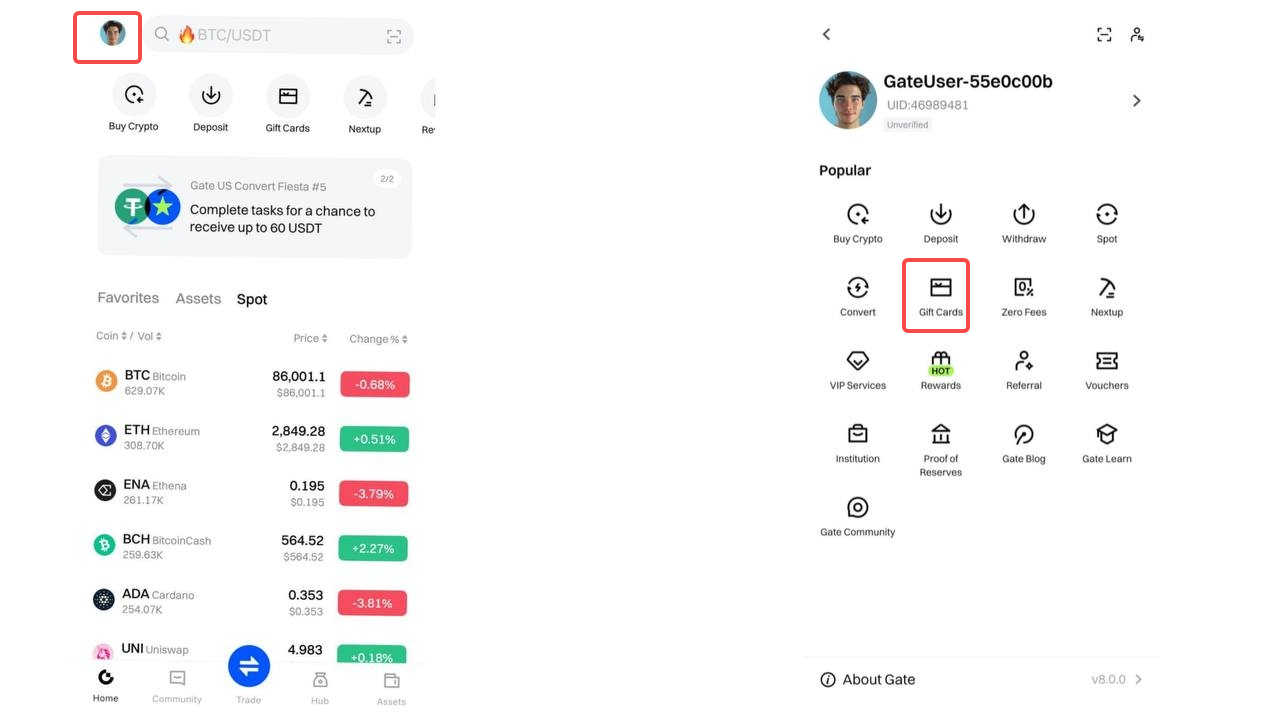
Step 2:
Click [Redeem], choose the gift card you want to send, then click on [Redeem]. There are three methods.
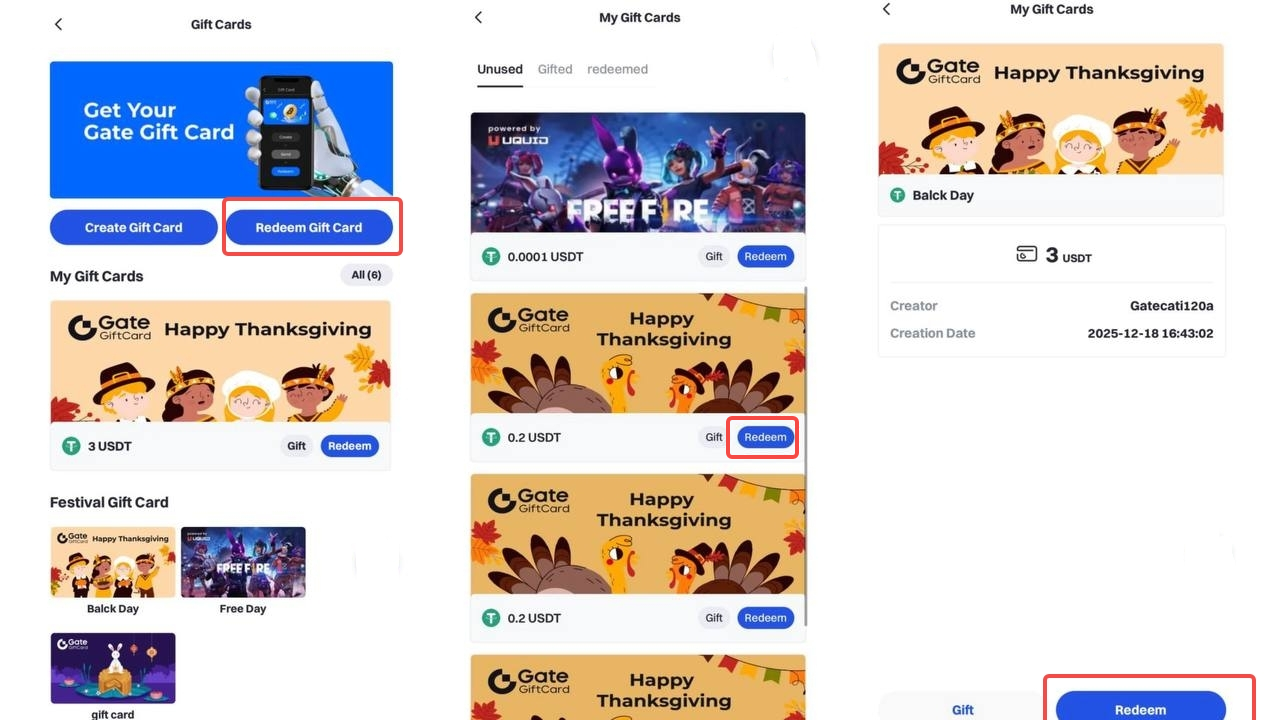
a. Share a code
Click on [Share a code]. Copy the redemption code, send it to the recipient.
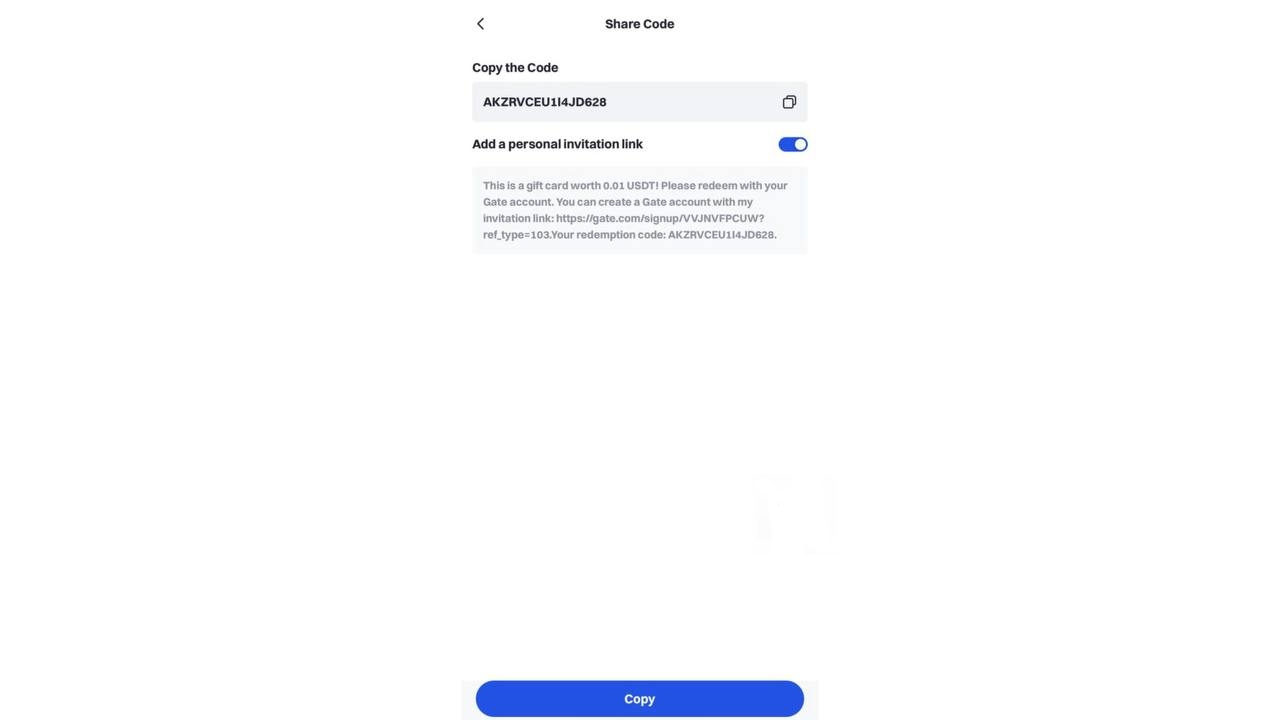
b. Send via Phone, Email, or UID
Click on [Send via Phone, Email, or UID]. Enter the recipient's Gate UID, email, mobile number, and message (please ensure the recipient is a Gate user).