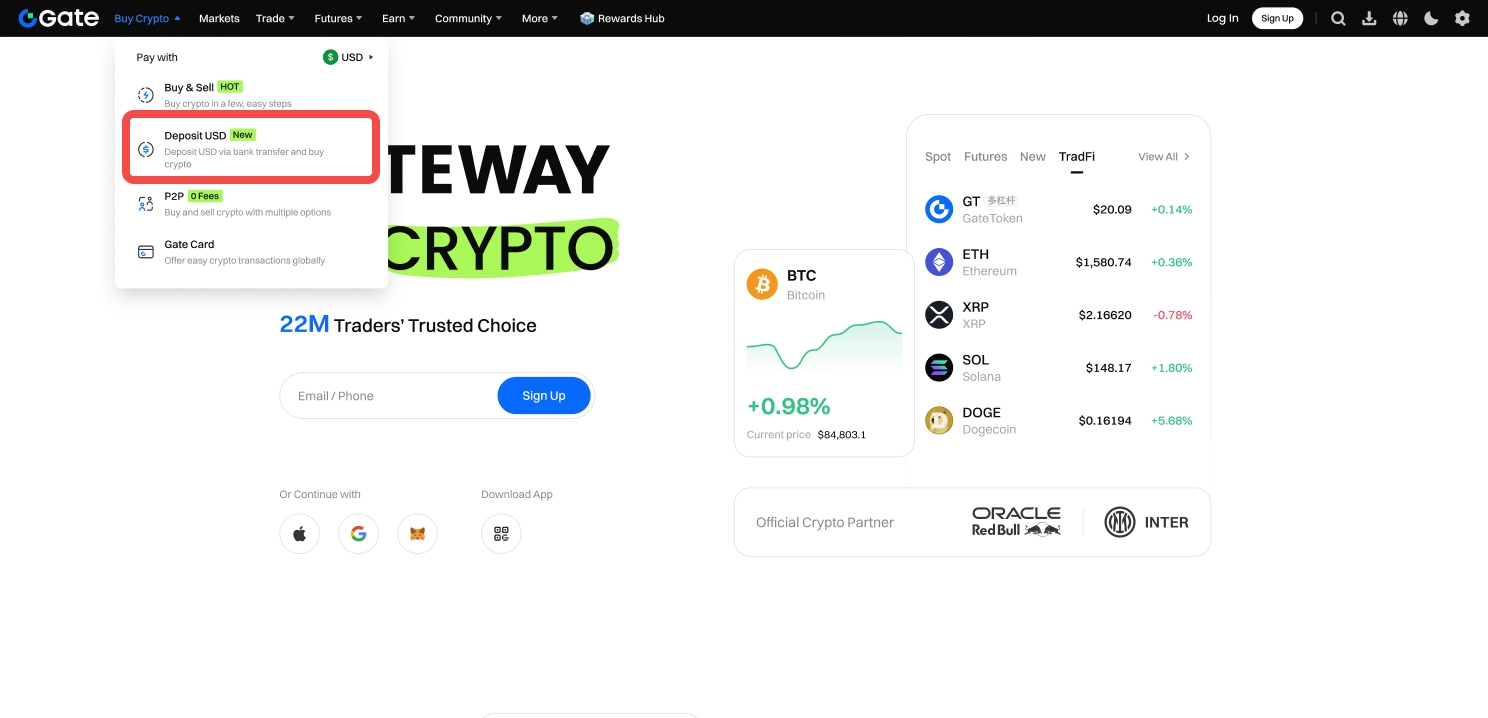
Step 1: Log in to your Gate account and tap [Deposit USD].
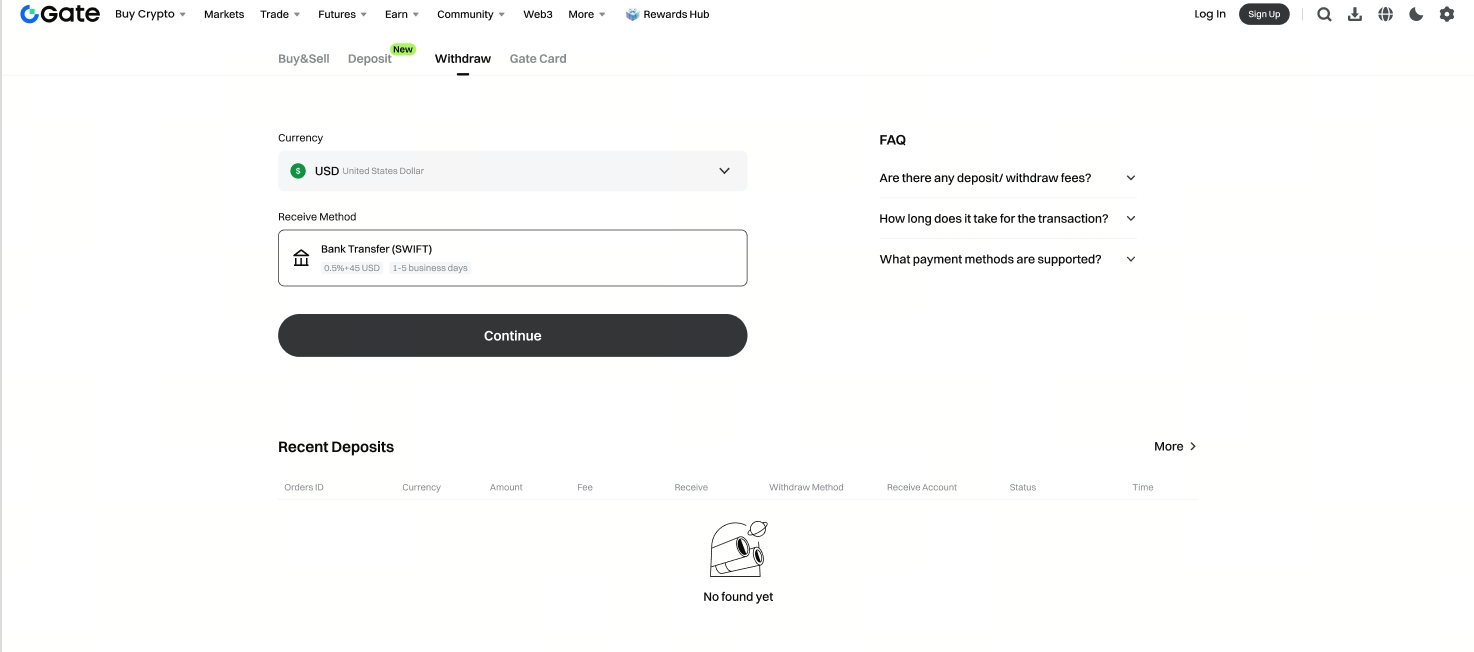
Step 2: Switch to [Withdraw] on the top, and select [USD] from the drop down menu. The system will automatically select [Bank Transfer(SWIFT)]. Tap [Continue].
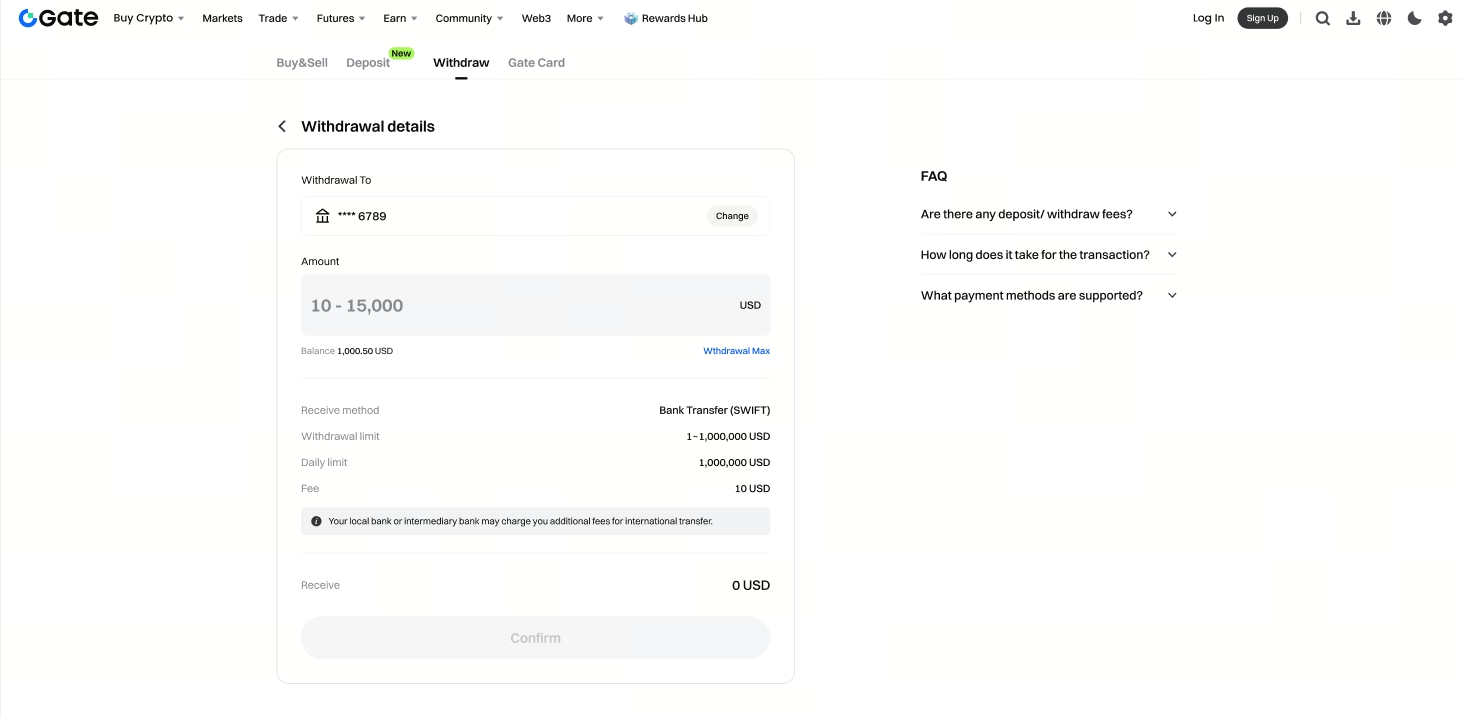
Step 3: Enter the amount you want to withdraw and tap [Confirm].
Please note:
- You can only withdraw to your own accounts.
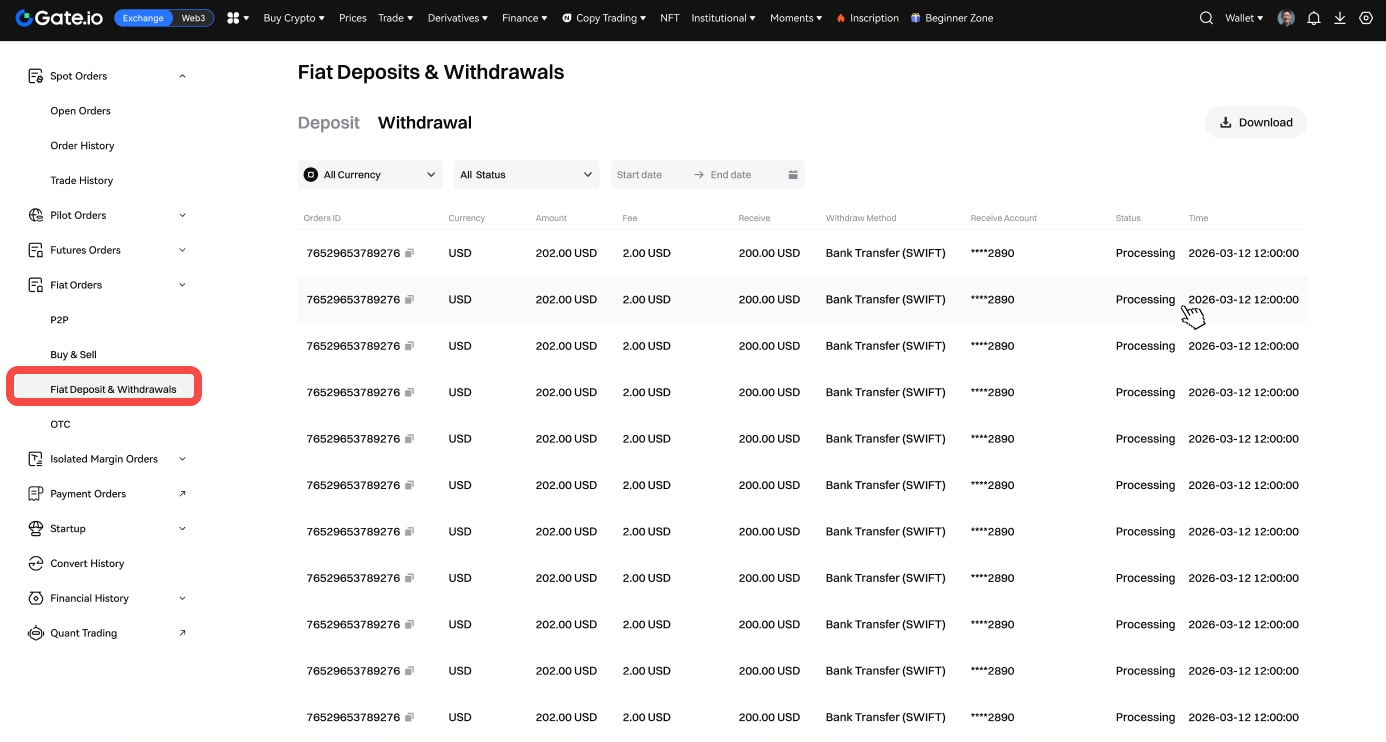
Step 4: Please wait patiently for your bank to process the order. To check the status of your order, go to [Fiat Orders] - [Fiat Deposits & Withdraw].