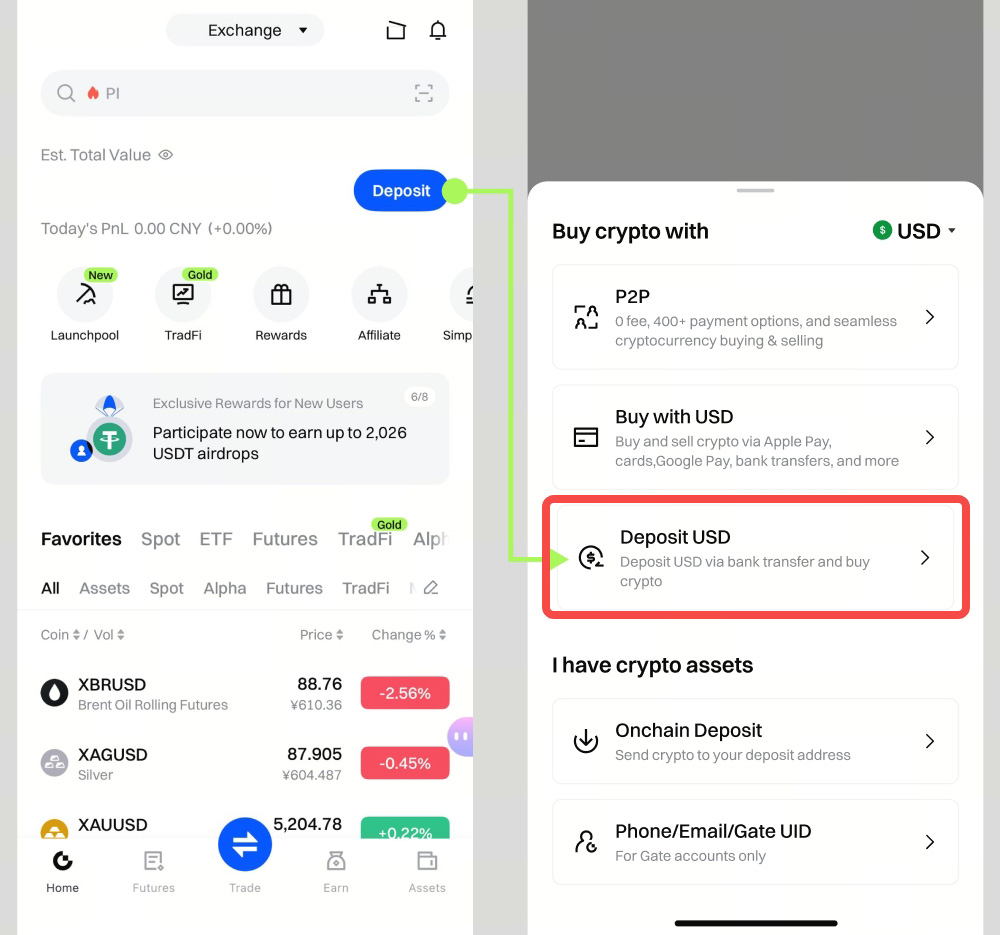
Step 1: Log in to your Gate app and tap [Deposit] - [Deposit USD].
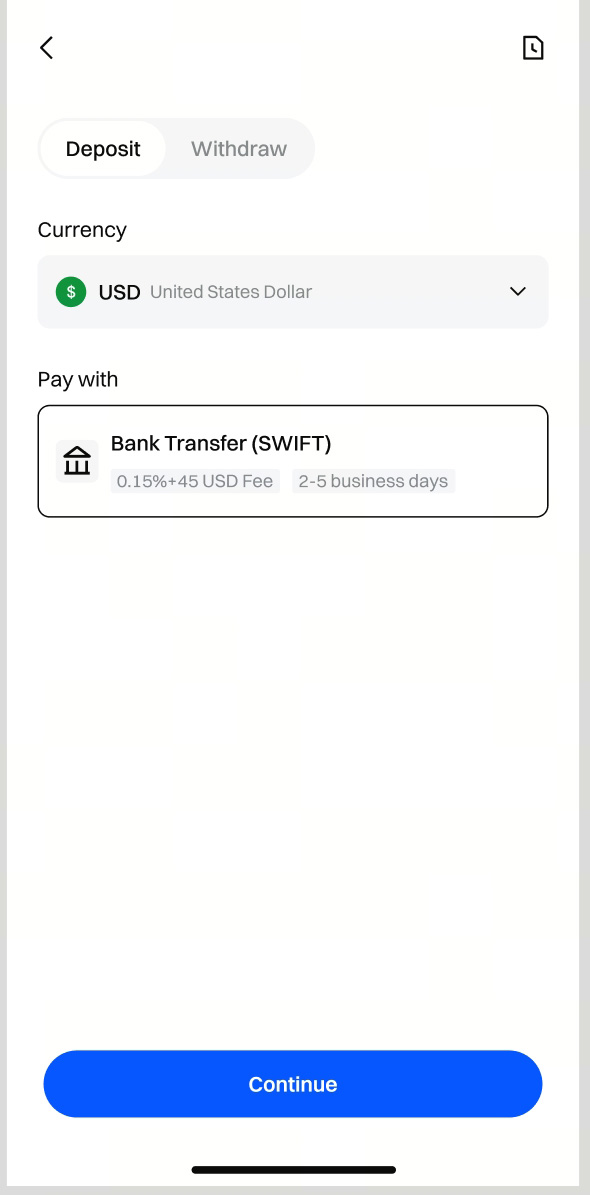
Step 2: Select [Bank Transfer(SWIFT)] as your deposit method.
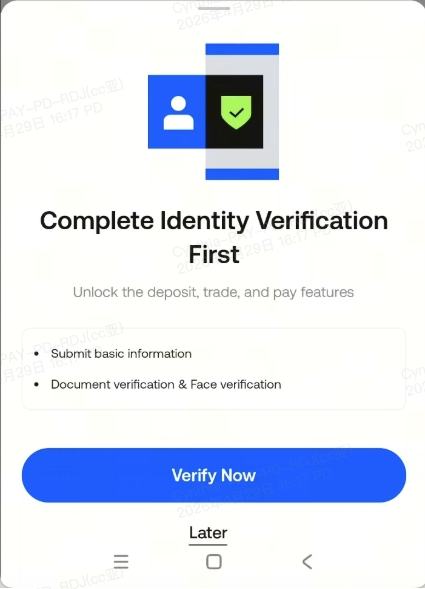
Step 3.1: If you haven’t completed identity verification for your Gate account, you’ll be prompted to do so at this step.
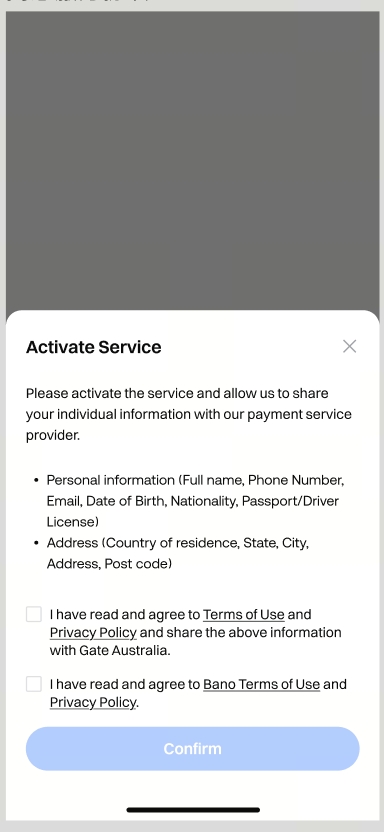
Step 3.2: Follow the instructions to activate the payment service.
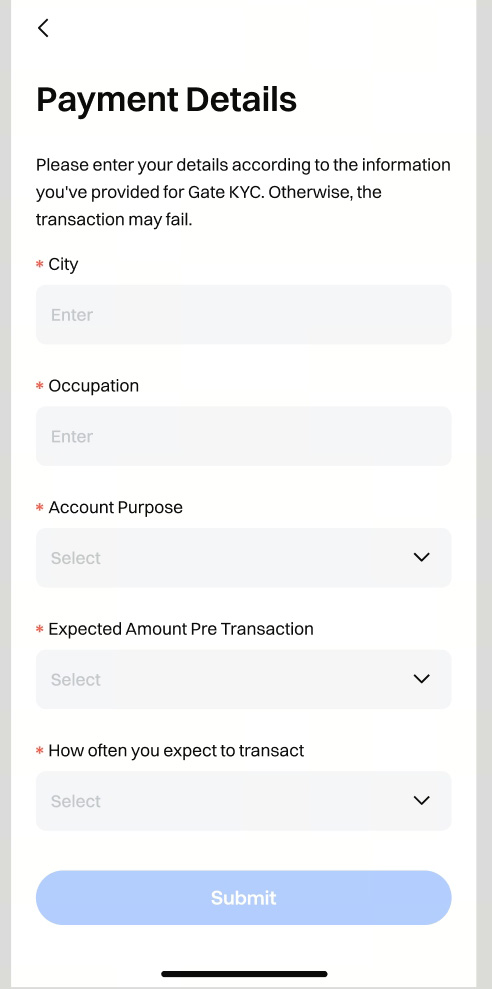
Step 3.3: To meet our payment partner’s requirements, please complete and submit a short form (about 2–3 minutes). After you submit it, the partner will review your information. Once the review is approved, you can proceed with your deposit.

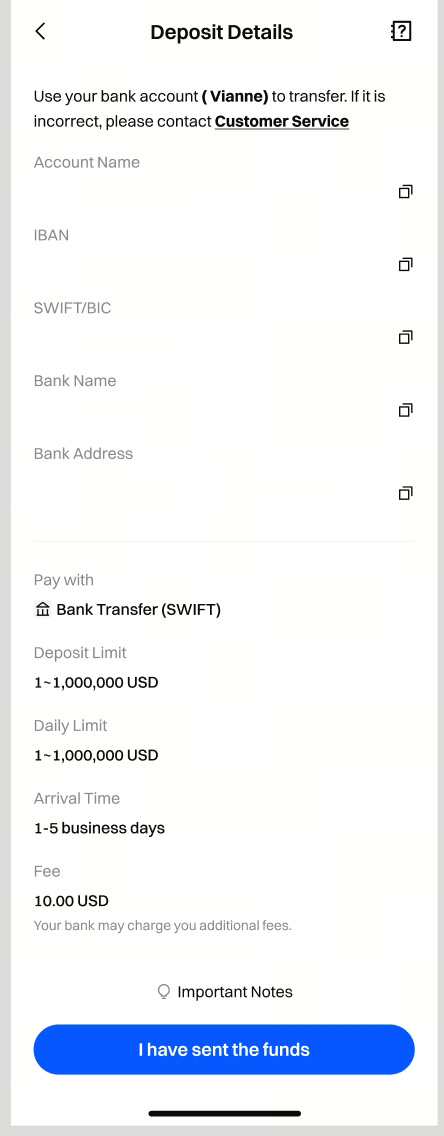
Step 4: Please send the funds to the bank information on this page. Once completed, tap [I have sent the funds].
Please note:
- Your bank account name must match the name registered to your Gate account.
- Please deposit at least 100 USD. Any amount below 100 USD will cause the transaction to fail.
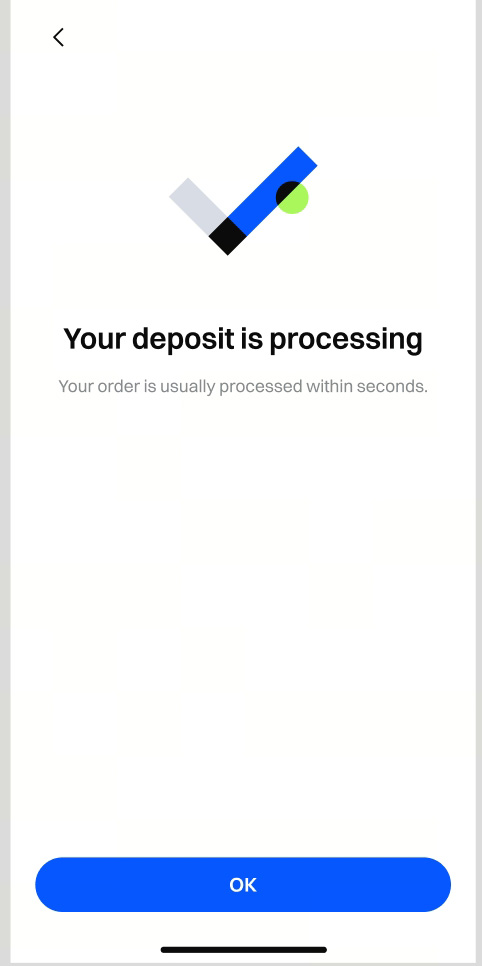
Step 5: After the transfer completes, the funds will appear in your Spot Account immediately.