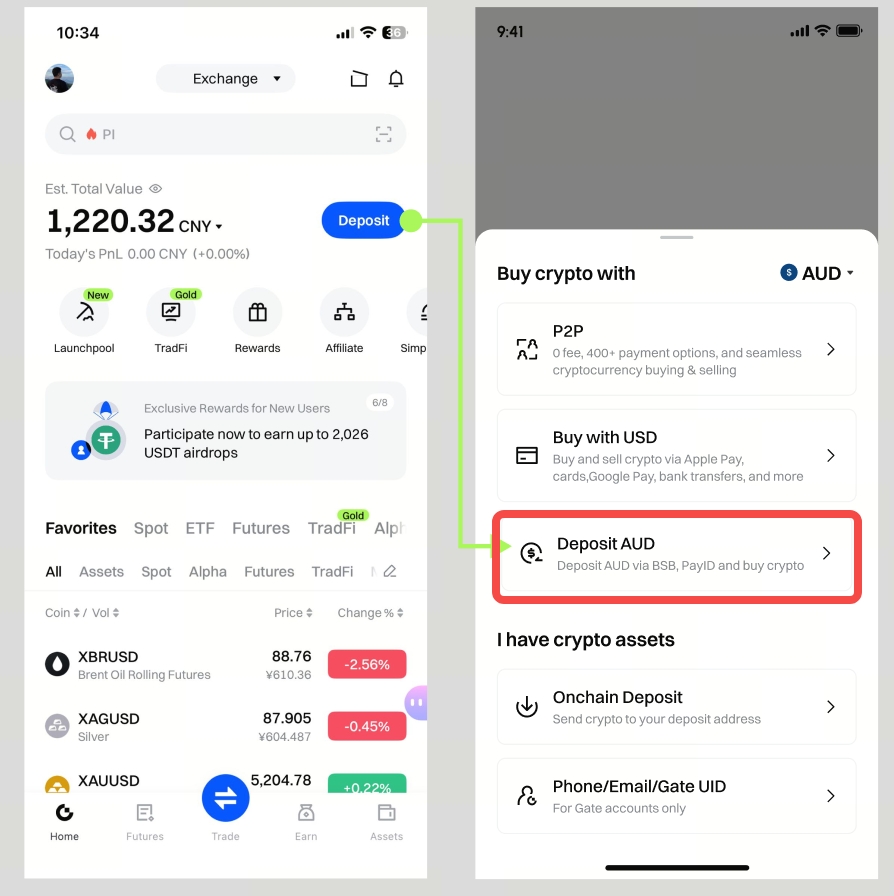
Step 1: Log in to your Gate app and tap [Deposit] - [Deposit AUD].
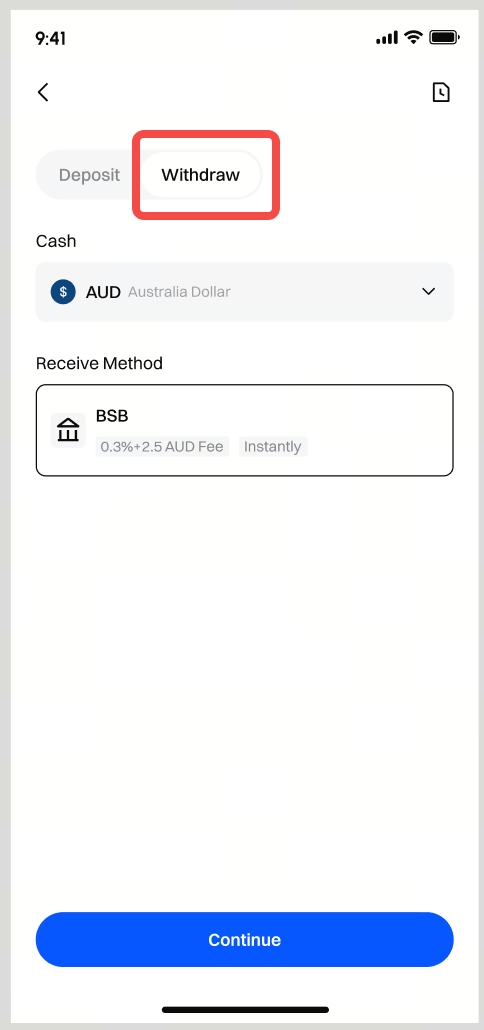
Step 2: Switch to [Withdraw] on the top, and select [AUD] from the drop down menu. The system will automatically select [BSB]. Tap [Continue].
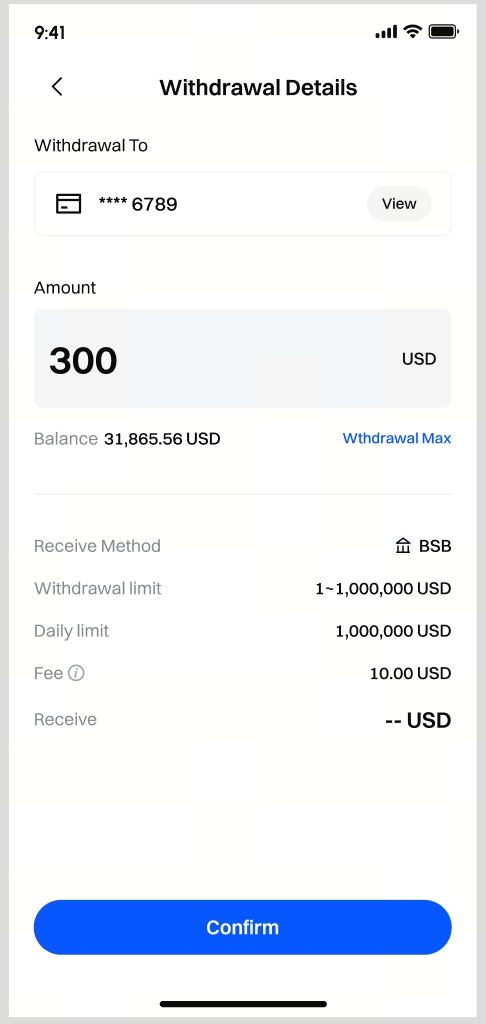
Step 3: Enter the amount you want to withdraw and tap [Confirm].
Please note:
- If this account has not completed a successful fiat deposit yet, please make a deposit first. Withdrawals can only be sent to the same bank account you used for a successful deposit.
- You can only withdraw to your own accounts.
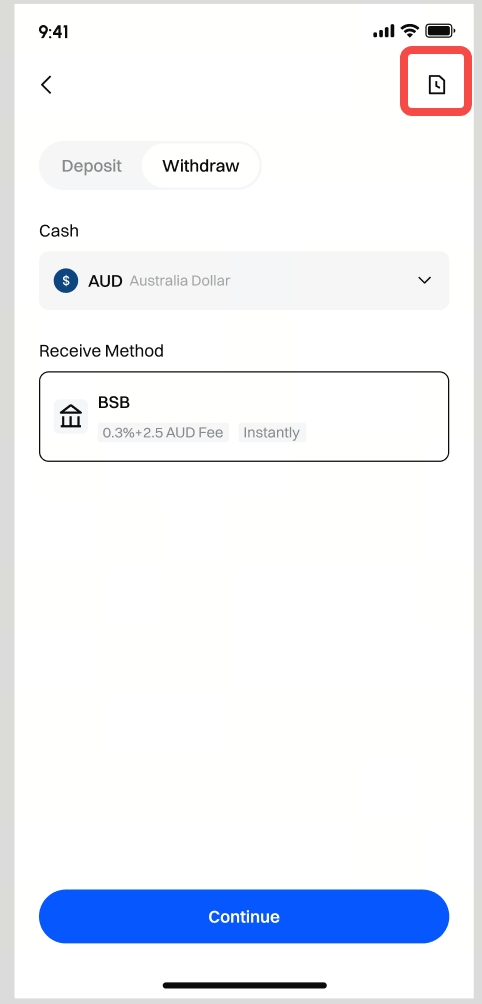
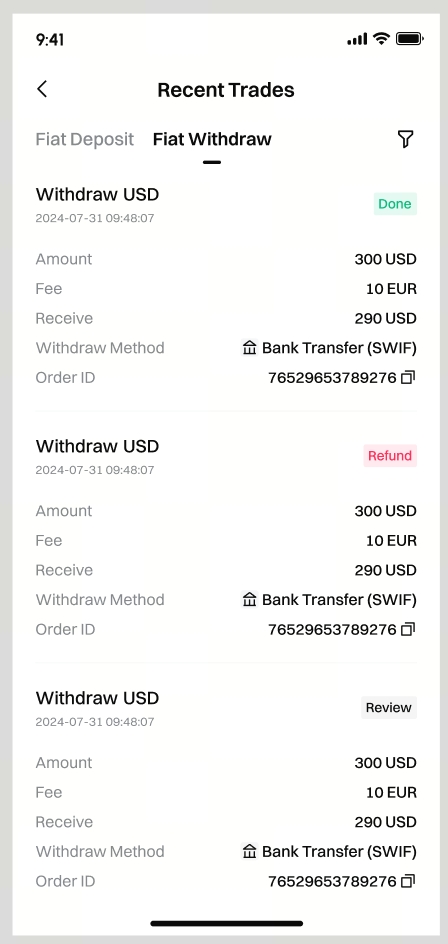
Step 4: Please wait patiently for your bank to process the order. To check the status of your order, go to [Recent Trades] - [Fiat Withdraw].