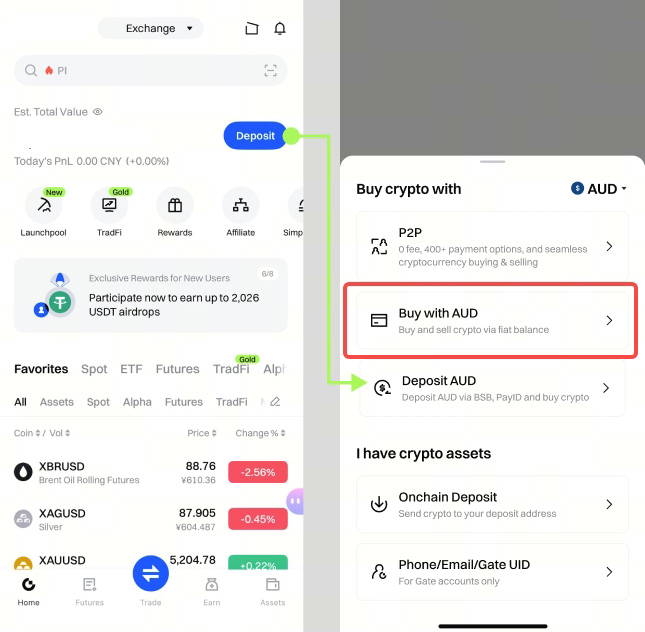
Step 1: Log in to your Gate app. Tap [Deposit] - [Buy crypto with]. Here, we use AUD as an example. You can change the fiat currency using the menu at the top right.
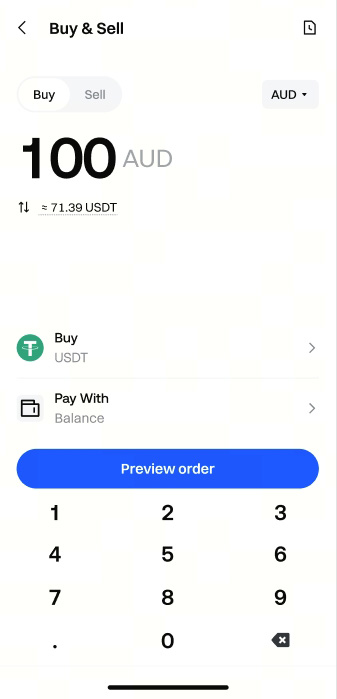
Step 2: Enter the amount you want to spend, and the system will automatically display the amount of crypto you will receive.
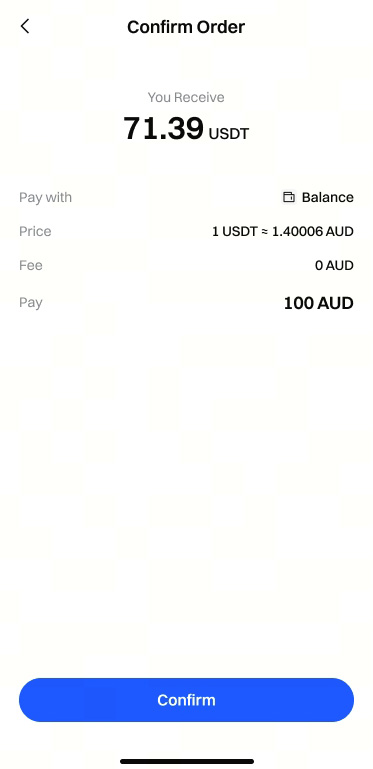
Step 3: Check the payment details carefully before tapping [Confirm]. Please note that at any given time, the price and corresponding amount of crypto may be recalculated automatically.
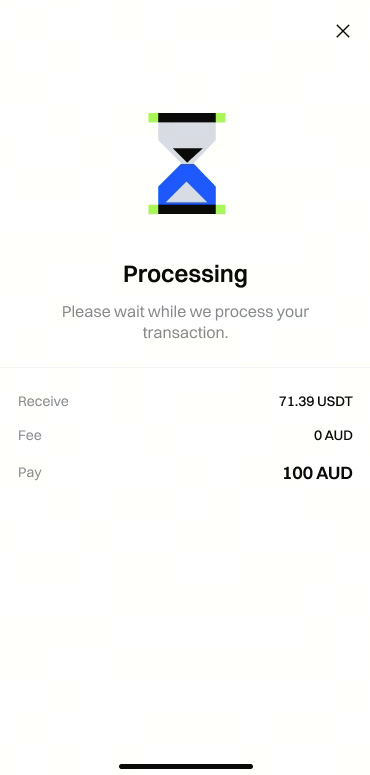
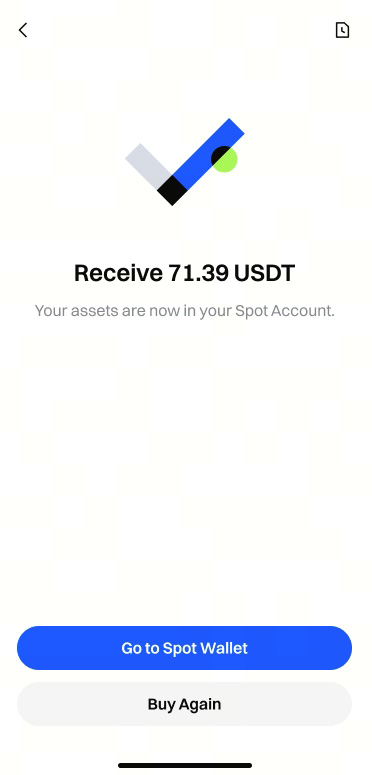
Step 4: Please wait patiently for your order to process. You’ll see the purchased crypto in your account shortly.