Withdraw Fund from Gate
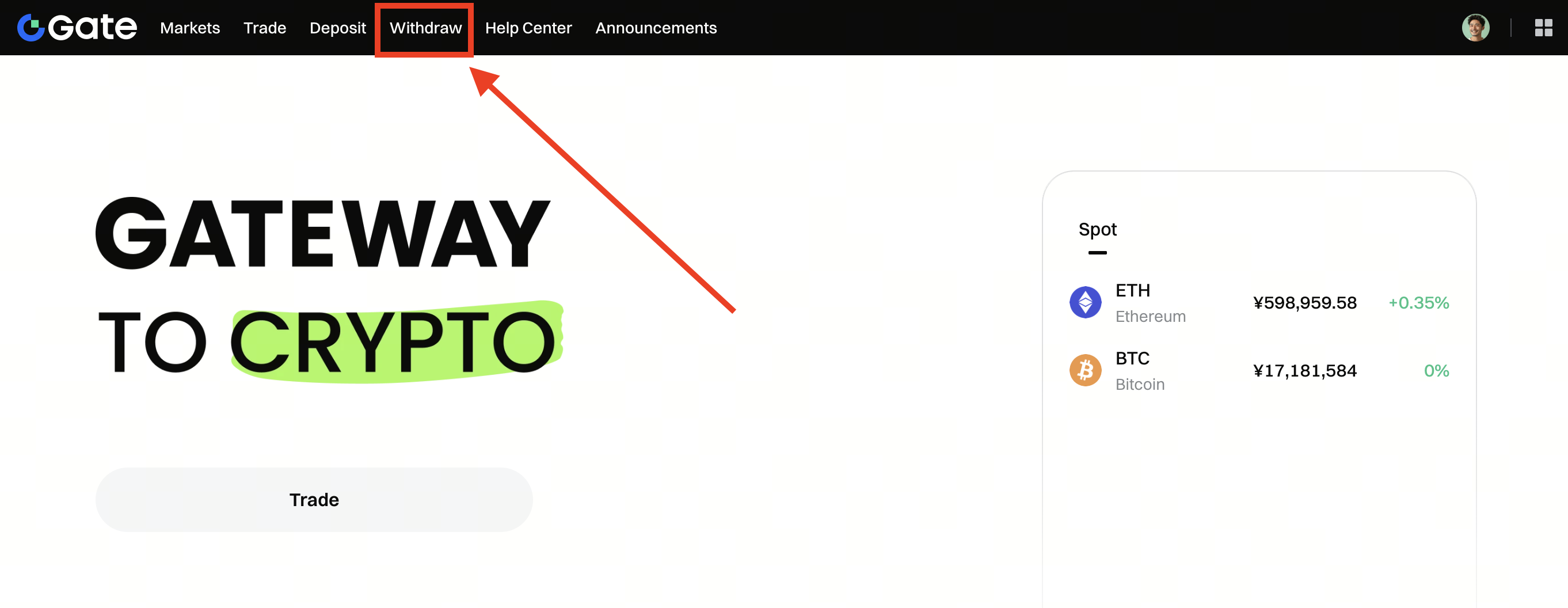
Step 1: Log in to your Gate account.Click Withdraw on the top menu, then select Onchain Withdrawal.
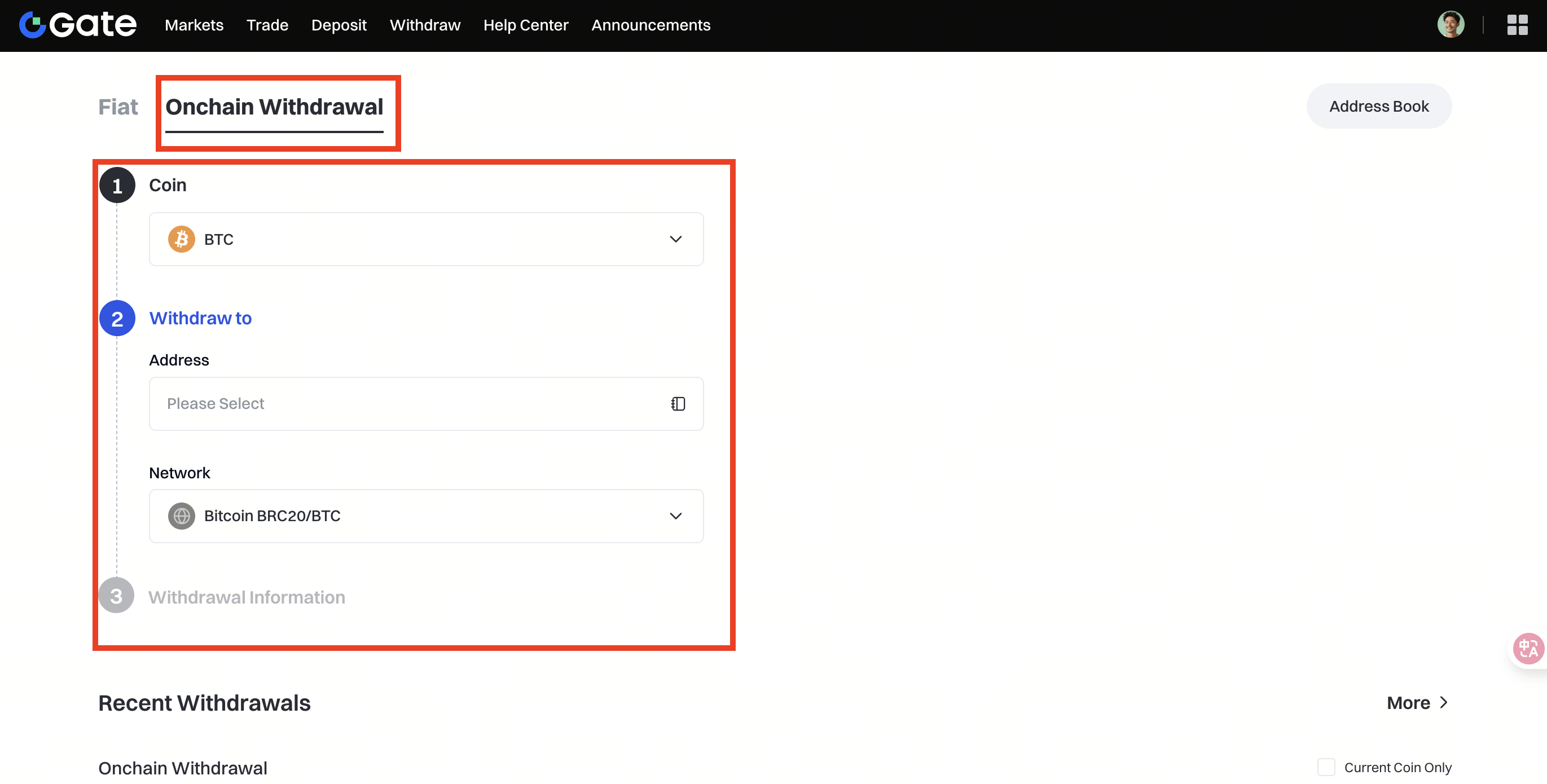
Step 2: Select the coin you want to withdraw in the Coin menu. Then, choose the correct withdrawal network for the asset.
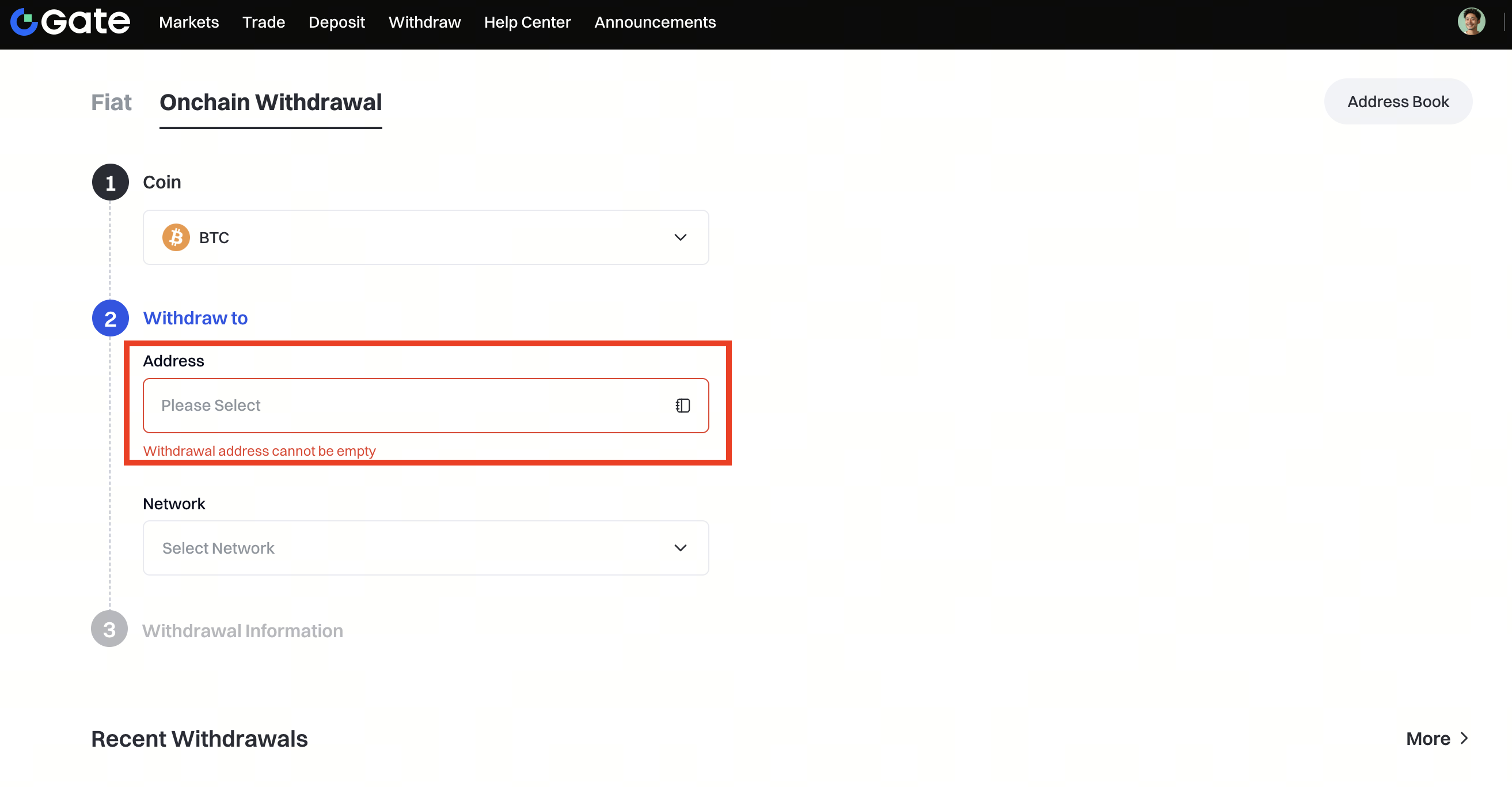
Step 3: Enter the address you want to withdraw to and the withdrawal amount.
Click the Address field - Add Address, then fill in Coin, Address, Network, and optional Address Name (you may also tick Set as a trusted address), click Confirm to save, and finally select the newly saved address from the Address list to proceed.
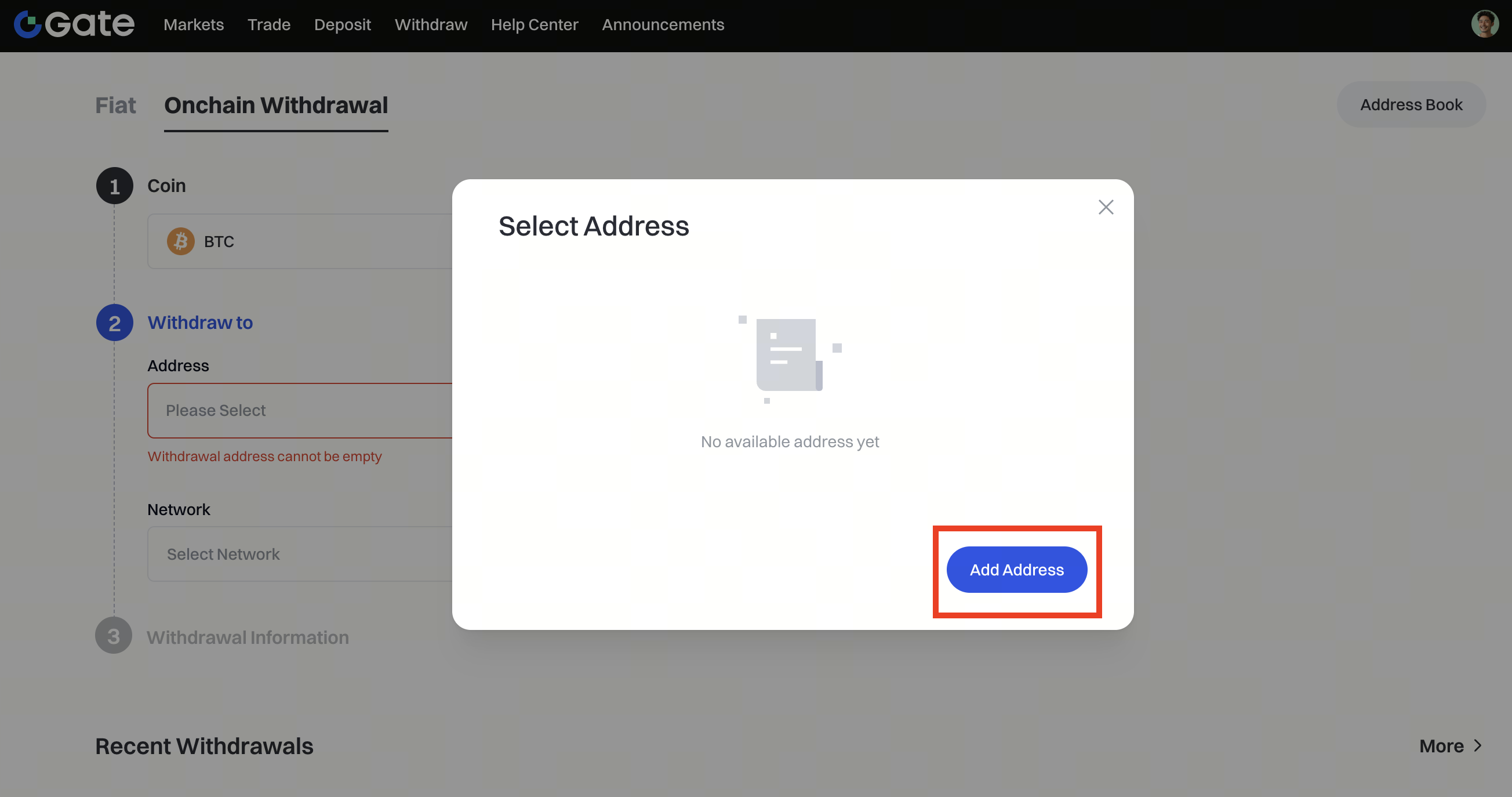
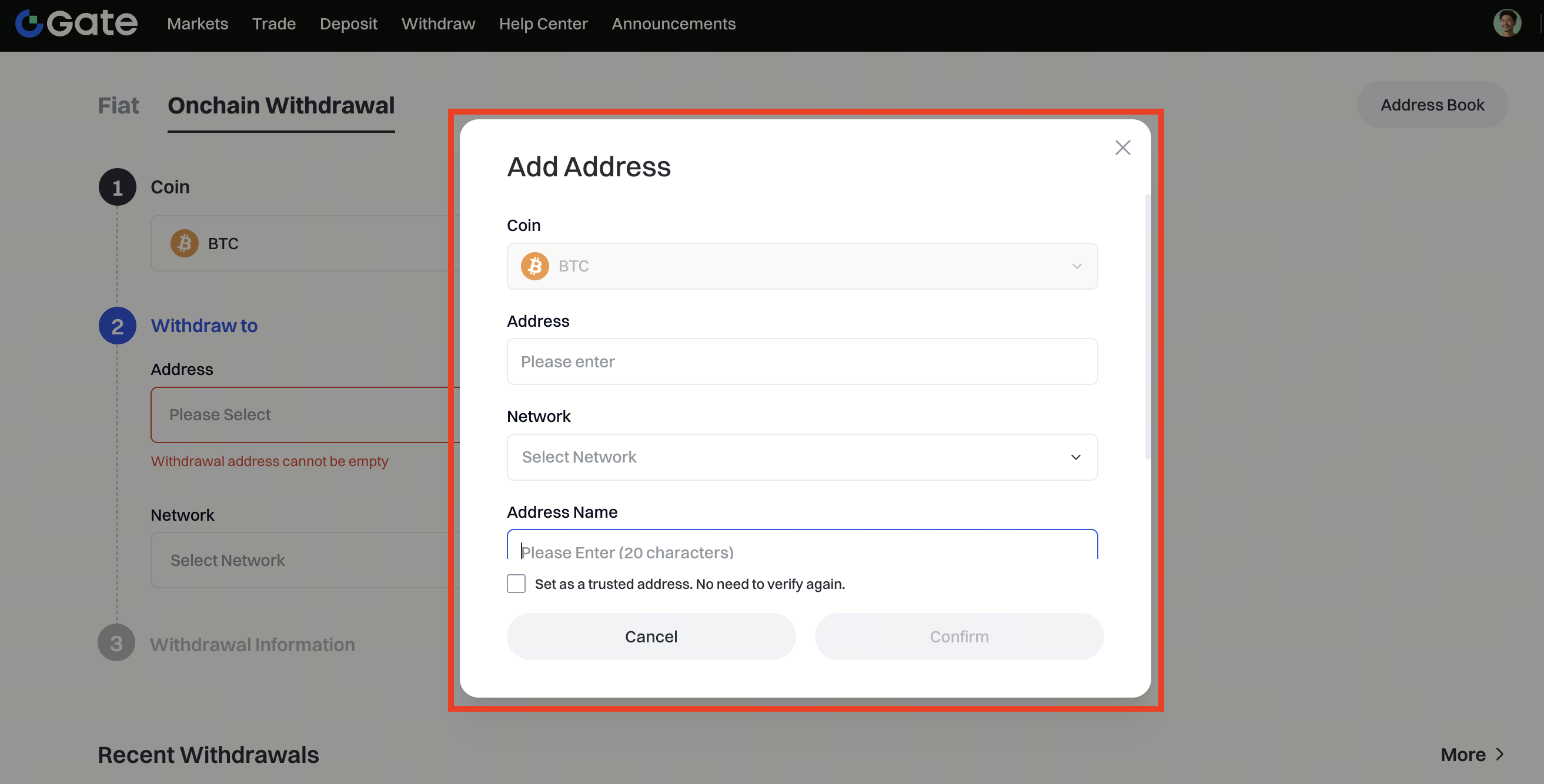
Then click Withdrawal.
Note: The withdrawal blockchain must be consistent with the deposit blockchain you have selected, or the asset cannot be credited and cannot be refunded.
Lastly, enter your fund password and Google verification code to confirm the withdrawal.
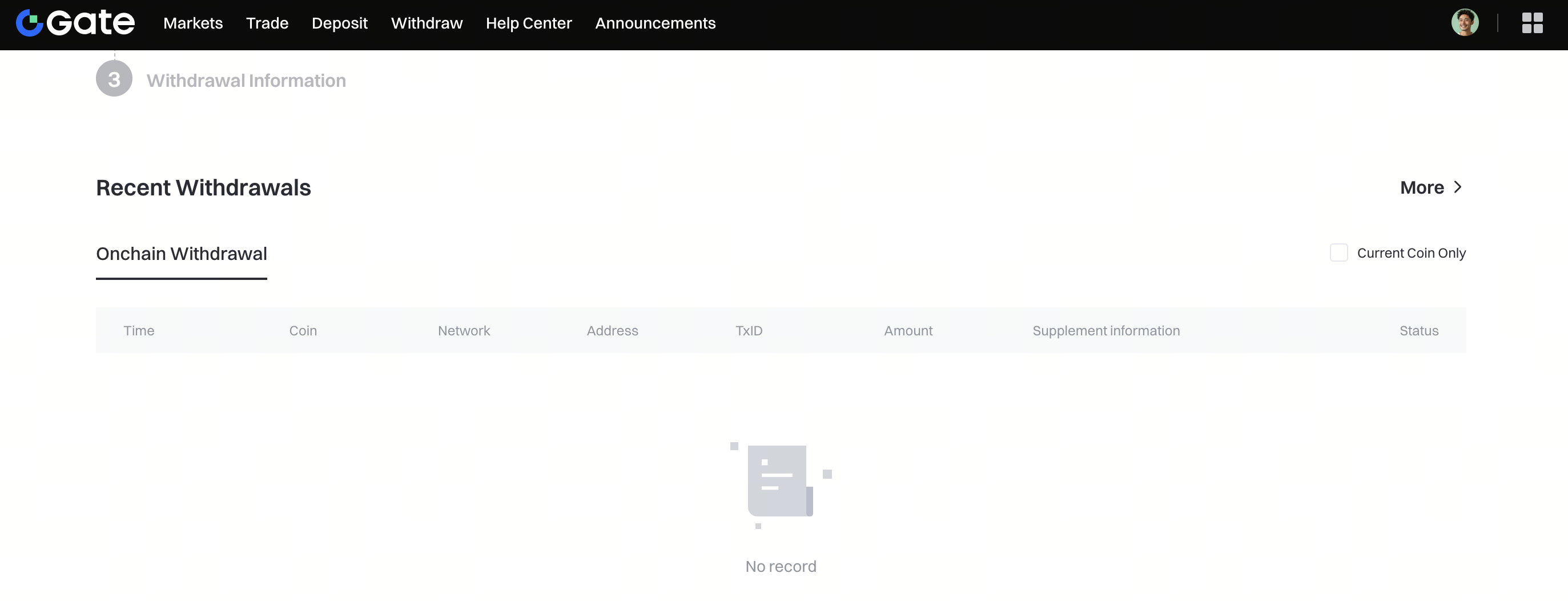
After completing the withdrawal, you can view your withdrawal history at the bottom of the page.