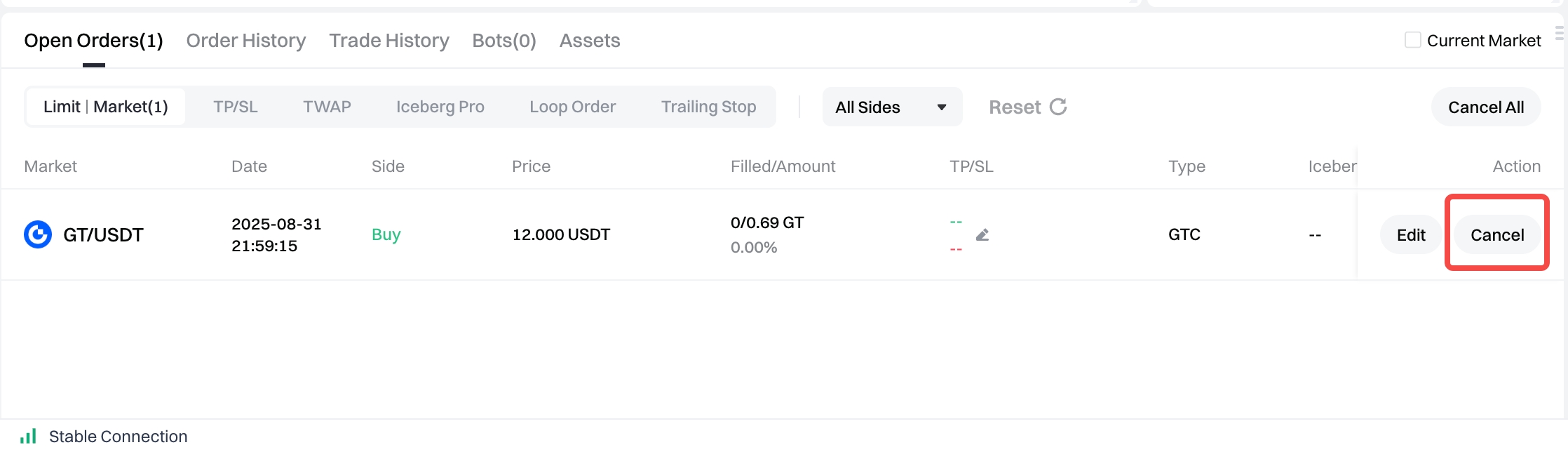
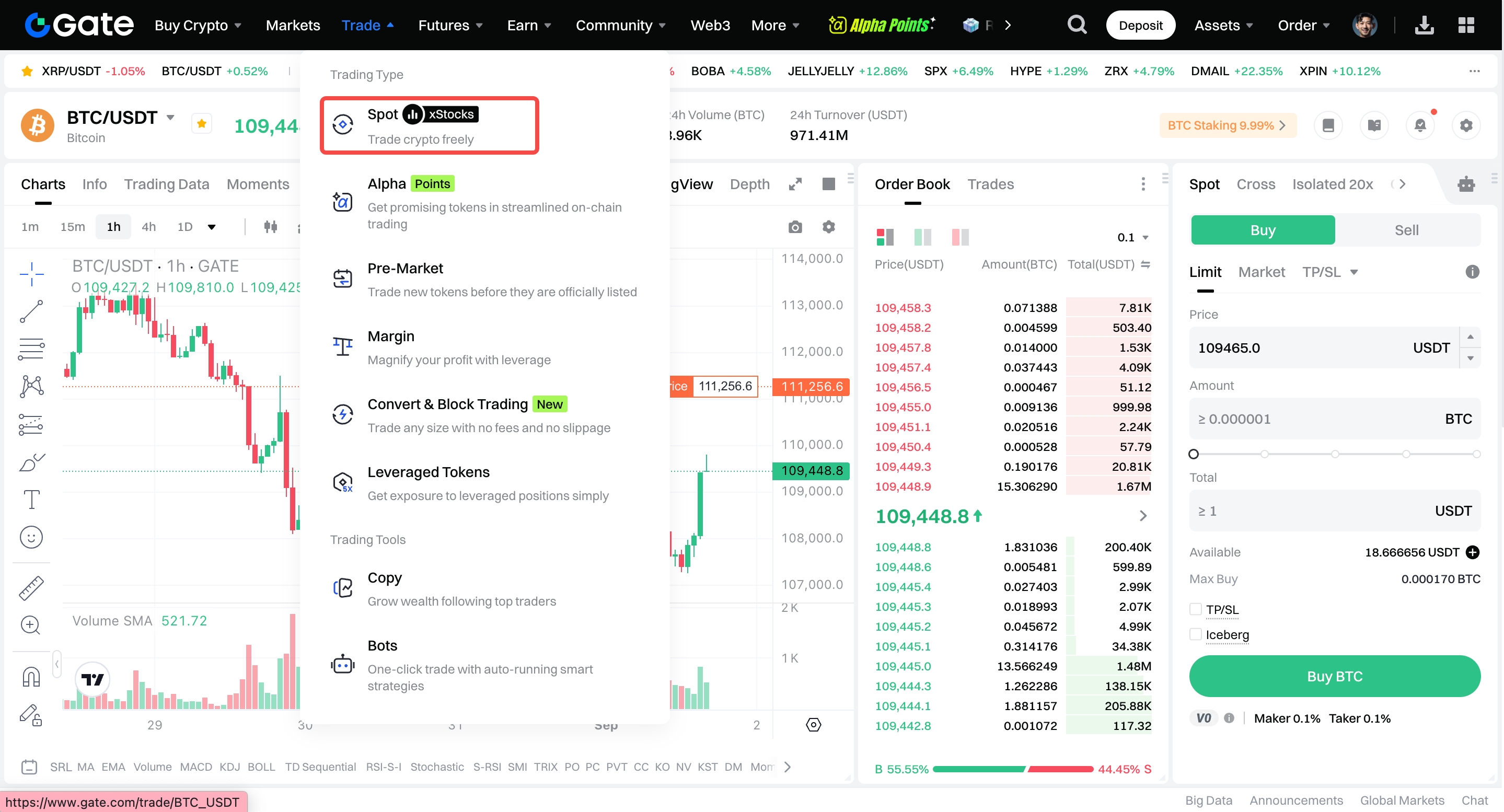
Step 1: Log into your account. Click on "Spot" under "Trade" on the top navigation bar.
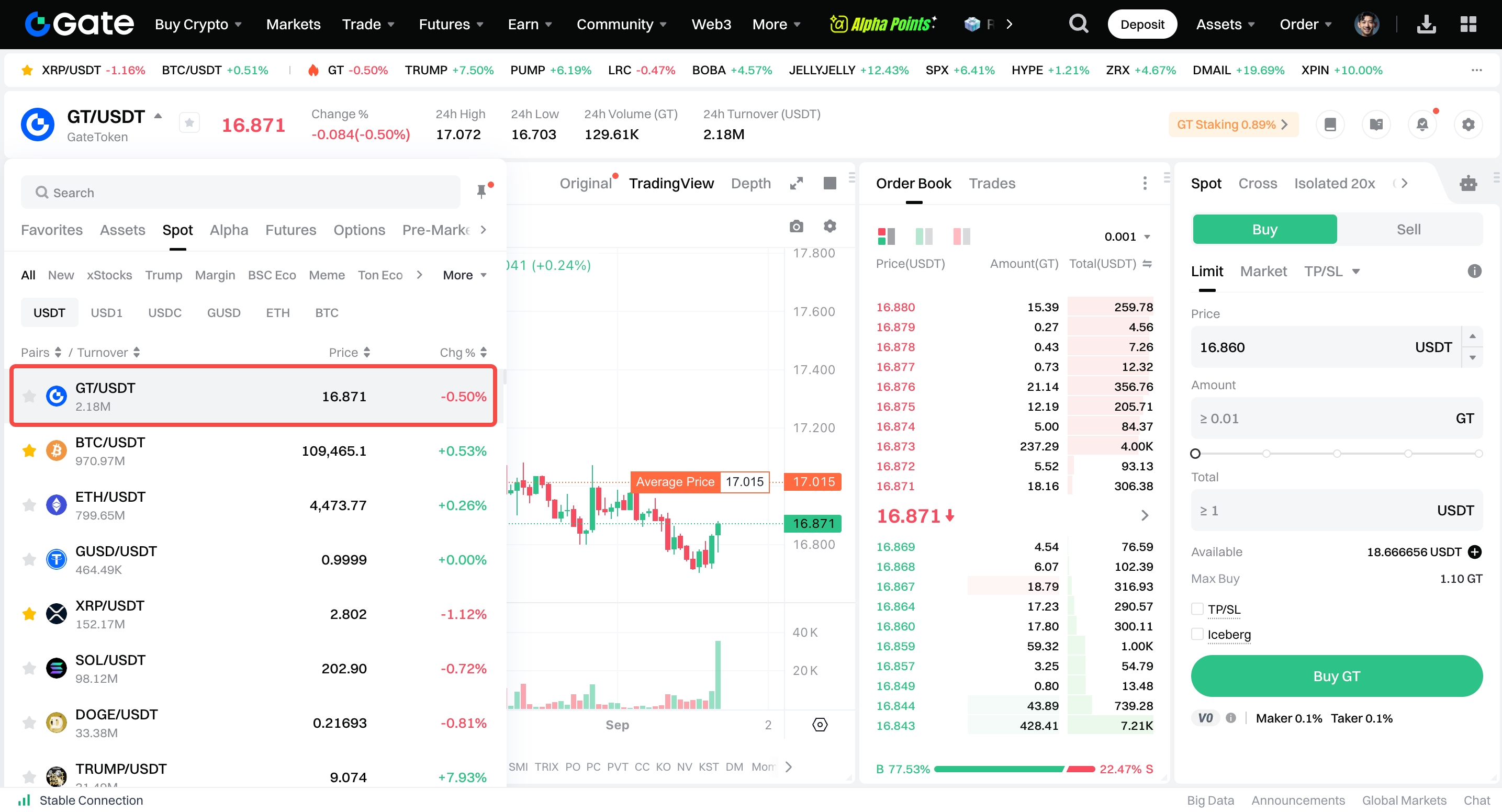
Step 2: Search and enter the pair you want to trade in the Market section on the left.
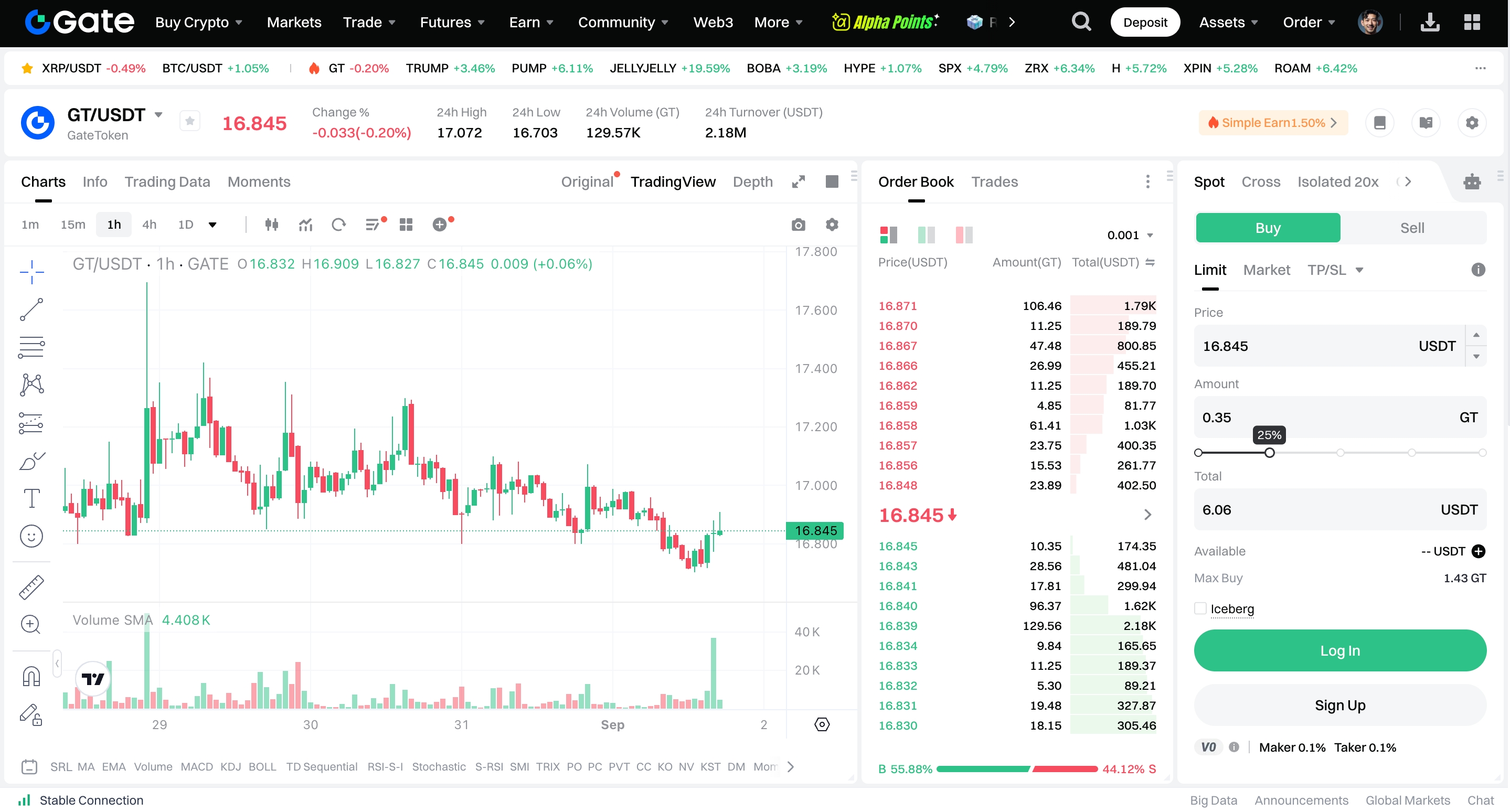
Step 3: Set buy/sell price and buy/sell amount/total under the placing order section on the top right . Then click on "Buy"/"Sell".
(Note: The percentages under the "Amount" box refer to certain percentages of the account balance.)
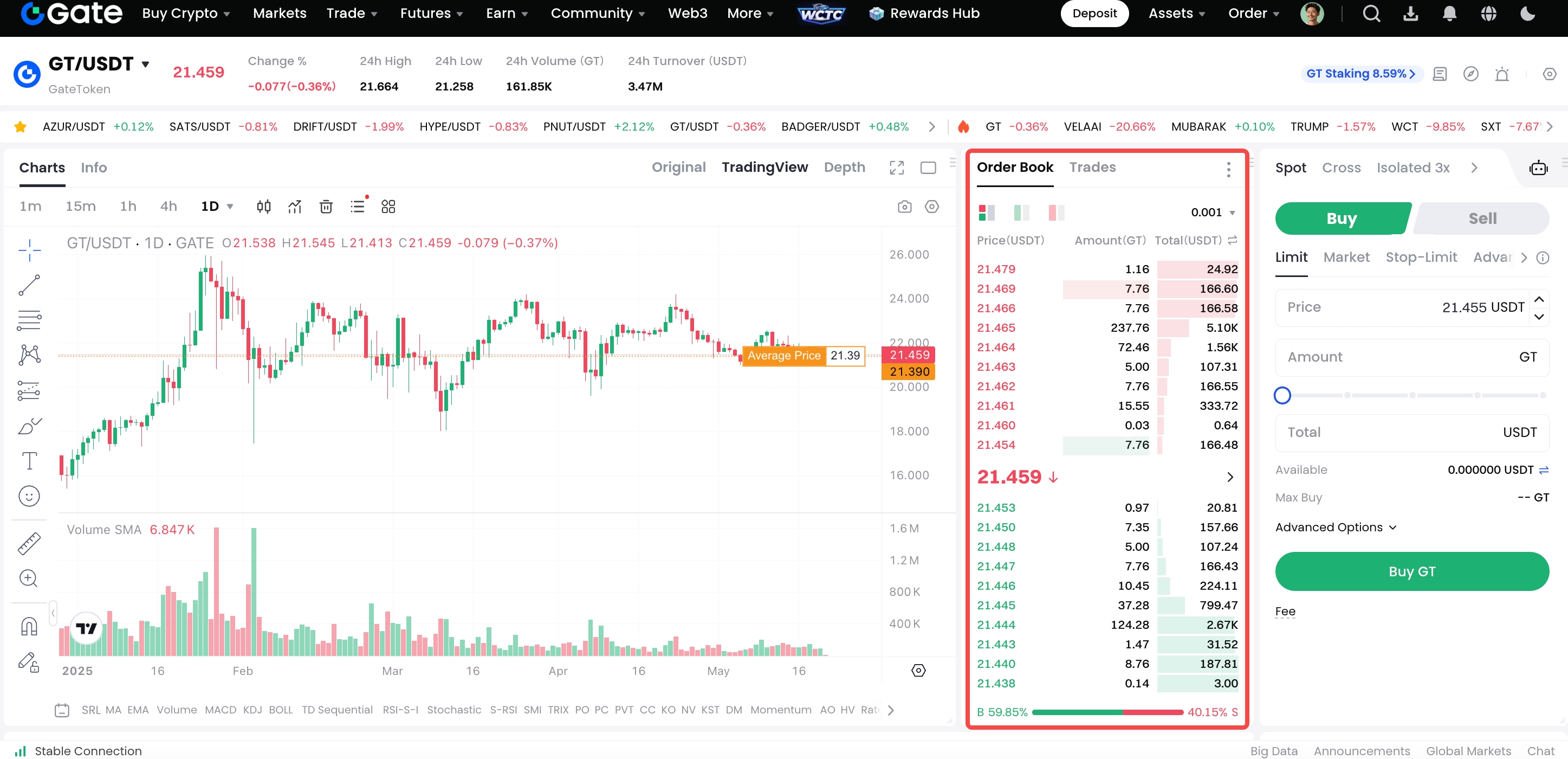
You can click on a price on the order book to set the buy/sell price conveniently or fastly.
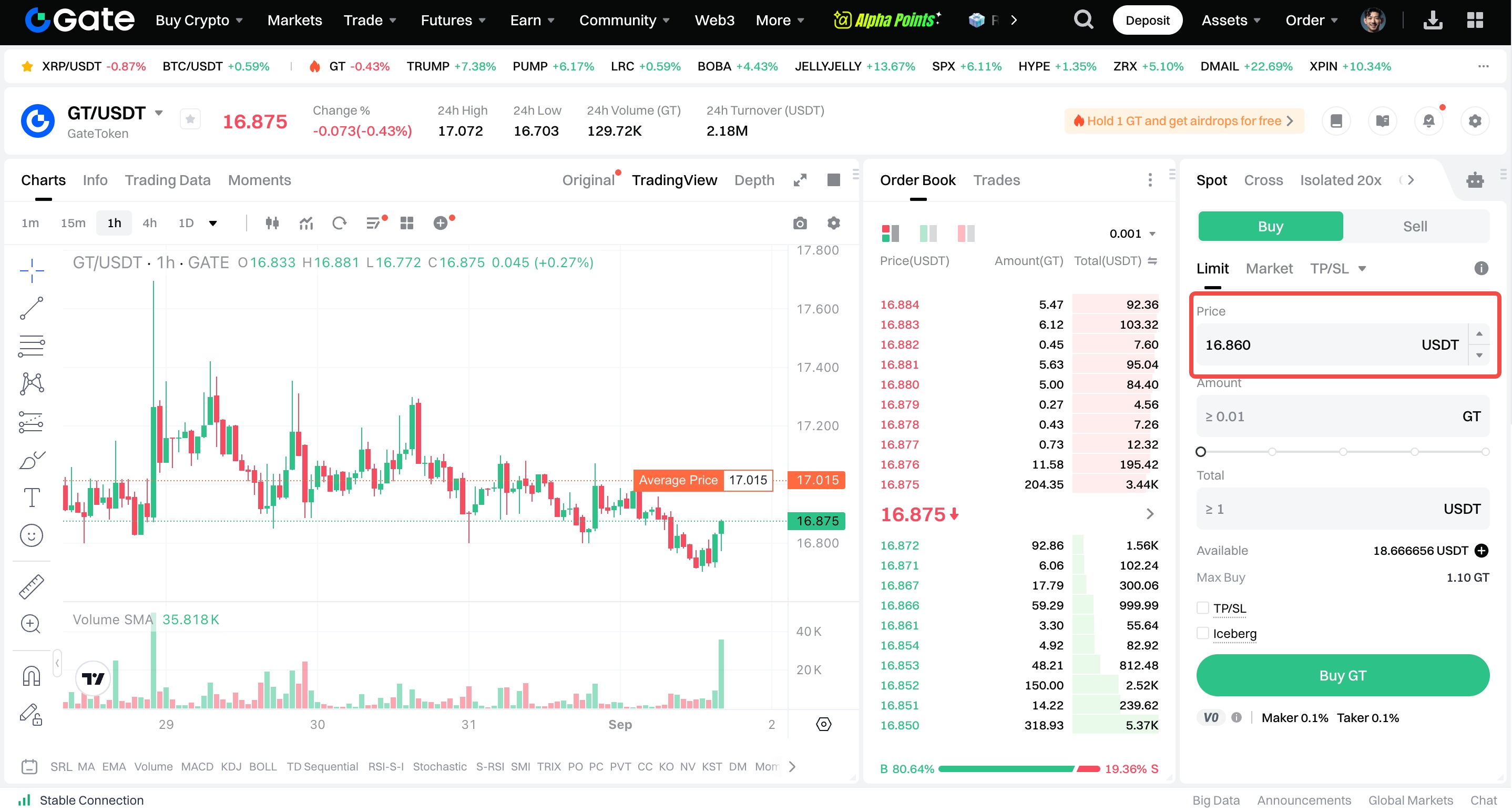
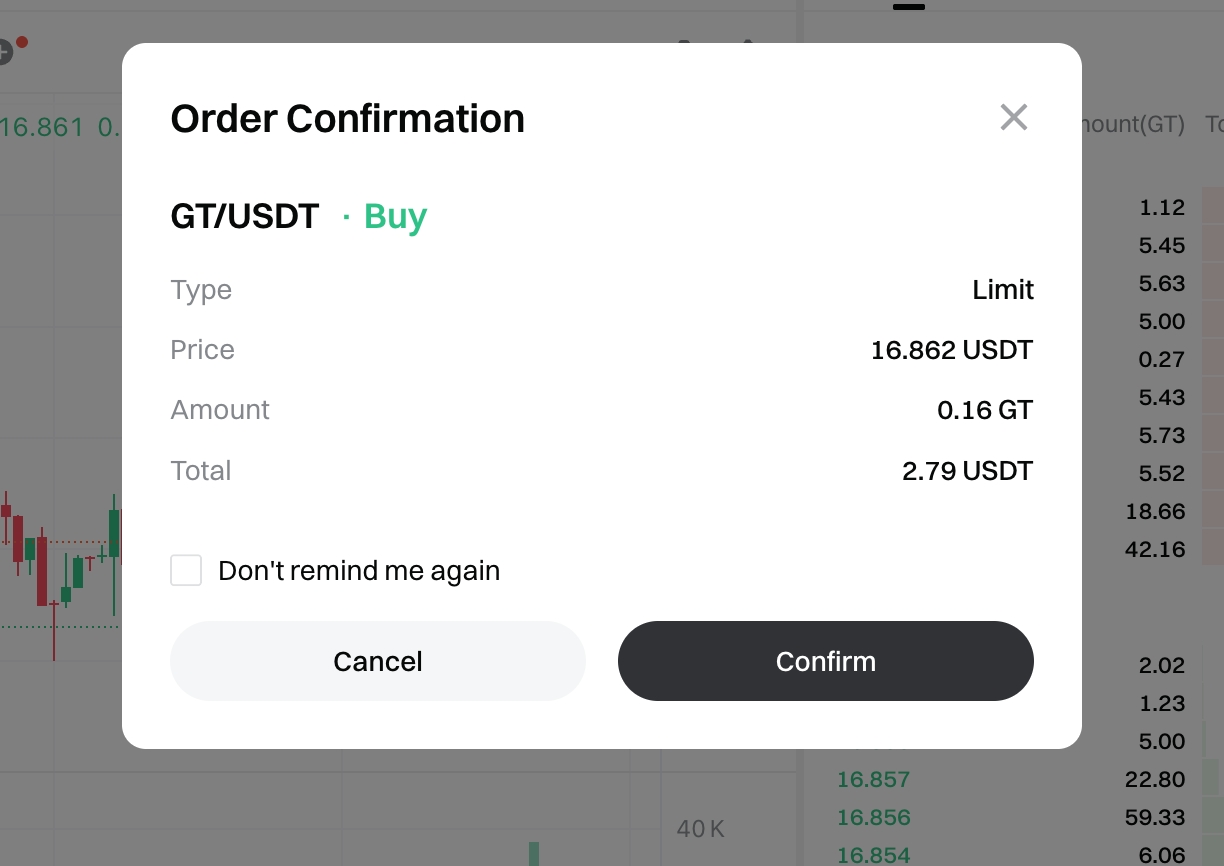
Step 4: Confirm the price and amount. Then click on "Confirm".