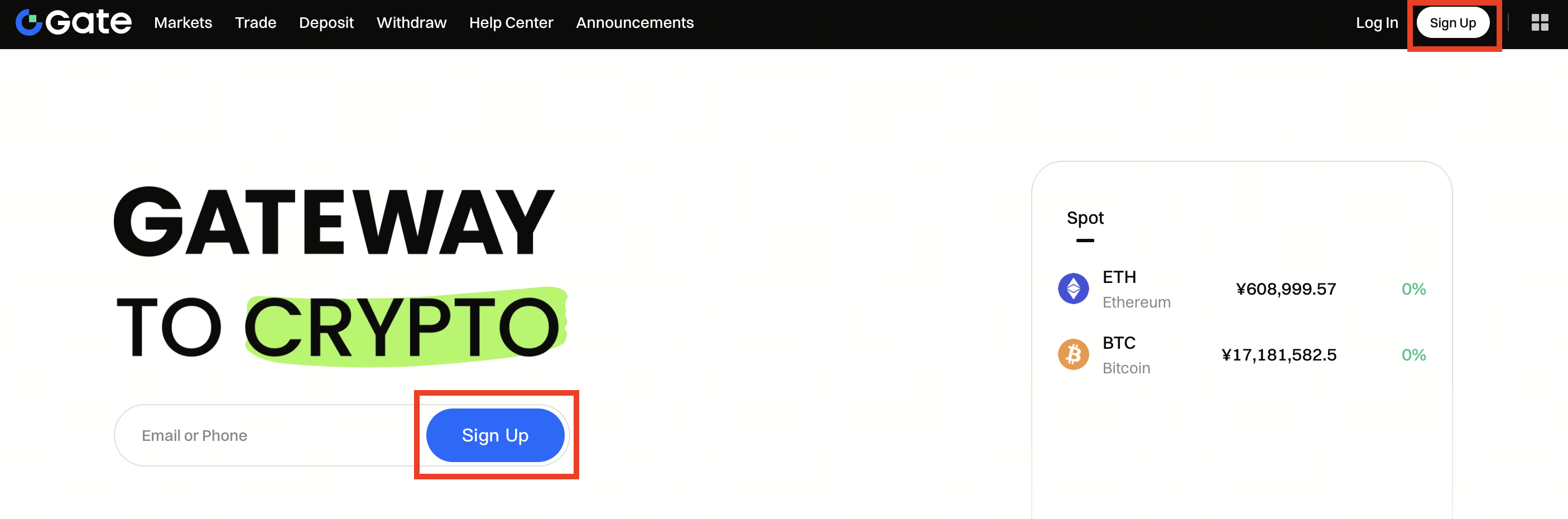
Step 1: Go to Gate website and click on the Sign Up button.
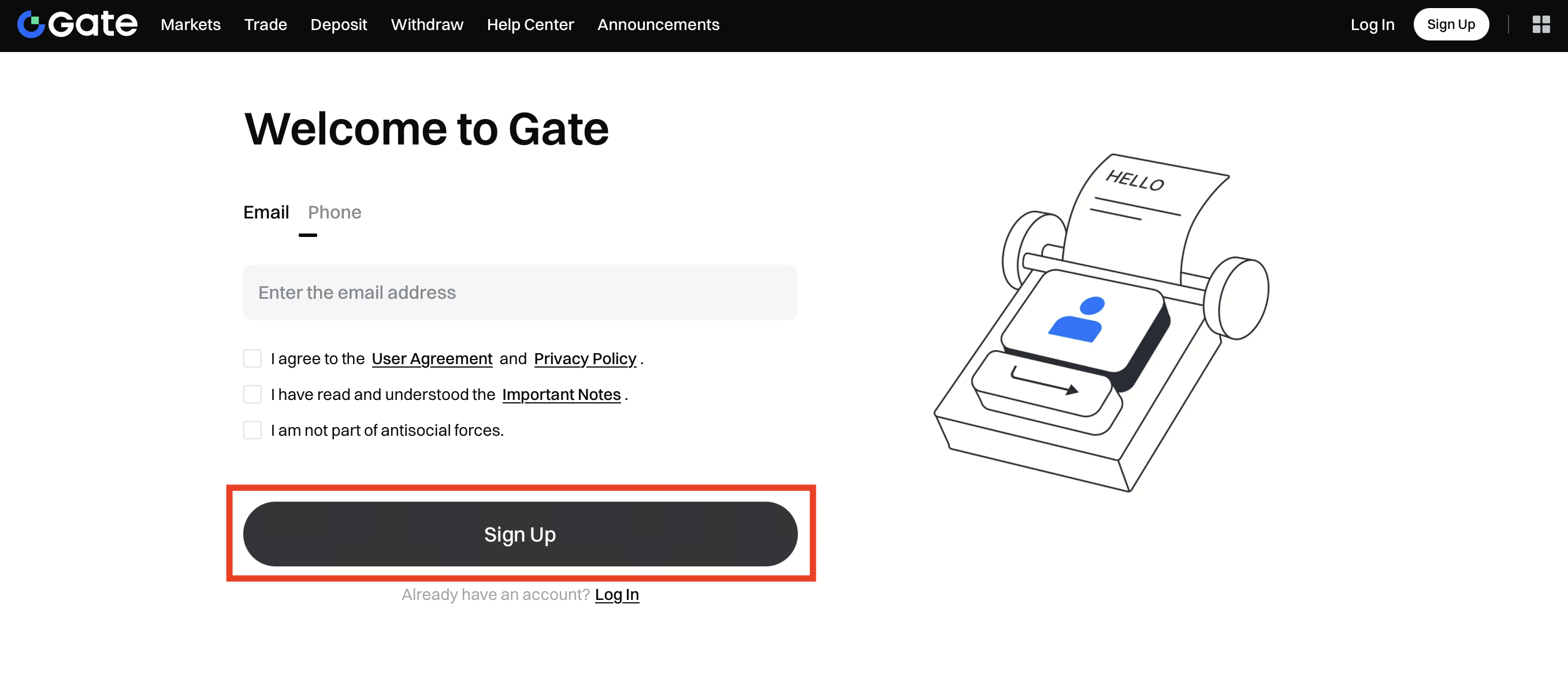
Step 2: On the create account page, choose to register with your Email or Phone number.
Step 3: Provide all required information (email address or phone number). Make sure you accept the User Agreement, then click Sign Up.
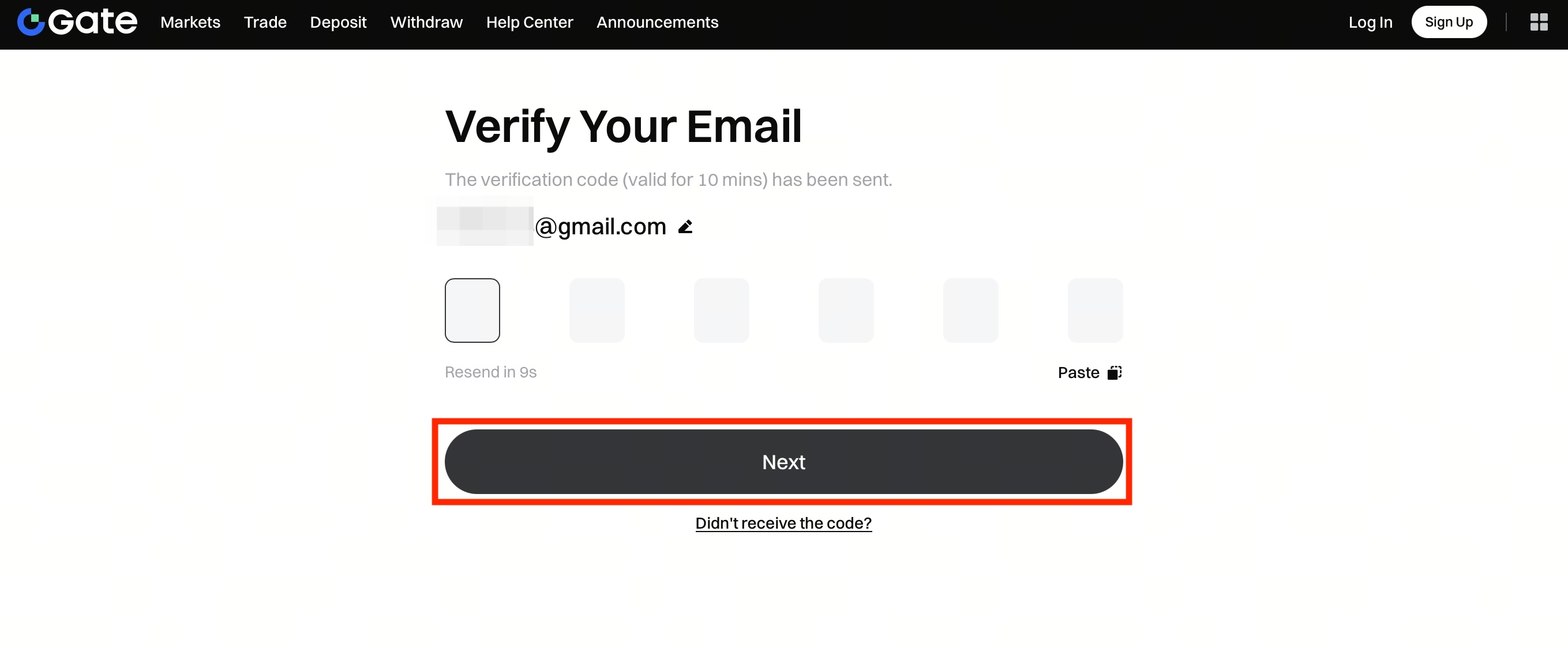
Step 4: Then a verification code will be sent to the provided email address or your phone. Please input the 6-digit code and click Confirm to complete registration. Once it is done, you will be redirected to the login page.